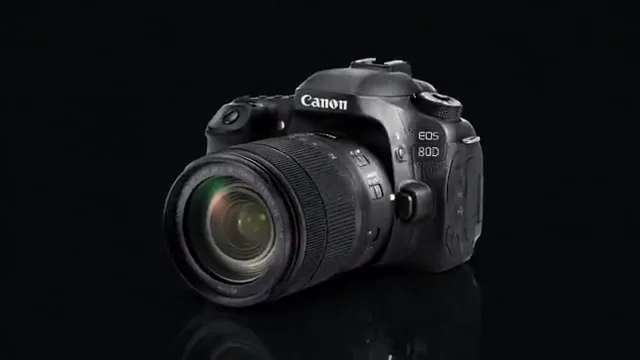
Small details, a little atmosphere
A short close-up with sound, ready for a focused edit.
A SMALL EDIT. A NEW POSSIBILITY.
Save the sound that is already in your video. Select a segment, export MP3, WAV or M4A, and listen before downloading.
MP4, WebM or MOV · up to 100 MB · 60 seconds · maximum 1920 px per side
Your file stays in this browser. No uploads, accounts or credits.
A FEW PLACES TO START
Choose a sample below, then make the result your own.
A short close-up with sound, ready for a focused edit.
Use a moving product shot to compare your output settings.
Try a vertical clip without squeezing it into a tiny preview.
Explore a short animated scene and choose the moment to keep.
A SHORT PATH TO A USEFUL FILE
Play the source to find the sound you want. A video without an audio track cannot produce an audio export.
Keep the whole clip or set start and end times. Choose MP3 or M4A for a compact file, or WAV for uncompressed output.
Preview the actual audio file, check its duration and size, then download it.
Choose 128, 192 or 256 kbps for MP3 and M4A. A higher bitrate can preserve more detail but cannot restore information missing from the source.
WAV exports 16-bit PCM at 44.1 kHz in stereo. It is generally larger and does not improve the original recording.
Preview the chosen segment with sound before exporting. The first audio track is used when a video contains multiple tracks.
Open the video, select MP3 and a bitrate, and export. The tool reads the first audio track and encodes the chosen segment as an MP3 file.
Yes, when the browser and local engine can decode the video and its audio. The container extension alone does not guarantee compatibility.
No. It extracts existing audio. It cannot recover sound from a silent video, separate vocals, or generate a new soundtrack.
WAV avoids another lossy audio encoding step, but it cannot improve the source. A compressed input remains limited by its original quality.
No. Your selected file is processed in this browser. The tools are free, require no account and add no watermark. The processing engine downloads only when you export.
Use a browser-decodable MP4, WebM or MOV, up to 100 MB, 60 seconds and 1920 pixels on either side. H.264 MP4 is recommended. Codec support and processing speed depend on your browser and device.
KEEP CREATING