Skip to workspace

AI photo animation

Animate My Photo with AI

Give a still photo a little movement. Direct the subject, the camera, and the details worth keeping.

Your creative brief

Choose a clear photo, illustration or product image. Leave space around anything that should move.

Your photo
JPG, PNG or WebP · max 10 MB each
What should move?

A small natural gesture with a steady camera.

Scene prompt
Details to keep

Refine your idea, review the direction and export your creative brief.

Images stay in this tab. Drafts survive in-site navigation for 30 minutes; a reload clears them.
Reference preview
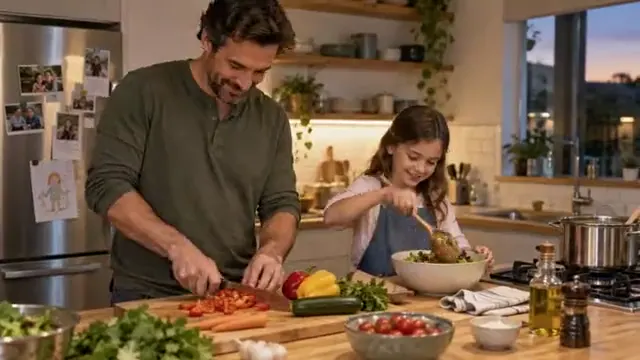
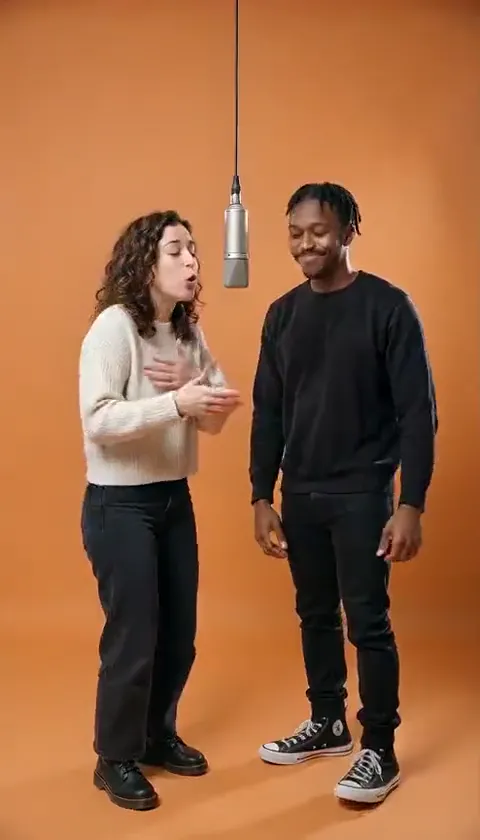
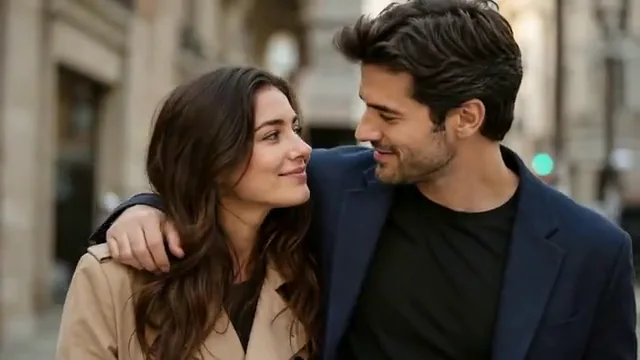
A small moment together

Soft expressions and a steady close framing make a portrait feel alive.

Reference clip, not a result from your upload.

Ideas in motion

A still image. A different kind of story.

Start with the part that matters: an expression, a little atmosphere, or the world inside a drawing.

Let the smallest movement say more.

Reference clip, not a result from your upload.

Portraits & memories

Let the smallest movement say more.

A shared glance or a gentle smile is often enough. When you animate a portrait, give the subject one natural action and keep the camera calm.

  • Natural expressions
  • Steady camera
  • Small gestures

For an old photo, begin with a clear scan and a subtle expression. Movement cannot recover missing facial detail.
Keep the art. Add a little life.

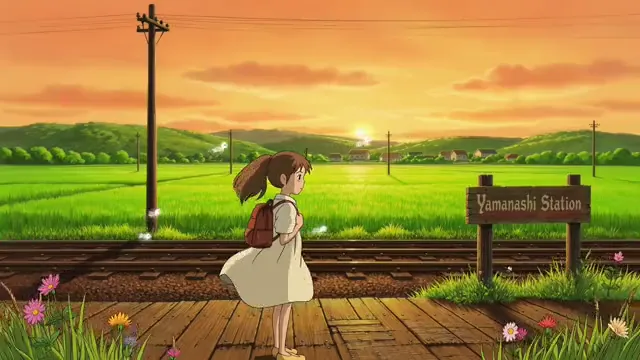
Reference clip, not a result from your upload.

Illustrations & PNG images

Keep the art. Add a little life.

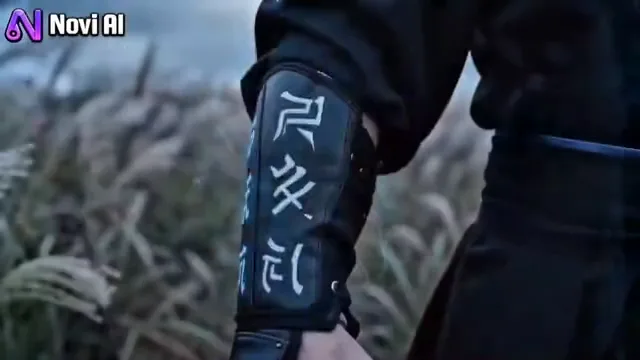
Let hair catch the breeze, soften the clouds, or give a character a small gesture. An AI image animator starts with a better brief when you name the elements that should stay still.

  • Original drawing style
  • Selective movement
  • Defined background

PNG is an accepted image format. Transparent input does not mean transparent video output; describe a background in your prompt.

Move the camera. Change the feeling.

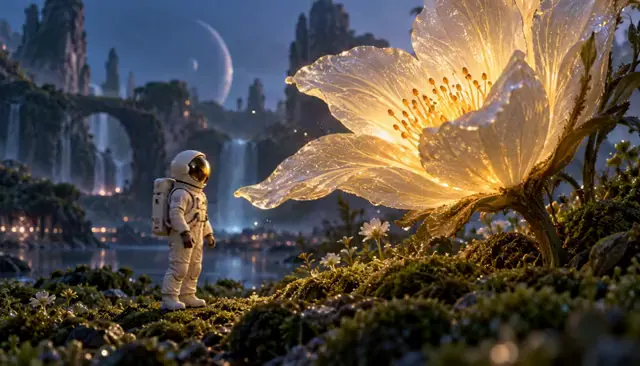
Reference clip, not a result from your upload.

Scenes & cinematic details

Move the camera. Change the feeling.

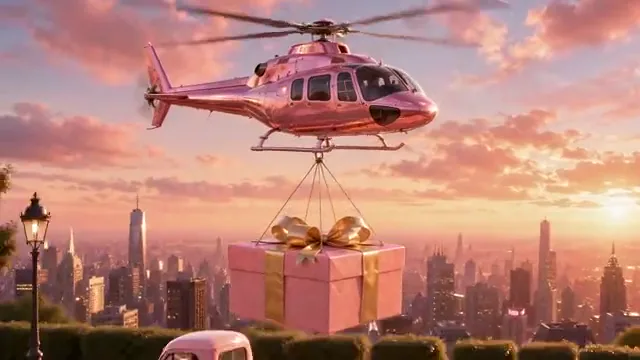
A slow push-in gives a scene depth without asking every object to move. Choose one focal point and describe where the camera should finish.

  • One focal point
  • Slow push-in
  • A clear ending

Need a specific ending composition? Build the shot with a first and last frame instead.

Explore first & last frame video

Make the direction your own

Photo animation prompts to start with.

Choose an idea, copy the prompt, or send it straight to your workspace. Your uploaded photo stays in place.

6 prompts
A glance, then a smile
People

A glance, then a smile

Animate this portrait with a gentle glance and a small smile. Keep the camera steady and preserve the facial features, clothing and background. Use subtle, relaxed movement and finish with the subject looking natural.

A family moment
People

A family moment

Bring this family photo to life with a small shared smile and a natural shift of the eyes. Keep each person in the same place. Preserve faces, clothing and the original color palette. Hold the camera still and avoid exaggerated gestures.

A breeze through the drawing
Art & scenes

A breeze through the drawing

Animate the illustration with a soft breeze through the character’s hair and nearby grass. Add a slow drift to the clouds. Keep the original linework, colors and proportions. Hold the camera steady and do not add new objects.

An architectural reveal
Art & scenes

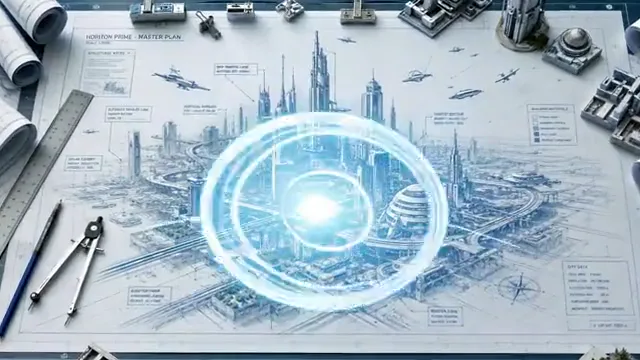
An architectural reveal

Bring the architectural drawing to life with a gradual rise of its central structures and a soft light reveal. Keep the existing perspective and fine linework. Use a continuous movement and finish with the main building clearly visible.

A cinematic push-in
Art & scenes

A cinematic push-in

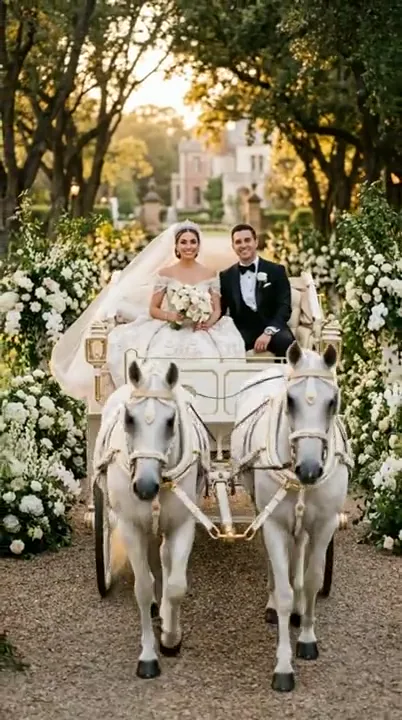
Move slowly closer to the main subject, keeping it sharp as the background becomes softer. Add a gentle movement to nearby foliage. Preserve the lighting and scene geometry. End with a stable close view, without sudden zooms or cuts.

A collectible in motion
Products

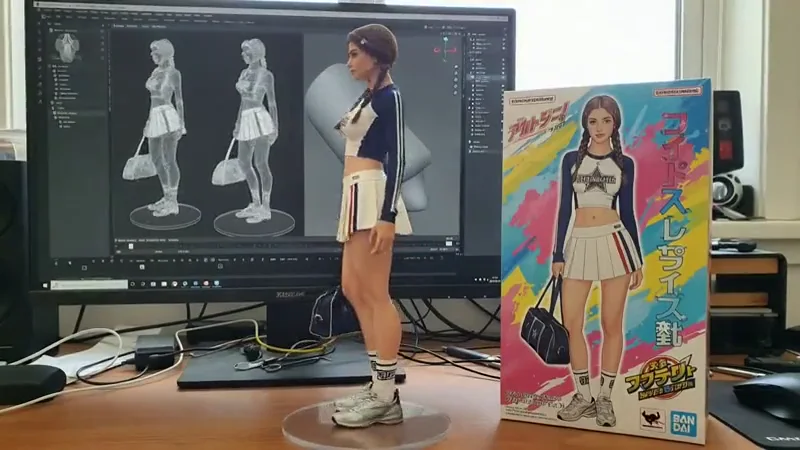
A collectible in motion

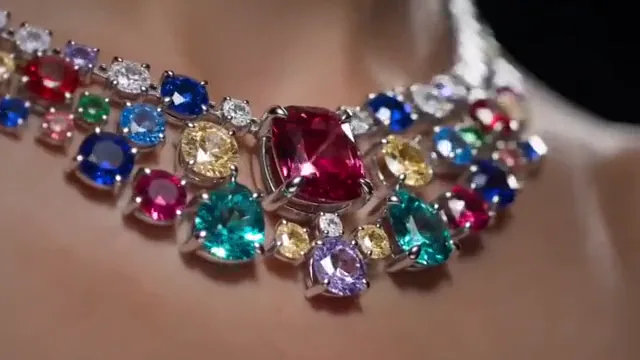
Make a slow, small camera move around the collectible in this product photo. Preserve its face, pose, proportions, painted details and display base. Keep the packaging and background stable. Avoid changing any lettering or adding new accessories.

Clips are visual references. These editable prompts are starting points, not the original prompts used to make the clips.

From photo to motion brief

How to animate your photo with intention.

  1. Choose a clear image

    Use a JPG, PNG or WebP with a readable subject and enough room for movement. Sharp eyes and uncropped hands make a stronger starting point.

  2. Direct one movement

    Choose subject motion, a camera move, or illustration motion. Tell the prompt what moves, what stays, and how the shot ends.

    Explore prompts
  3. Keep a useful brief

    Review the photo, prompt and planned framing. Copy or download the text brief, ready for your next step.

A more useful motion prompt

Give the motion a boundary.

The most useful instruction is often what should stay the same. Build your prompt around three decisions.

What moves
Pick a small action: a glance, a breeze, a slow camera move.
What stays
Name the face, product shape, drawing style or background to preserve.
Where it ends
Give the shot a resting pose or a final view instead of an abrupt stop.

Questions before you start

Animate Photo FAQ

Formats, prompts and what you can do in this workspace today.

Can I animate my photo here now?

Upload a photo, choose a movement and refine the prompt. Save the reference, framing and details you want to preserve in your creative brief.

What is the difference from image to video?

This page focuses on photo motion and details to preserve. The general image-to-video workspace is better for a broader scene idea. Choose the workspace that best fits the shot you have in mind.

Can I animate an old photo or a drawing?

Yes, you can prepare either here. For old portraits, start with a subtle expression. For drawings, describe which elements should move and which visual style should stay.

How to animate a PNG with AI?

Upload a PNG image, select a motion direction and describe the action, camera and ending. Use the illustration prompts for drawings or logos. If your PNG has transparency, specify a background: a transparent input does not guarantee a transparent video. Export the text brief to keep your image and motion direction organized.

How can I keep faces and details consistent?

Start with a sharp image, keep movement small and use Details to keep to name the features that matter. Avoid turning a face far away from the reference or requesting several actions at once. Preservation instructions help express your intent; they are not a guarantee of the selected model’s result.

Will my image be uploaded?

Images stay in this browser session for the preview. Navigating between tools preserves the draft for up to 30 minutes; reloading the page clears attached images.

Can I download an animated photo?

Only the text brief is available to download in this release. The reference clips demonstrate possible styles, not outputs made from your uploaded photo.

Which photo would you bring to life?

Bring the image. Give it one good direction.

Bring your reference, refine the direction and save your creative brief.

Your brief is ready

Your images and instructions are organized. No video has been rendered or credits charged.