Skip to workspace

Frame transitions

First & Last Frame to Video

Set where the shot begins and where it lands. Design the movement between two images.

Your creative brief

Use two images with similar proportions and a clear relationship between the subjects.

First frame
Last frame
JPG, PNG or WebP · max 10 MB each
Between the frames

One steady camera or subject movement connects the views.

Scene prompt
Continuity notes

Refine your idea, review the direction and export your creative brief.

Images stay in this tab. Drafts survive in-site navigation for 30 minutes; a reload clears them.
Reference preview
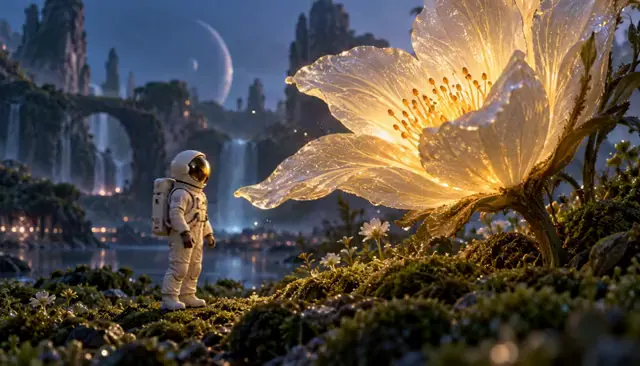
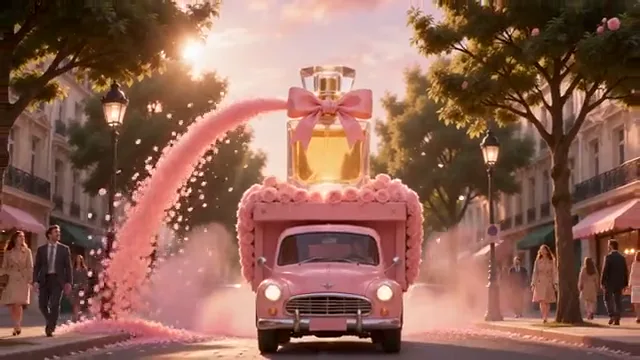
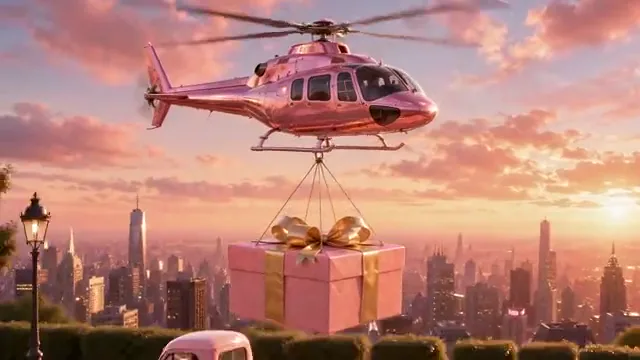
Plan a fantasy product reveal

Compare the opening city flight and final product reveal to plan a deliberate transformation.

Reference clip, not a result from your upload.
First frame
First frame
Last frame
Last frame
Demo endpoints extracted from the reference clip, not its original generation inputs.

Ideas in motion

Two images. One intentional journey.

Start and end frames work best when the movement between them is as clear as the compositions themselves.

From a wide view to the reveal

Reference clip, not a result from your upload.

Reveals

From a wide view to the reveal

Choose what the opening hides and what the ending reveals. A single camera path gives the transition a visual purpose.

  • Two endpoints
  • Continuous transition
  • Clear final view

Reference clips illustrate a direction; they are not outputs from your uploaded endpoints.
A drawing takes shape

Reference clip, not a result from your upload.

Transformations

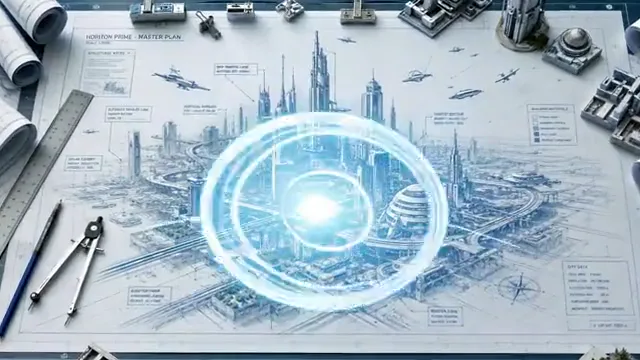
A drawing takes shape

Describe which parts change and which stay fixed. The first and last images should agree on the subject, perspective and visual style.

  • Two endpoints
  • Continuous transition
  • Clear final view

Very different perspectives require the model to invent more unseen geometry.

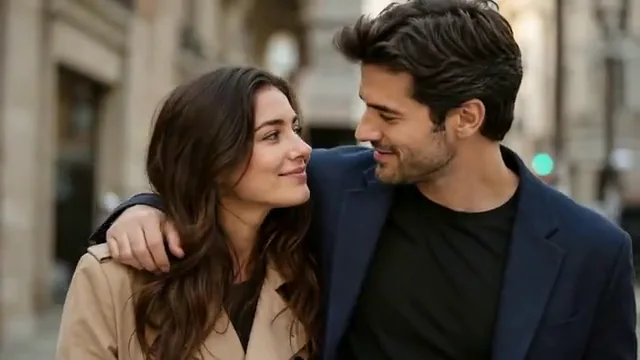
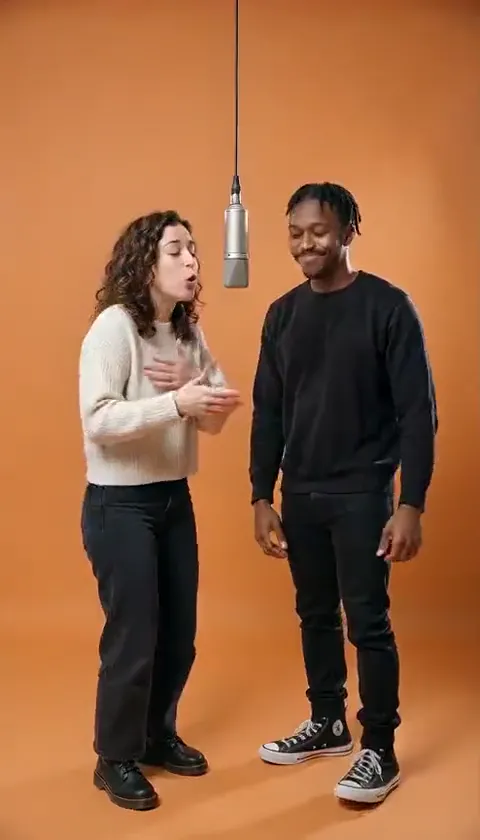
A continuous human moment

Reference clip, not a result from your upload.

Continuous motion

A continuous human moment

Small changes in expression and posture can make a stronger transition than a dramatic morph. Keep faces and clothing consistent between the endpoints.

  • Two endpoints
  • Continuous transition
  • Clear final view

The workspace flags mismatched image ratios so you can review the framing first.

Choose a direction

First & Last Frame prompts to start with.

Choose a direction, read the full prompt and apply it to your workspace. Your uploads and personal notes stay in place; you can undo the prompt change.

6 prompts
From a wide view to the reveal
Reveals

From a wide view to the reveal

Connect the uploaded first and last frames with one continuous reveal. Start exactly at the opening composition, move slowly toward the focal object and settle into the final framing. Preserve the object silhouette, perspective and lighting. Do not add intermediate cuts or new objects.

A drawing takes shape
Transformations

A drawing takes shape

Use the first image as the starting drawing and the last image as the finished composition. Let the existing structures develop gradually in place. Keep their perspective, outlines and relative positions consistent. Finish on the supplied final image without introducing a new scene.

A continuous human moment
Continuous motion

A continuous human moment

Move naturally from the poses in the first frame to those in the last frame. Keep each person’s face, clothing and position in the scene consistent. Use a small glance and a gentle shift of posture, with a fixed camera. Settle into the final poses without a dissolve.

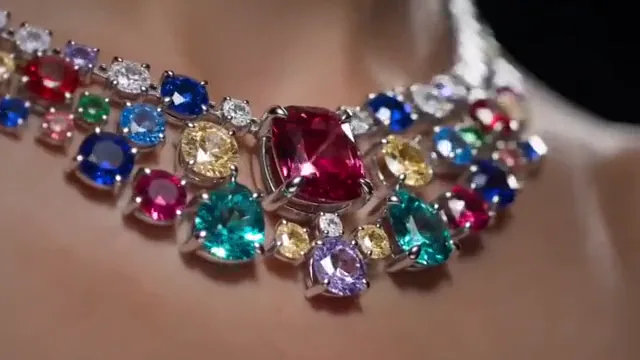
A product moves into close-up
Continuous motion

A product moves into close-up

Begin with the product framing in the first image and make a slow push-in toward the last image. Keep the jewelry design, gemstone count and background unchanged. Maintain a consistent light direction and stop at the supplied final composition.

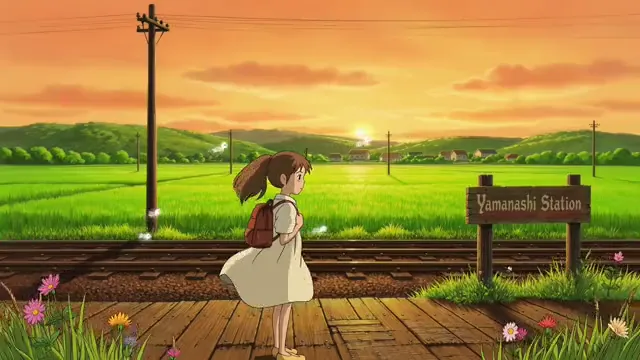
A miniature world unfolds
Transformations

A miniature world unfolds

Bridge the first and last illustrations with a gradual environmental change. Preserve the character design, linework and dominant colors. Animate only the elements that differ between the endpoints. Use a continuous camera path and hold on the completed final view.

A quiet change of perspective
Reveals

A quiet change of perspective

Travel from the first composition to the final composition with a slow, shallow camera arc. Keep the central subject fixed and the background geometry coherent. Reveal only the details already implied by the two reference images. End with the same framing as the last image.

Clips are visual references. These editable prompts are starting points, not the original prompts used to make the clips.

From idea to a useful brief

How to connect your first and last frame.

  1. Add both images

    Choose the beginning and the intended final composition. Similar crops and subject sizes make the connection easier to describe.

  2. Describe the journey

    Write what happens between the images. Use a single move, transformation or reveal instead of restating every visible detail.

    Explore prompts
  3. Check the endpoints

    Compare both frames and swap them if the story reads better in reverse. The downloaded brief names both files in the correct order.

A more useful motion prompt

Describe the bridge, not two separate scenes.

A first frame to last frame AI prompt should explain how the scene travels between the supplied images.

Starting composition
Identify the subject and camera position in the first image.
Continuous change
Name one motion or transformation and the details that must remain consistent.
Final composition
Tell the shot to settle into the last image without a new scene or an abrupt cut.

Questions before you start

First & Last Frame FAQ

Formats, prompts and what you can do in this workspace today.

Is first and last frame the same as start and end frame?

Yes. These terms describe a video guided by an image at each endpoint. They are handled in one workspace here.

Are the example frames original AI inputs?

No. The demonstration endpoints are stills extracted from the reference clips. They illustrate how to compare a start and an ending, not evidence of a two-frame generation run.

Can I send both frames into the general video workspace?

Keep them in this dedicated workspace so neither image nor its order is lost. Its brief exports both file names, motion and framing together.

How should I choose a first-and-last-frame workflow?

Choose a model that supports both starting and ending images, then check its supported duration, resolution and aspect ratios. Keep the two frames and transition prompt together in your brief.

Will swapping the images reverse the video?

It swaps the planned input order only. No video is rendered or reversed. Update your motion description to match the new direction.

Where should your next shot begin and end?

Bring your idea into the workspace and leave with a clear, editable video brief.

Bring your reference, refine the direction and save your creative brief.

Your brief is ready

Your images and instructions are organized. No video has been rendered or credits charged.