
AI Video Tools
AI video tools. Find your next move.
Edit a clip, create channel artwork or plan your next AI video. Find the workspace that fits your next step.
28 tools to explore
 Works in your browser
Edit & convert
TikTok Video Resizer
Crop or fit a video into a new frame. Keep the sound and download an MP4.
Open workspace Works in your browser
Edit & convert
Twitter / X Video Resizer
Reframe short clips for a landscape, square or portrait post.
Open workspace Works in your browser
Edit & convert
Video FPS Converter
Change frame rate to 24, 25, 30, 50 or 60 FPS, with original audio.
Open workspace Works in your browser
Edit & convert
YouTube Thumbnail Resizer
Crop to 16:9 and compress a thumbnail to a real file-size target.
Open workspace Works in your browser
Edit & convert
Video Frame Extractor
Save selected moments as images and download them in a ZIP.
Open workspaceWorks in your browserEdit & convert
Video Contact Sheet Generator
Create a clean thumbnail grid with optional timestamps.
Open workspaceWorks in your browserEdit & convert
Video Splitter
Set custom cuts or equal intervals. Preview and export separate MP4 clips with sound.
Open workspace Works in your browser
Edit & convert
YouTube Banner Resizer
Frame your channel artwork, preview the safe area and export a ready-to-use banner.
Open workspace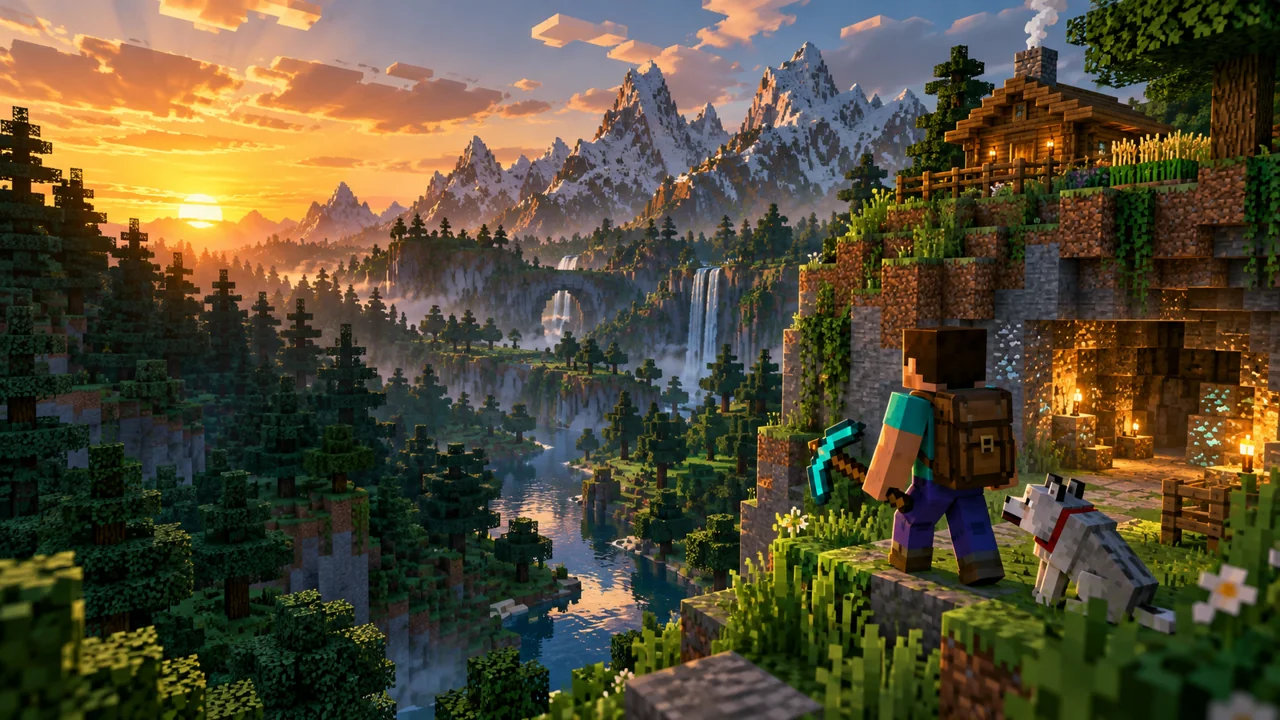 Works in your browser
Edit & convert
Minecraft Thumbnail Maker
Start from a scene or screenshot. Edit headlines, arrange layers and export your thumbnail.
Open workspaceWorks in your browserEdit & convert
Video to GIF Converter
Choose a short segment, size and frame rate. Create and download a real animated GIF.
Open workspaceWorks in your browserEdit & convert
Remove Audio from Video
Create a silent MP4 with its audio track removed, then preview and download.
Open workspaceWorks in your browserEdit & convert
Extract Audio from Video
Save an audio segment as MP3, WAV or M4A. Listen before downloading.
Open workspaceWorks in your browserEdit & convert
Video Compressor
Choose size and quality, then compare the actual MP4 file size before downloading.
Open workspace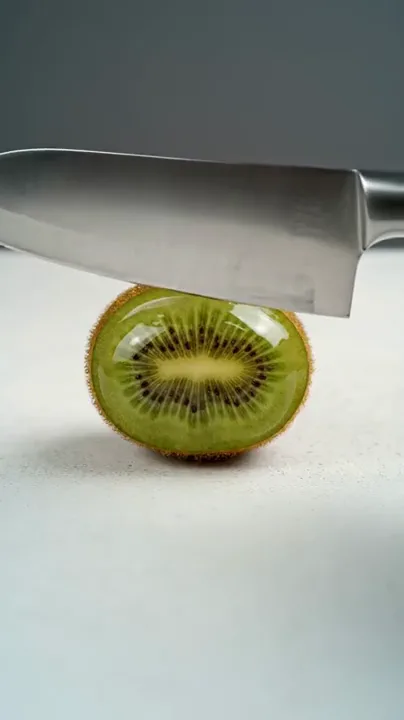 Brief workspace
Satisfying scenes
AI ASMR Video
Make the smallest movement the whole story. Pair a tactile material with a deliberate action and a sound direction worth listening to.
Open workspace Brief workspace
Story and cinema
AI Movie Trailer
A world to enter. A question to chase. An ending that keeps it open. Give your trailer a direction before you plan the first shot.
Open workspace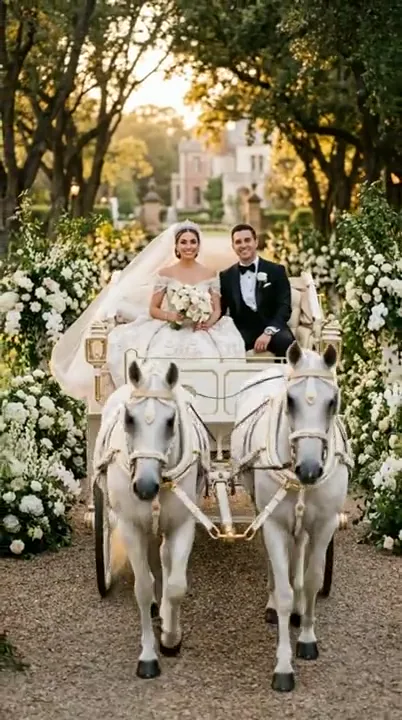 Brief workspace
People and moments
AI Wedding Video
Give a favorite moment a little more time. Start with a couple photo and direct the gesture, atmosphere and camera around it.
Open workspace Brief workspace
People and motion
AI Dance Video
Find the movement that fits the moment. Give a full-body reference a dance direction, a readable rhythm and room to move.
Open workspace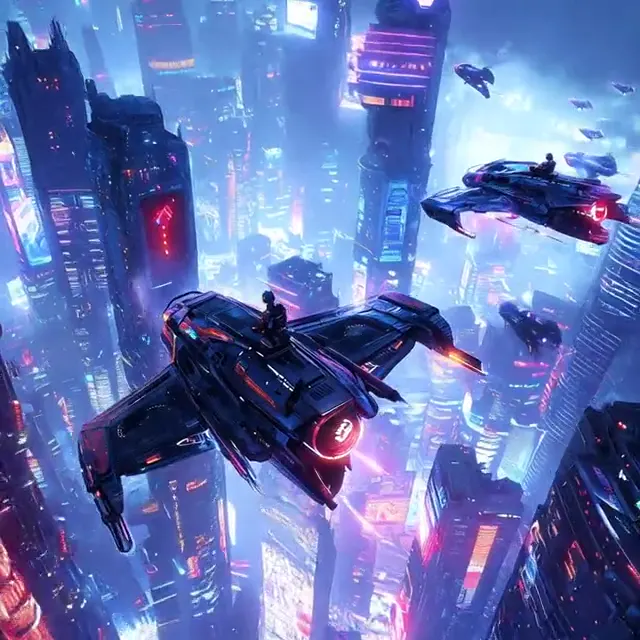 Works in your browser
Prompt and planning
Video Prompt Builder
Give every shot a clear direction. Build a video prompt around the subject, the action and the details you want to keep.
Open workspace Brief workspace
Photo animation
Animate Photo
Turn portraits, drawings and everyday moments into a thoughtful motion brief.
Open workspace Brief workspace
Frame transitions
First & Last Frame
Connect two images. Plan the camera movement and the transition between them.
Open workspace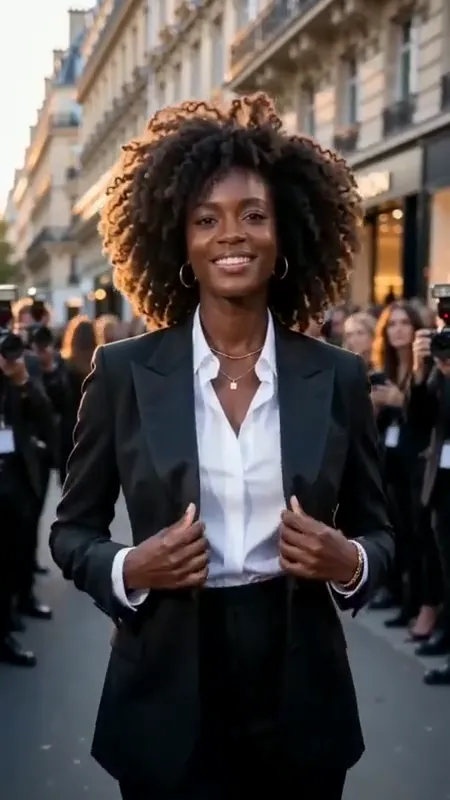 Brief workspace
Fashion videos
AI Fashion Video
Direct runway moments, outfit reveals and editorial fashion scenes.
Open workspace Brief workspace
Cat videos
AI Cat Video
Dream up playful cat characters, dance clips and miniature adventures.
Open workspace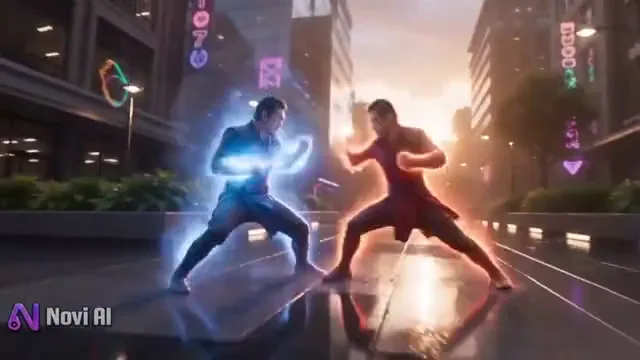 Brief workspace
Action scenes
AI Fight Video
Choreograph an action scene with clear movement, framing and pacing.
Open workspace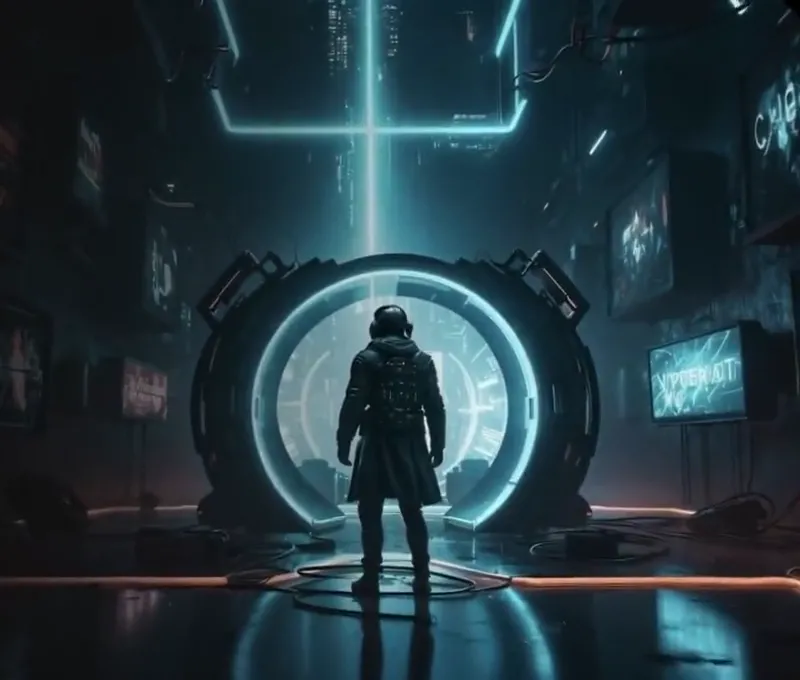 Brief workspace
Horror scenes
AI Horror Video
Build suspense through shadows, slow camera moves and unsettling details.
Open workspace Brief workspace
Brand motion
Logo Animation
Give your brand a motion direction, from a subtle reveal to a bold entrance.
Open workspace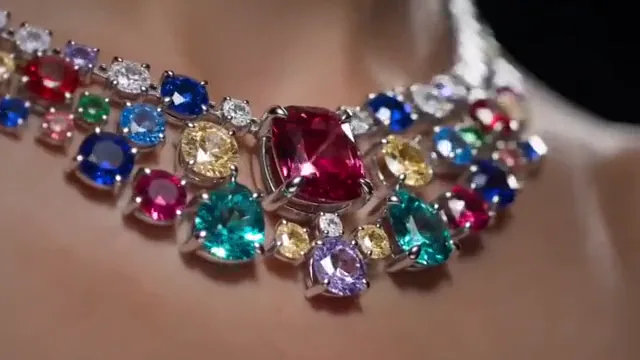 Brief workspace
Product videos
AI Jewelry Video
Plan close-ups, light and movement that put your jewelry in the spotlight.
Open workspace
 Storyboard planner
Story planning
Storyboard to Video
Arrange your image panels, write shot notes and preview the timing of a story.
Plan your storyboardWorks in your browserVideo utilities
Last Frame Extractor
Save the first, last or any selected frame from your video as an image.
Extract a video frameEdit and convert your footage, explore video ideas, and organize references and prompts for your next project.
Keep exploring
A little inspiration goes a long way.
Good to know
Questions before you start
Which AI video tool should I start with?
Choose Edit & convert to resize, compress, convert or extract media from an existing file. Photo & motion, Characters & scenes, and Brands & products help prepare creative briefs. Planning & utilities includes storyboard planning, prompt building and the last-frame extractor.
Which workspace should I choose?
Use a creative workspace to explore examples, organize references and refine a prompt. Choose an editing tool to resize, split or convert your own footage into MP4, GIF, audio or images directly in your browser.
What is the difference between a storyboard and a video brief?
A video brief describes a scene, its motion and its intended framing. The storyboard planner organizes several image panels with shot notes and timing, so you can plan how a sequence flows before generating or editing the final video.