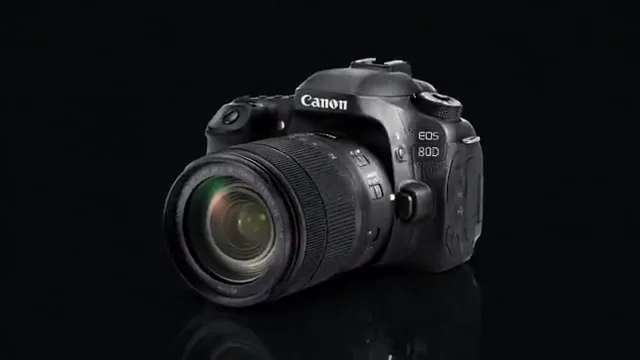
Small details, a little atmosphere
A short close-up with sound, ready for a focused edit.
A SMALL EDIT. A NEW POSSIBILITY.
Turn a short video into an animated GIF. Choose the moment, adjust the size and frame rate, and preview a loop you can download.
MP4, WebM or MOV · up to 100 MB · 60 seconds · maximum 1920 px per side
Your file stays in this browser. No uploads, accounts or credits.
A FEW PLACES TO START
Choose a sample below, then make the result your own.
A short close-up with sound, ready for a focused edit.
Use a moving product shot to compare your output settings.
Try a vertical clip without squeezing it into a tiny preview.
Explore a short animated scene and choose the moment to keep.
A SHORT PATH TO A USEFUL FILE
Choose a clip from your device or start with a sample. Your source video stays unchanged.
Select up to 15 seconds, preview the segment, then choose a maximum size and frame rate.
Create the actual GIF, check the animation and file size, and download it without a watermark.
A gesture, a reveal or a simple camera movement can make a useful loop. Trim the scene before increasing the frame rate.
Choose 8, 12 or 15 frames per second and a maximum side of 320, 480 or 720 pixels. The original proportions stay intact.
GIF has no audio track and uses a limited color palette. Keep the MP4 when you need sound, finer gradients or a smaller video file.
Open a compatible MP4, choose start and end times, then create the GIF. You can also use browser-decodable WebM or MOV files within the limits shown above.
Video codecs often compress motion more efficiently than GIF. Shorten the segment, lower the frame rate or select a smaller size, then compare the new export.
Yes. Enable continuous looping for a repeating animation, or turn it off for one playback. The exported GIF contains the selected loop behavior.
No. GIF is an image format without audio. Use a video export if the original sound matters.
No. Your selected file is processed in this browser. The tools are free, require no account and add no watermark. The processing engine downloads only when you export.
Use a browser-decodable MP4, WebM or MOV, up to 100 MB, 60 seconds and 1920 pixels on either side. H.264 MP4 is recommended. Codec support and processing speed depend on your browser and device.
KEEP CREATING