Skip to workspace

AI Video Generator

Start with a prompt or a photo. Shape the scene you want to create.

Explore video ideas
Create a video
0 / 2,000

Subject + action + camera movement + lighting. Keep one clear idea per shot.

Output plan

Planning only
Aspect ratio

Use these settings to plan your shot. Check supported output options for your chosen model and workflow.

Save your prompt and shot settings together as an editable creative brief.

A little inspirationSample video
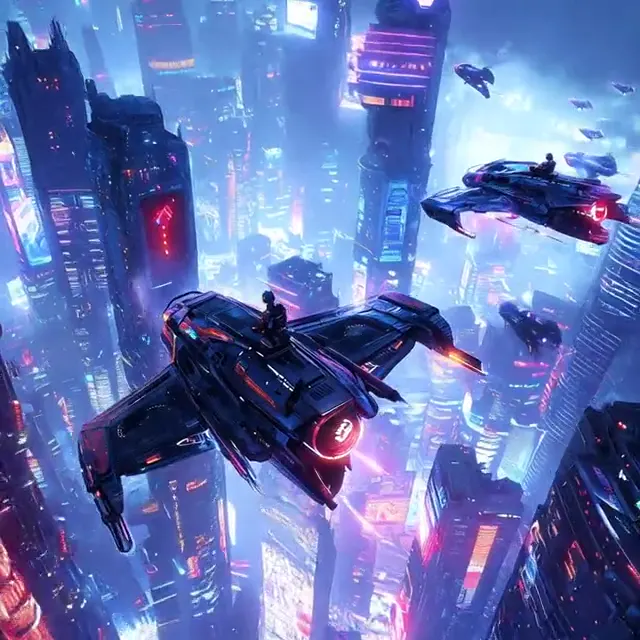
A city from another future
Cinematic

A city from another future

4/12

Flying vehicles drift between neon towers. Build a sci-fi video idea around scale, atmosphere, and one deliberate camera move.

Creative reference, not your generated result.

Your video brief

Shape an idea on the left, then prepare your brief here.

Saved drafts0This device only

Up to 8 recent drafts are stored in this browser. Images are not stored. Saving a ninth replaces the oldest.

No saved drafts yet. Save an idea to come back to it.

Two ways to begin

Start with a scene. Or a single image.

Choose the starting point that fits your idea. A clear subject and one deliberate movement make a stronger video brief.

A luminous futuristic city with neon towers

Text to video AI: give your idea a setting

Use words when the scene does not exist yet. Describe who or what is in the frame, what changes, and how the camera moves. Keep a short clip focused on one action.

Try: a futuristic city, drifting traffic, a slow aerial tracking shot.
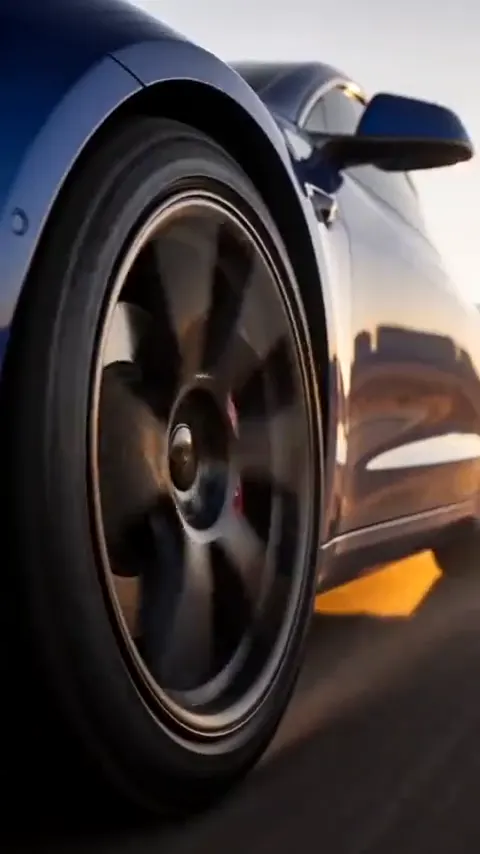
A sports car on an open road in warm light

Image to video: build motion around your photo

Begin with a clear photo when appearance and composition matter. Use the prompt to describe motion, rather than repeatedly describing everything already in the image.

Try: a low tracking camera, turning wheels, moving reflections.

Find your next AI video idea

Start with an example brief, then make the subject, movement, and mood your own. These are inspiration samples, not results generated by this workspace.

Explore the trend gallery
A city from another future

Cinematic

A city from another future

Flying vehicles drift between neon towers. Build a sci-fi video idea around scale, atmosphere, and one deliberate camera move.

Cinematic car rolling shot

Cars

Cinematic car rolling shot

Golden light, moving reflections, and a tracking camera. Turn a car photo into the starting point for an automotive film.

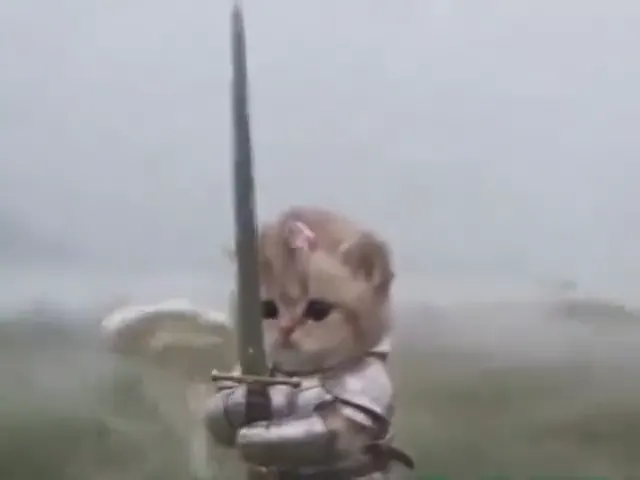
A tiny cat with heroic energy

Pets

A tiny cat with heroic energy

A kitten in shining armor, a much larger companion, and a wonderfully serious adventure. Think character, scale, and personality.

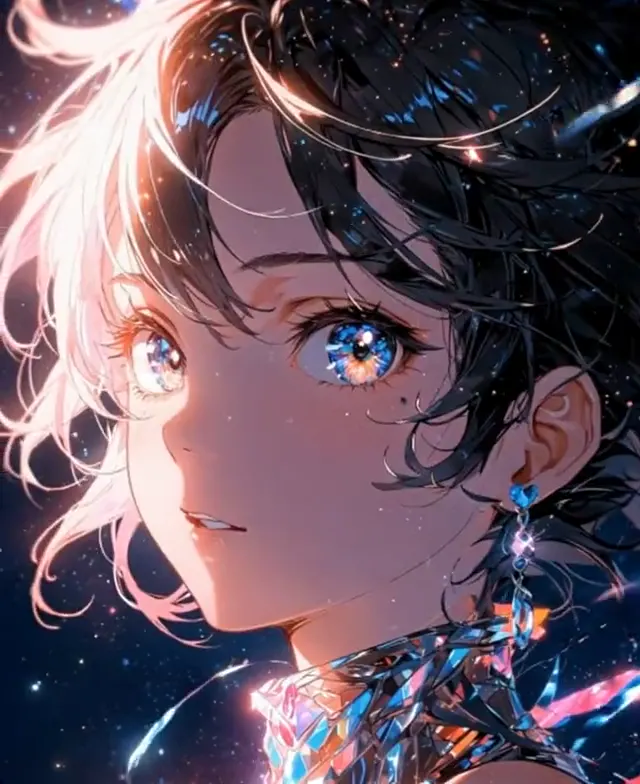
An anime portrait in motion

Fantasy

An anime portrait in motion

Expressive eyes, moving hair, and a moment of attention. Explore subtle character animation with a carefully framed portrait.

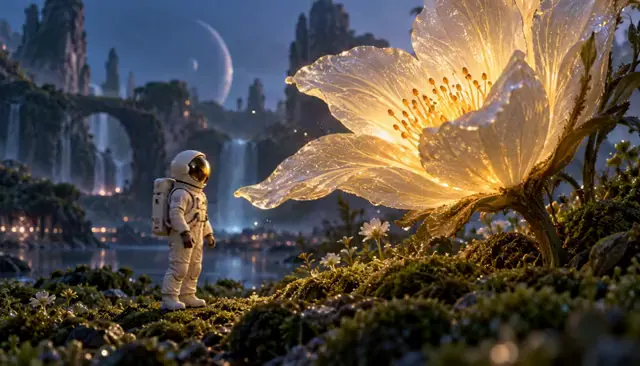
A small explorer. A luminous world.

Fantasy

A small explorer. A luminous world.

A miniature astronaut meets an oversized glowing flower. Give a nature-inspired scene an unexpected sense of scale.

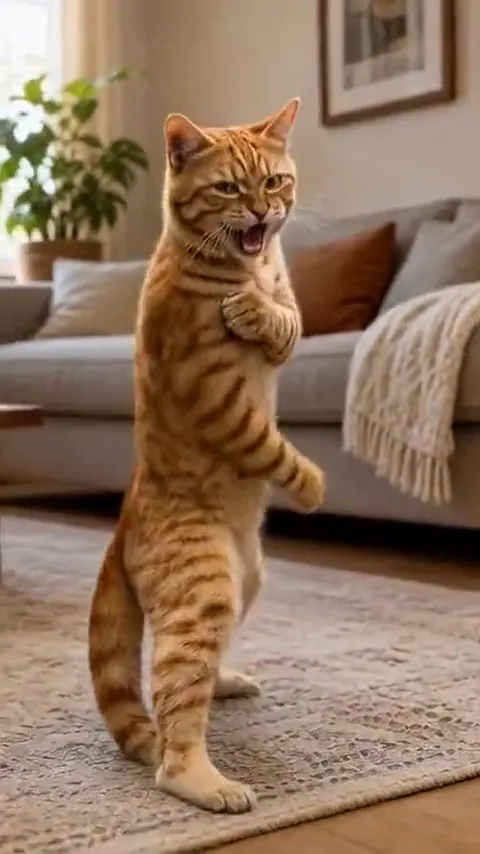
Kung fu cat, full personality

Pets

Kung fu cat, full personality

An orange cat turns a small gesture into a martial-arts moment. Keep the action short, readable, and wonderfully overconfident.

A better starting prompt

Think in shots, not paragraphs.

For cinematic AI video prompts, begin with a readable scene. Add one action, one camera move, and a little atmosphere. Conflicting directions are harder to interpret.

  1. Subject + setting

    A red fox in a misty pine forest

  2. One action

    Steps over a fallen branch

  3. Camera movement

    A slow, steady push-in

  4. Light + atmosphere

    Soft dawn light, natural detail

Try a camera direction

Move gently toward the subject to bring attention to a small expression or action.

Example prompt

A red fox in a misty pine forest steps carefully over a fallen branch. The camera slowly pushes in, keeping the fox in frame. Soft dawn light filters through the trees, natural fur detail, one continuous shot.

Prompt wording is a creative starting point. Motion, fidelity, and controls depend on the generation model.

A glowing flower in a cinematic fantasy scene, cropped to demonstrate the selected frame
16:9

Choose the frame before the movement

Plan for where the video will live. Leave room around the subject so the camera has space to move without cutting off important details.

Preview an aspect ratio

Room for a wider world

A useful starting point for cinematic scenes, horizontal players, and establishing shots. Place the subject with enough surrounding space to show the setting.

Composition preview only. Export sizes and supported ratios will depend on the selected model.

From an idea to a useful video brief

  1. Pick your starting point

    Write a scene or add a clear JPG, PNG, or WebP image. For photo animation, use an uncluttered image with your subject fully visible.

  2. Direct the movement

    Choose one action and a camera direction. Set a planned aspect ratio, duration, and resolution for your intended use.

  3. Keep your creative brief

    Copy or save your draft on this device. Saved text drafts keep your prompt and settings; reattach reference images when restoring them.

AI video questions, answered

What can I prepare in the video workspace?

Explore examples, write a scene prompt, attach a reference photo and plan the framing, duration and resolution. Save your creative brief to keep the direction together, or copy it into your chosen production workflow.

What is the difference between text to video and image to video?

Text to video starts with a written description of a scene. Image to video starts with a reference frame and uses a prompt to direct what should move. Choose text for an imagined setting; choose an image when you already have a character, product, car, or composition you want to build on.

How do I write a cinematic AI video prompt?

Specify the subject and setting, one main action, a camera move, and the light. For example, a car on a coastal road, turning wheels, a low tracking camera, and warm evening light. Avoid packing several scene changes or opposing camera directions into one short shot. The prompt example above can help you get started.

How should I prepare a photo for animation?

Use a sharp image with a clear subject and some space around it. For a portrait, start with a visible face and ask for subtle motion, such as a slight head turn or natural blinking. For a car rolling shot, show the whole vehicle and describe the wheels, reflections, and tracking direction. Upload one JPG, PNG, or WebP file up to 10 MB.

Where can I find AI pet video ideas and effect prompts?

The idea collection on this page includes pet characters, car rolling shots, cinematic scenes, and portrait animation. Use an example to load a starting brief, then replace the subject and movement. The homepage trend gallery has more examples and the guides explain how to break an idea into a shot.

How do I choose duration, resolution and aspect ratio?

Choose an aspect ratio for the destination, a duration suited to one clear action and a resolution appropriate for your project. Supported combinations and output options depend on your selected model and workflow.

Where are my saved drafts and uploaded images stored?

Saved drafts stay in this browser on this device. They contain the prompt and planned settings, not image files. An attached image is previewed locally and is not sent to a generation service. Reattach it when restoring an image-based draft. Clearing browser storage or using a different device will not preserve those drafts.

Will an example prompt reproduce the sample exactly?

No. Samples illustrate a visual direction, and the accompanying prompts are editable starting points. Results will vary with the model, reference image, settings, and generation. Use the example to understand composition and motion rather than expecting an identical clip.

Your next video starts with one good idea.

Bring a scene, a photo, or a little curiosity. Give it a direction in the workspace above.

Start your video briefRead the video guides