
A little animated world
Keep a memorable moment from an illustrated scene.
SMALL EDITS. MORE POSSIBILITIES.
Some moments deserve their own frame. Move through a video, save the stills you love, and download them individually or together as a ZIP.
MP4, WebM or MOV · up to 100 MB · 60 seconds · maximum 1920 px per side
Your file stays in this browser. No uploads, accounts or credits.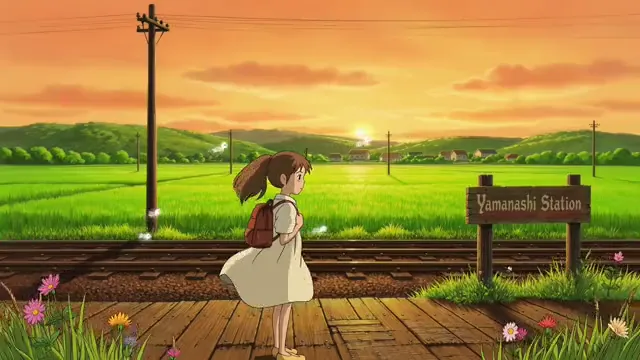
A FEW PLACES TO START
Choose a sample below, then make the result your own.
Keep a memorable moment from an illustrated scene.
A moving camera gives you more moments to work with.
Explore how portrait footage fits into a wider layout.
A SHORT PATH TO A USEFUL FILE
Play a short clip with its original sound. Pause near the moment you want to keep.
Scrub the timeline or enter a time in seconds. Capture up to 12 selected frames in PNG, JPG or WebP.
Download a single frame or save all selected images in a ZIP. Each file name includes its capture time.
Use a time value for deliberate selection. Browser seeking is time-based; the tool does not claim frame-number accuracy for every codec.
Save multiple choices, compare them in the image strip, and remove any you do not need before downloading the ZIP.
PNG keeps lossless image data, while JPEG and WebP provide smaller photographic files. Images are capped at 1280 pixels on the longer side, without upscaling.
Open a video, pause or seek to a moment, then choose Save this frame. Select PNG, JPG or WebP before capturing. The saved image appears below the preview.
Yes. Capture up to 12 moments and download them one at a time or in a ZIP archive. A format change applies to future captures; existing captures keep their original format.
No. The source stays unchanged in your browser. Only new image files are created.
Yes. This page lets you choose any time and keep multiple images. The dedicated last-frame tool focuses on the end of a clip.
Use a browser-decodable MP4, WebM or MOV up to 100 MB, 60 seconds and 1920 pixels per side. H.264 MP4 is a good starting point. A container extension alone does not guarantee codec support.
The tool is free and needs no login. Your selected files are processed locally in this browser. Downloads contain your image content, with no watermark added by EZVideoGen.
KEEP CREATING

Reframe and compress a still image for your next upload.
See a sequence in a single timestamped grid.
Add editable text, color and graphic accents to your selected image.

A focused shortcut for the end of a clip.