
PROMPT FIELD NOTES
Funny AI Video Prompts Worth Making Your Own
One recognizable situation. One unexpected turn. A little room for the joke to land.
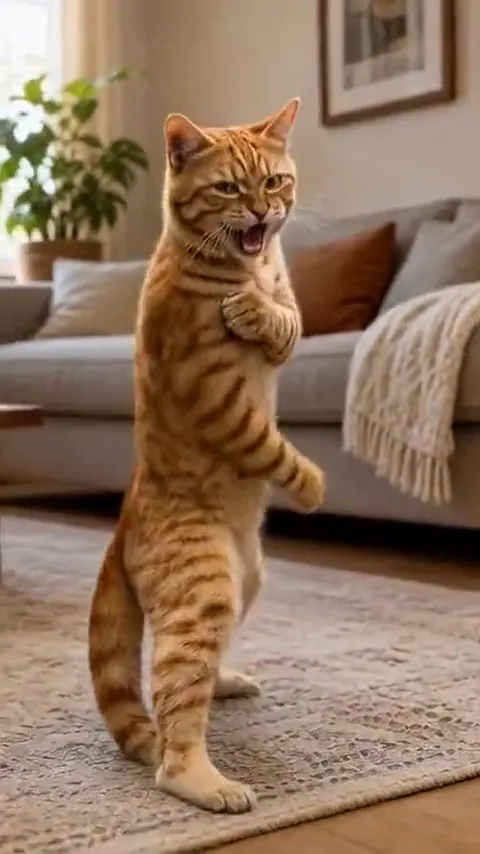
Funny AI video ideas work best when the viewer can understand the setup before the surprise arrives. Instead of asking for a chaotic sequence, write a short visual beat: establish a character, introduce one harmless mismatch, then hold the reaction. The prompts below are starting points to adapt. The preview clips show related visual directions, not exact outputs from these prompts.
Build the shot around three decisions
A familiar setup
Choose a readable character and an ordinary task. A cat examining dinner is easier to establish than a crowded restaurant with six subplots.
One unexpected turn
Change one thing: the scale of a prop, the seriousness of a reaction or a character’s tiny ambition. Keep the action visually clear.
A beat to react
End on a look or a held pose. Give yourself space to trim the clip and add captions or sound later in an editor.
8 EDITABLE IDEAS
A prompt library to make your own
Motion reference · not an output from this prompt
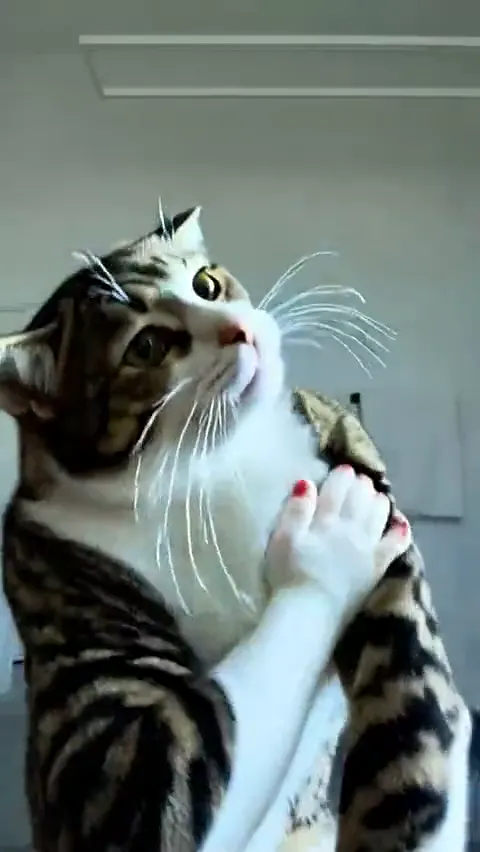
The suspicious little chef
A fluffy cat in a small chef hat stands behind a clean kitchen counter. It inspects one oversized carrot with exaggerated seriousness, then slowly looks toward the camera. Preserve its fur pattern and facial features. Keep the camera fixed in a medium shot, with no other characters or text. Hold the final look for one second.
The joke is the mismatch between a tiny chef and an enormous ingredient. Keep the prop still so the expression gets the attention.
AI Cat VideoA very serious training session
An animated cat prepares for an impressive martial arts move in an empty training courtyard. It performs one very small kick, lands carefully and proudly holds its pose. Keep the full body visible, the fur pattern consistent and the camera locked. Use a lighthearted tone without injuries, rapid cuts or extra limbs.
Ask for one modest action. A long fight sequence makes the humorous contrast harder to read.
AI Cat Video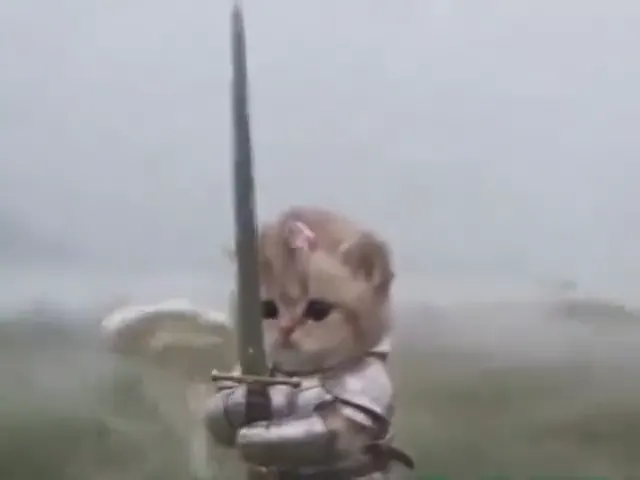
The knight and the leaf
A tiny cat knight stands bravely in a quiet fantasy courtyard. One dry leaf drifts slowly past its face. The cat follows the leaf with an intensely serious gaze while keeping its heroic pose. Preserve the cat’s face and armor. Use a steady medium-wide shot and end on the small reaction.
Let the harmless object carry the interruption. There is no need for a second character or a complicated background.
AI Cat VideoDance, pause, pretend nothing happened
A cheerful cat makes two small dance steps in a tidy room. It notices a toy on the floor, pauses and sits down as if it was never dancing. Keep the full body visible and preserve the cat’s proportions and fur. Use a locked camera with no scene changes. Hold the innocent final pose.
Use the final pose as the punchline. If the movement is too busy, remove the toy and keep only the pause.
AI Cat Video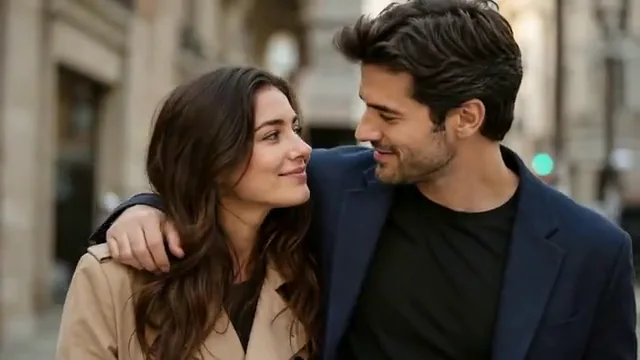
The portrait that has opinions
Animate the person in this portrait with a subtle raised eyebrow followed by a small amused smile. Keep the face, clothing and background unchanged. Use a fixed close portrait framing with natural eye movement. End on a held expression, without speaking, large gestures or text.
A small reaction is often easier to reuse with different captions. Keep the source photo clear and evenly lit.
Animate Photo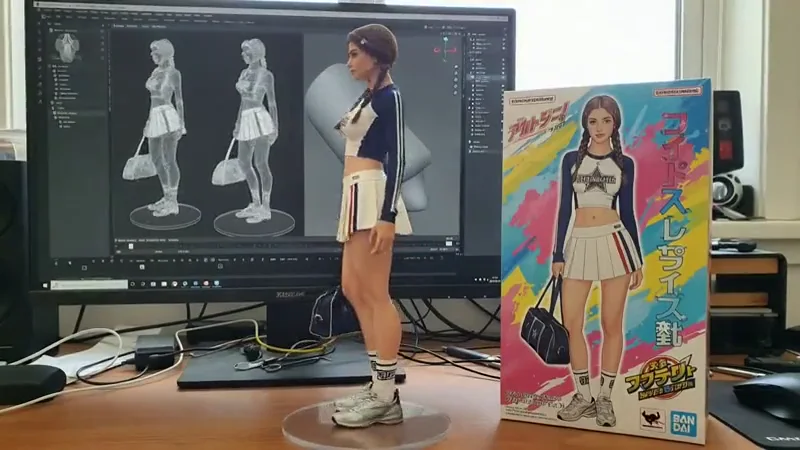
The dramatic desk hero
Treat the collectible in this photo like the hero of an epic film. Make a very slow camera push-in while a soft light moves across its face. Preserve its exact painted details, pose and display base. Keep the ordinary desk background visible and end on an overly serious close view. No added text or accessories.
The contrast comes from cinematic treatment of an ordinary desk object. Keep the surroundings recognizable.
Animate Photo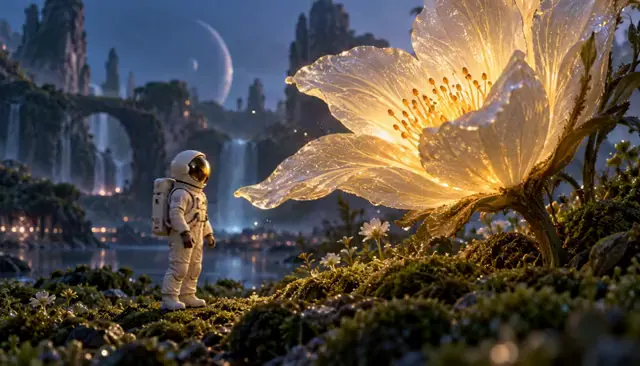
An entrance for a very small star
Give the small flower in this image an extremely grand reveal. Start on the surrounding leaves and make one slow push toward the flower as a soft glow appears behind it. Preserve the flower’s shape and colors. End on a calm close-up, keeping the background simple and adding no text.
Scale the drama through light and framing instead of adding unrelated effects.
Animate Photo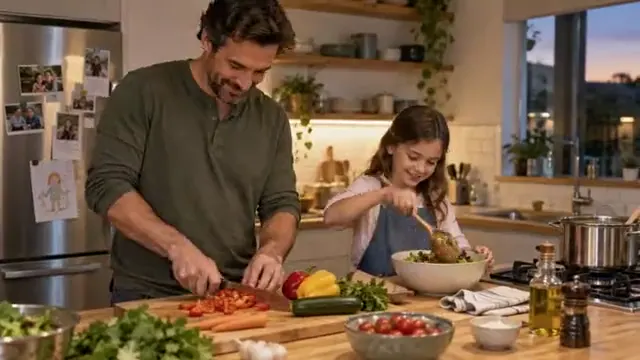
Everyone notices the same thing
Animate this group photo with a tiny shared glance toward the same point just outside the frame, followed by relaxed smiles. Keep every person in their original place and preserve facial identity, clothing and the scene. Use a locked camera and natural small movements. Do not add a new person or reveal the off-screen object.
With several faces, start with the smallest possible movement and review every identity before sharing the result.
Animate PhotoHow to turn a funny AI video idea into a short scene
Write the setup in a single sentence before writing the full prompt. If you need to explain several backstories, simplify the scene. A recognizable subject and one visible goal give the viewer something to follow.
Next, choose where the expectation changes. A heroic cat can be distracted by a leaf; a dignified portrait can answer with an eyebrow. Describe the physical action rather than only asking the model to be funny. Words such as hilarious or viral do not tell a renderer where to put the paws or when to stop.
Finally, specify a held ending. Leave enough stillness for a reaction to register, then trim the final timing in an editor. A prompt is a direction, not a frame-accurate editing timeline.
Adapt the prompt to your own photo
Replace the generic subject with the defining details of your reference: fur markings, a familiar outfit or the object’s silhouette. Add one sentence that says what must stay the same. Avoid requesting a large turn when the photo only shows a face from the front.
Choose a camera that helps the action. A fixed wide shot keeps paws and props visible; a close portrait emphasizes an expression. If the result becomes confusing, remove camera movement before adding more instructions. The workspaces let you keep your image while swapping prompt directions.
When the joke gets lost, simplify the shot
If a prop changes shape, keep it stationary and reduce the interaction to a glance. If the action feels frantic, remove secondary movements and describe a single beginning and ending. If a character changes appearance, use a clearer input image and a smaller gesture.
Music, captions and precise comic timing belong in the finishing edit. Reference audio, where available, illustrates the source clip; it is not included in your creative brief. Keep the visual understandable without sound first, then add only what improves the beat.
Questions before you create
Can I use these funny AI prompts for videos?
Yes. Copy a prompt and replace the subject, setting and ending with your own idea. The prompts are editable starting points, not fixed templates or guarantees of an identical output.
Which funny AI video ideas are easiest to start with?
A single cat action, a small portrait reaction or a dramatic reveal of an ordinary object keeps the scene simple. Avoid several interacting characters for your first attempt.
Does clicking a prompt generate a video?
The button opens the matching workspace with the prompt ready to edit. Existing images remain in your draft, so you can refine the subject, action and framing together.
Keep exploring
AI Cat Video Generator
Build a character-driven cat scene.
Cinematic Video Prompts
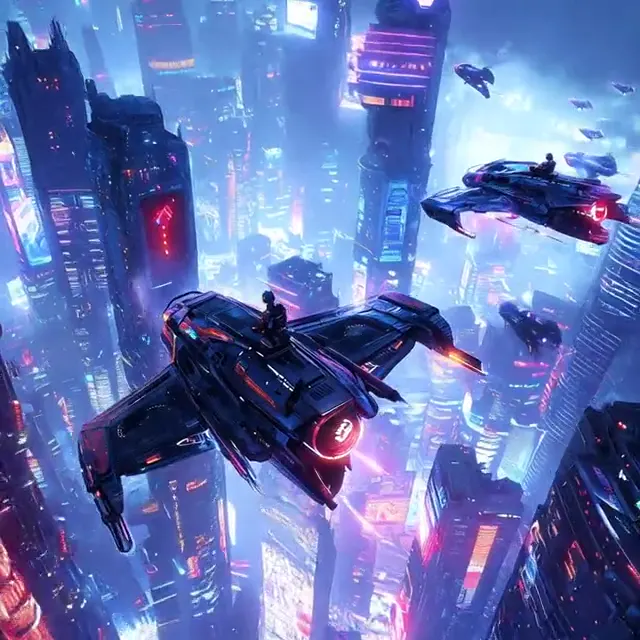
Give the camera a clear role in your scene.
AI Video Trends
Explore formats and remix directions.