
CAMERA & MOTION
Cinematic Video Prompts with a Clear Sense of Direction
Give the camera a reason to move. Give the shot somewhere to finish.
A cinematic video prompt is more useful when it describes a shot than when it lists impressive adjectives. Decide what the viewer should notice, how the camera approaches it and which details remain stable. The eight prompts below cover a range of visual intentions. Their clips are motion references; they are not results generated from the accompanying prompts.
Build the shot around three decisions
Subject and composition
Identify the subject, its position and the space around it. A close portrait and a wide establishing shot ask different things of the image.
One camera decision
Choose a push-in, a small orbit, a lateral move or a locked shot. Combining every camera move usually weakens the direction.
Light and final frame
Describe where the light comes from and how the shot settles. Keep the ending useful for a cut or a planned continuation.
8 EDITABLE IDEAS
A prompt library to make your own
Motion reference · not an output from this prompt
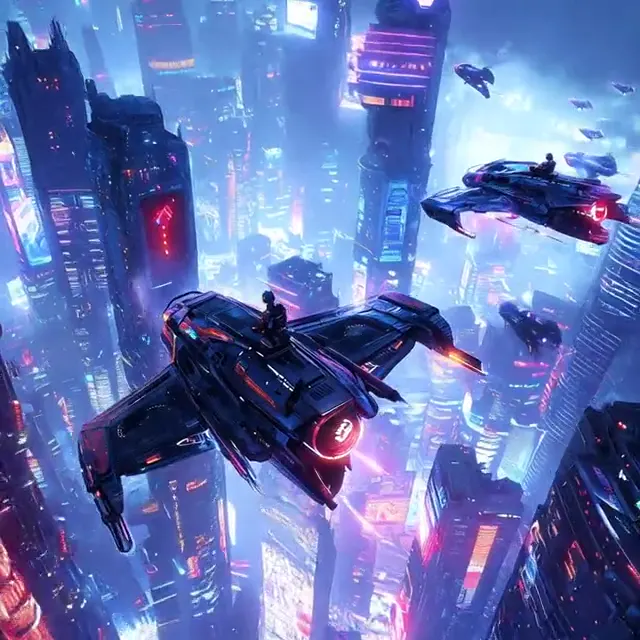
A slow approach through neon
Animate this city scene with a slow forward camera move along the street. Keep the architecture and perspective consistent. Let a few neon reflections shimmer softly on the ground while the distant lights remain stable. Finish with the main subject clearly framed, without a cut, abrupt zoom or new signs.
Separate atmosphere from geometry. Ask reflections to move softly while the buildings stay stable.
Animate Photo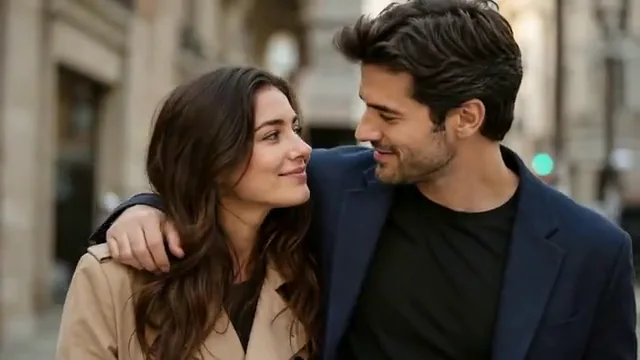
A quiet portrait close-up
Make a subtle cinematic push-in toward the person in this portrait. Preserve facial identity, clothing and the direction of the existing soft light. Add only natural breathing and a small eye movement. Keep the background coherent and finish on a calm, sharp close view. No speaking or exaggerated expressions.
The face is the anchor. Keep subject motion smaller than camera motion for a restrained portrait.
Animate Photo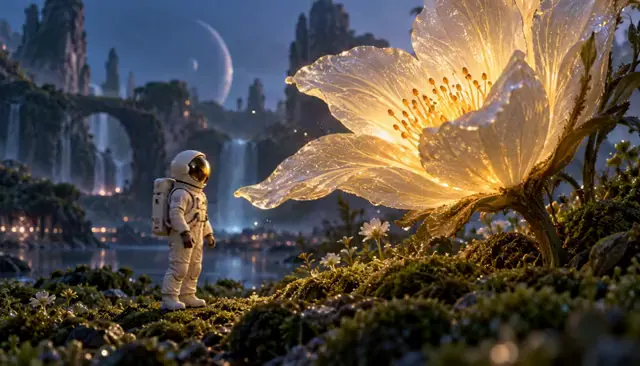
A luminous natural detail
Move slowly closer to the flower in this image. Keep the petals, stem and original color palette consistent. Add a gentle breeze to nearby leaves and a soft warm rim light behind the subject. Let the background become subtly softer and finish on the flower. No new plants or rapid transitions.
Avoid combining blooming, rotation and a moving camera at once. A small breeze is enough to suggest life.
Animate Photo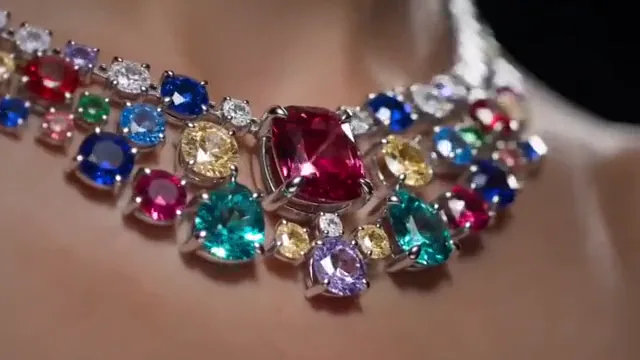
A controlled jewelry highlight
Show the jewelry in this photograph in a steady macro composition. Move one soft highlight slowly across the metal and stones. Preserve the exact visible setting, stone count, material color and proportions. Keep the background simple and finish on the most recognizable detail. No invented engravings or extra stones.
A beautiful result is not automatically an accurate product representation. Check the design details frame by frame.
AI Jewelry Video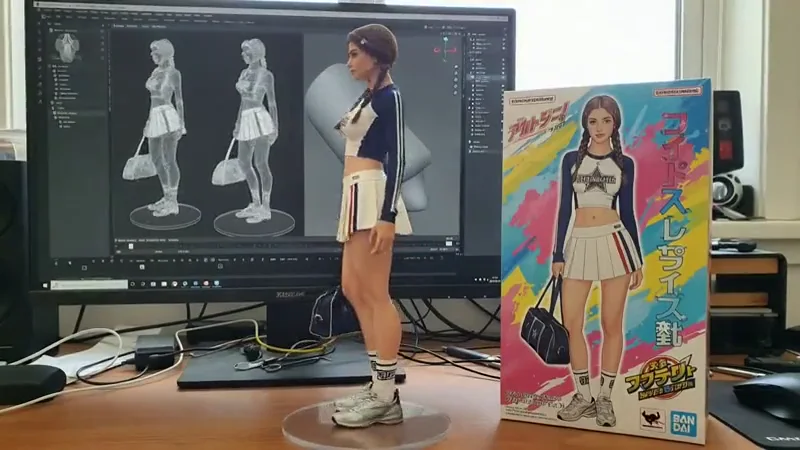
A shallow product orbit
Make a small, slow camera arc around the collectible in this product image. Preserve its pose, facial details, paint, accessories and display base. Keep the camera near the original viewpoint and use soft studio light. End with the subject clearly centered. Do not invent a hidden back view or change packaging text.
Use a shallow arc when only one photo is available. A full orbit asks the model to imagine unseen details.
Animate Photo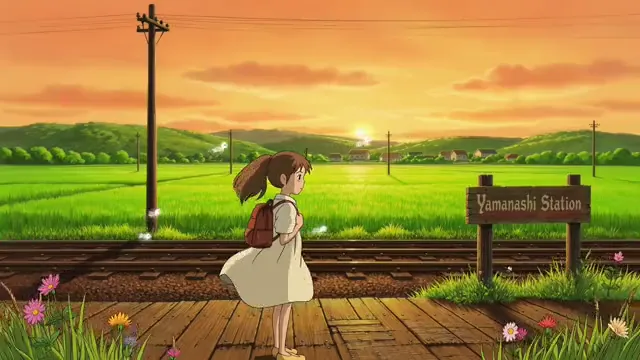
A storybook scene breathes
Bring this illustrated scene to life with a gentle breeze in the character’s hair and nearby grass. Preserve the original linework, brush texture and palette. Use a slow lateral camera drift with very small parallax, then settle into the original composition. Do not add objects or change the drawing style.
Name the texture and linework that matter. Cinematic motion does not have to turn an illustration into a photograph.
Animate Photo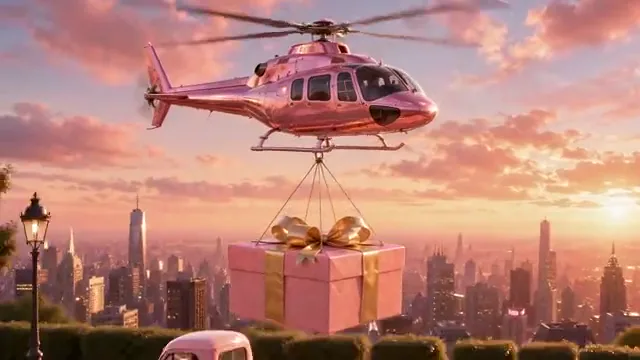
A deliberate scene transition
Begin at the supplied first image and move continuously toward the composition in the supplied last image. Use one slow camera push or reveal appropriate to the two views. Preserve the main subject and scene geometry. Avoid a sudden cut or unrelated transformation. Ease into the last frame and hold the final view.
Supply compatible endpoints. A prompt cannot guarantee a coherent transition between unrelated subjects and perspectives.
First & Last Frame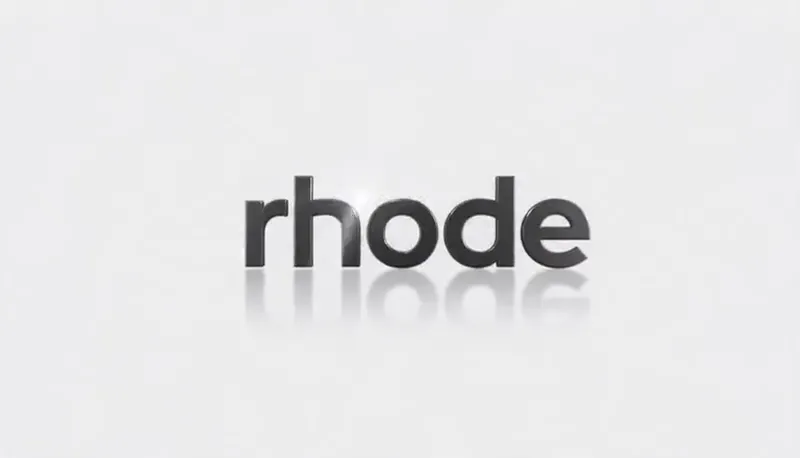
A restrained cinematic brand outro
Show the supplied logo on a clean neutral studio background. Give it subtle depth and move one soft highlight across its surface. Preserve exact spelling, letter spacing, silhouette and brand colors. Use a small forward camera move and finish on a readable front-facing logo held for two seconds. No extra text.
Keep the ending useful for an edit. A clean mark and a short hold are often more versatile than a busy final effect.
Logo AnimationWrite a cinematic video prompt as a shot brief
Start with the subject and composition, then add the movement. “A person at a rain-streaked window, medium close-up, slow push-in” gives a clearer starting point than a long list of cinematic, epic and award-winning labels. Add only the visual details that change the shot.
Describe light with a source and direction: soft window light from the left, a warm rim behind the subject or a highlight passing across a product. If you are animating a photo, respect the light already in the image. Contradictory lighting instructions can pull the output away from the reference.
End by describing a final view. A camera move should reveal a detail, establish a relationship or bring attention closer. A held ending also gives you an easier place to cut, add a title or plan another shot.
Choose a camera move that serves the scene
A push-in emphasizes a face or a small detail. A lateral move describes space. A shallow orbit gives a product depth while staying near the source viewpoint. A locked shot lets the subject’s movement carry the scene. Choose one before adding a secondary effect.
If your source image has tightly cropped hands, feet or edges, a large camera move may expose information that is not there. Use a wider reference or a smaller move. Keep the horizon and architecture steady when animating a scene with obvious perspective lines.
Use the final frame to plan a continuation
Download a frame from an existing clip with the Last Frame Extractor, then use it as the opening image of your next brief. Match the subject scale, light direction and camera height before choosing the new ending. This is a planning aid, not a guarantee of seamless continuity.
For first-to-last-frame video, choose endpoints with a plausible relationship. Write how the shot travels between them and specify which features remain consistent. Review identity, product geometry and small text when reviewing a result; attractive motion can still introduce unwanted changes.
Improve the prompt one decision at a time
Keep the subject description stable while you compare camera directions. Then adjust motion strength or lighting separately. If everything changes at once, it is difficult to learn which instruction helped. Save useful briefs with a descriptive name and keep the matching source image beside them.
The examples here are creative directions rather than model-specific guarantees. Duration, aspect ratio, audio and endpoint support vary by rendering workflow. Keep your prompts and references together as you refine each shot.
Questions before you create
What belongs in a cinematic video prompt?
Include the subject, framing, one camera move, a light direction, the details to preserve and a final composition. Use concrete visual instructions before adding stylistic adjectives.
Can I use these prompts for image-to-video?
Yes. Adapt the subject and lighting to your uploaded photo, keep the movement plausible for the visible scene and explicitly name the details to preserve.
How do I continue a video from its last frame?
Extract the last frame, send it to the first-frame slot and choose a compatible ending image. Describe a continuous movement between them. Exact continuity depends on the later rendering model.
Are the videos exact results of these prompts?
No. They are visual references for the motion direction. The original prompts are editable suggestions and do not guarantee an identical result.
Keep exploring
Music Video Prompts
Build visual scenes around the mood and structure of a song.
Storyboard to Video
Arrange your shots and review their timing.
Last Frame Extractor
Keep the ending as a useful image.