Skip to workspace

Cat videos

AI Cat Video Generator

Create a character with nine lives and one great scene. Start with your cat’s photo or a text idea, then shape the action.

Your creative brief

Use a clear photo with the face and paws visible, or switch to a text idea.

Your cat photo
JPG, PNG or WebP · max 10 MB each
Choose the scene

One action, a readable silhouette and a clear ending.

Scene prompt
Keep recognizable

Refine your idea, review the direction and export your creative brief.

Images stay in this tab. Drafts survive in-site navigation for 30 minutes; a reload clears them.
Reference preview
Playful action
Playful action

One action, a readable silhouette and a clear ending.

Reference clip, not a result from your upload.

Ideas in motion

A small character. A bigger imagination.

Build an AI cat video around one readable action, a recognizable character and a satisfying final beat.

Playful action

Reference clip, not a result from your upload.

Cat videos

Playful action

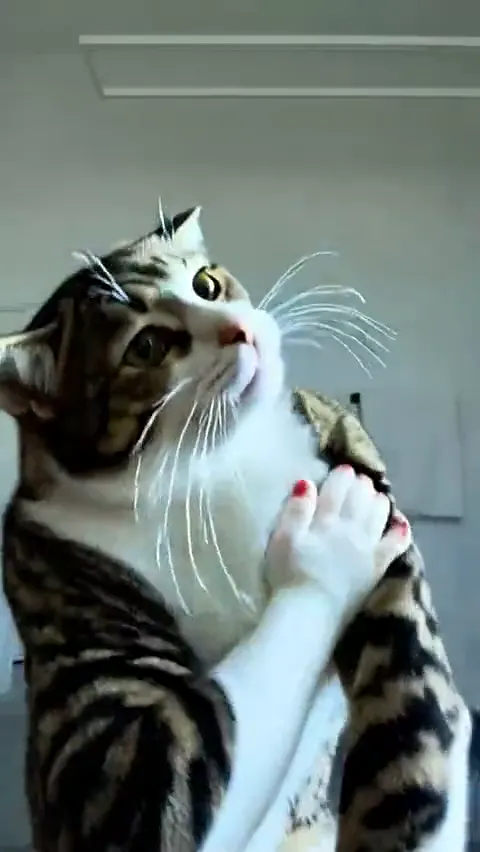
Give the paws space and keep the action short. A single kick is easier to direct than a long routine with several moving subjects.

  • Character continuity
  • One clear action
  • Room to move

Reference clip for motion inspiration. Your prompt and photo will not reproduce it exactly.
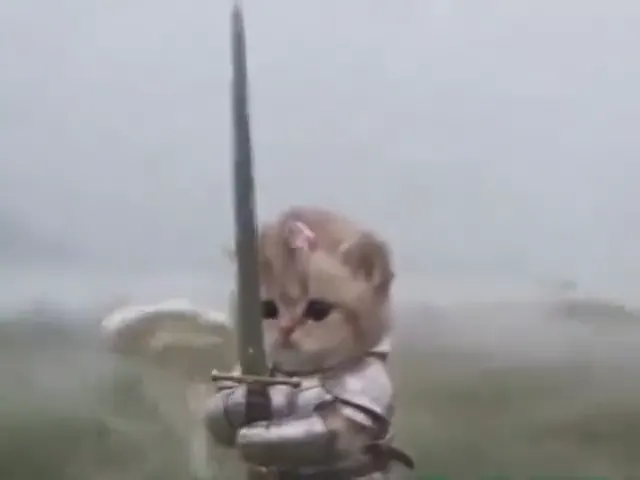
Storybook adventure

Reference clip, not a result from your upload.

Cat videos

Storybook adventure

Build a miniature world around a simple expression. A slow camera move can carry the story while the cat remains recognizable.

  • Character continuity
  • One clear action
  • Room to move

Reference clip for motion inspiration. Your prompt and photo will not reproduce it exactly.
Dance loop

Reference clip, not a result from your upload.

Cat videos

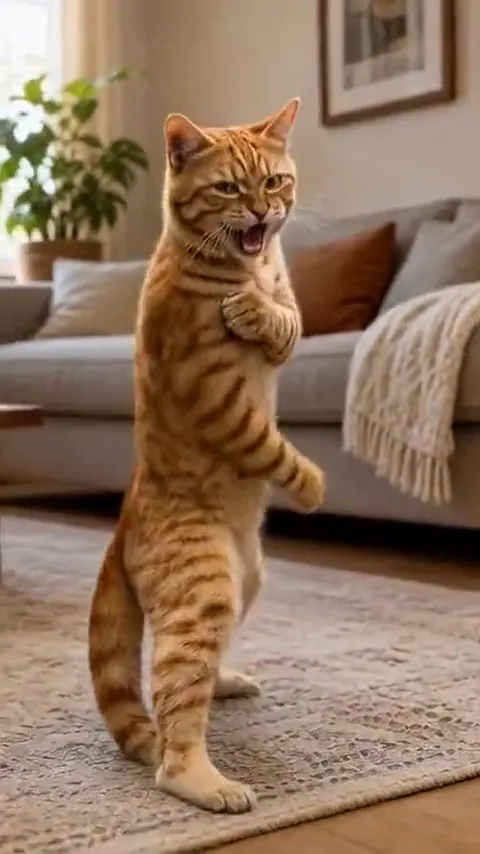
Dance loop

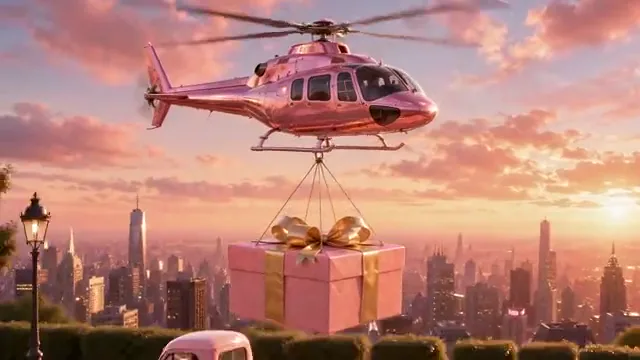
Plan a repeatable gesture with a starting pose and an ending pose. Test the seam in an editor before calling the result a seamless loop.

  • Character continuity
  • One clear action
  • Room to move

Reference clip for motion inspiration. Your prompt and photo will not reproduce it exactly.
Make the direction your own

AI cat video prompts with a little personality.

Choose an idea, adjust the prompt and send it to your workspace. Existing uploads stay in place.

6 prompts
Playful action
Action

Playful action

An animated cat practices one playful martial arts kick, then returns to a balanced stance. Preserve its fur markings, face and body proportions. Use a fixed full-body shot and a lighthearted tone. No injury or sudden cuts.

Storybook adventure
Adventure

Storybook adventure

A brave cat in miniature armor pauses in a fantasy courtyard and looks toward the horizon. A breeze gently moves its cape. Keep the face, fur and armor consistent. Make one slow camera push-in and finish with a steady heroic pose.

Dance loop
Dance

Dance loop

A cheerful cat makes two small side steps, lifts its front paws and returns to its starting pose. Keep its face and fur pattern consistent. Use a fixed full-body camera and a clean background. Plan a loop without extra limbs or a scene cut.

The serious little chef
Comedy

The serious little chef

A fluffy cat wearing a tiny chef hat carefully inspects one oversized carrot, then looks directly at the camera with a serious expression. Keep the cat behind a clear kitchen counter, preserve its fur pattern and use one locked medium shot. End on the look, without text or a cut.

A tiny expedition
Adventure

A tiny expedition

A cat explorer takes a single careful step across a mossy log in a miniature forest. A leaf drifts slowly past. Preserve the cat’s face, fur and outfit. Use a gentle side view and finish with the cat safely settled on the log.

One perfectly timed pause
Comedy

One perfectly timed pause

A cat begins a small dance, pauses when a toy rolls into view, and looks down at it. Keep the full body visible, preserve the cat’s proportions and use a fixed camera. Hold the final reaction briefly. No captions, soundtrack or rapid cuts.

Clips illustrate three motion directions. Additional prompts are variations, not separately generated examples.

From photo to motion brief

How to plan your ai cat video

  1. Choose your starting point

    Add a clear reference image or start from a text idea.

  2. Direct one clear movement

    Choose a scene direction, edit the prompt and describe what should remain consistent.

    Explore prompts
  3. Review and keep your brief

    Check the reference, prompt and framing, then copy or download your brief.

A more useful motion prompt

Give your cat a character, an action and an ending.

A useful cat video prompt tells a short visual story without stacking too many actions.

Character
Name the fur pattern, expression and outfit to keep consistent.
Action
Choose one gesture and describe how the paws and body move.
Ending
Finish on a held expression or a pose that returns to the start.

Questions before you start

AI Cat Video FAQ

Formats, prompts and what you can do in this workspace today.

Can I generate a video here now?

Choose a reference image, describe the movement and refine your shot settings. You can edit, copy or download the resulting creative brief.

Can I use my own cat photo?

Yes. Add one JPG, PNG or WebP up to 10 MB. The image stays in this tab and follows your draft during in-site navigation for 30 minutes. Reloading clears it.

Will the prompt reproduce the example exactly?

No. The clips are visual references. Results will depend on the rendering model, input image and motion settings for your chosen workflow.

How do I make a funny cat video?

Start with one simple action and an obvious finishing beat. Keep the camera still for the first version.

What would your cat do next?

Create a character with nine lives and one great scene. Start with your cat’s photo or a text idea, then shape the action.

Bring your reference, refine the direction and save your creative brief.

Your brief is ready

Your images and instructions are organized. No video has been rendered or credits charged.