Skip to workspace

Action scenes

AI Fight Video Generator

Choreograph a readable fight scene. Set the style, pick the action, and put the camera in the right place.

Your creative brief

Fight style

A short exchange with clean silhouettes and grounded movement.

Scene prompt
Characters and continuity

Refine your idea, review the direction and export your creative brief.

Images stay in this tab. Drafts survive in-site navigation for 30 minutes; a reload clears them.
Reference preview
A stylized martial arts clash

Keep both fighters readable through the approach, contact and recovery.

Reference clip, not a result from your upload.

Ideas in motion

Make every action beat easy to follow.

A strong AI fight starts with readable movement: an opening, one exchange and a clear recovery.

A measured opening exchange

Reference clip, not a result from your upload.

Martial arts

A measured opening exchange

Keep both fighters visible and give the action room to breathe. A short, controlled exchange is easier to direct than several simultaneous attacks.

  • Readable action
  • Character continuity
  • Controlled camera

Wide framing helps you check hands, feet and distance between characters.
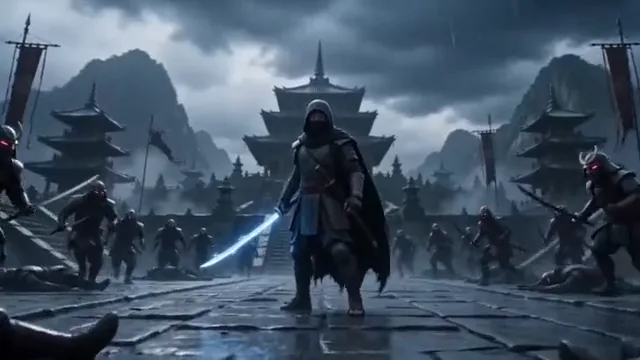
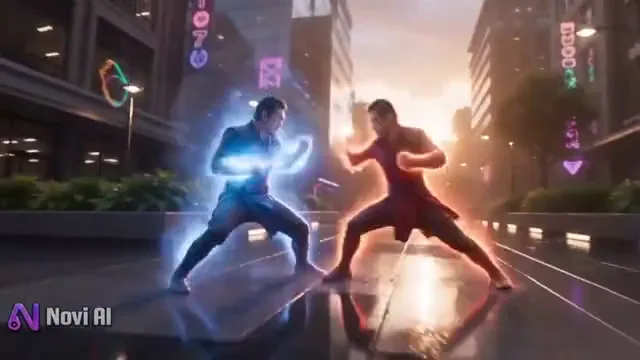
An energy clash with a pause

Reference clip, not a result from your upload.

Fantasy

An energy clash with a pause

Separate the characters and let the effect serve the action. Name the direction of the strike and the moment when the scene becomes still again.

  • Readable action
  • Character continuity
  • Controlled camera

The reference illustrates fantasy styling; your prompt defines a new scene.

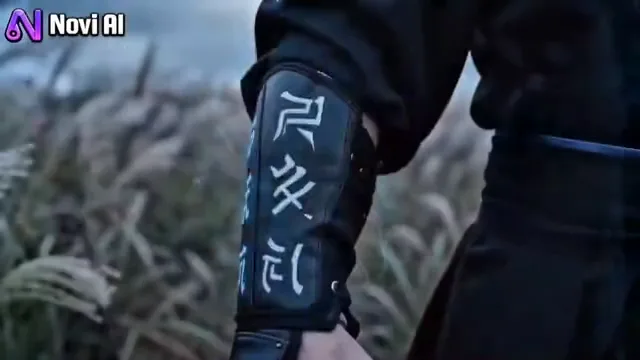
The warrior enters

Reference clip, not a result from your upload.

Martial arts

The warrior enters

A good fight scene can begin before the first strike. Establish the character, setting and stance with one deliberate entrance.

  • Readable action
  • Character continuity
  • Controlled camera

Use a single camera move instead of combining an orbit, zoom and cut.

Choose a direction

AI Fight Video prompts to start with.

Choose a direction, read the full prompt and apply it to your workspace. Your uploads and personal notes stay in place; you can undo the prompt change.

6 prompts
A measured opening exchange
Martial arts

A measured opening exchange

Two fictional martial artists face each other in a wide arena shot. One steps forward with a controlled straight punch; the other blocks and steps back. Keep both bodies and feet visible, preserve their clothing and finish in balanced guard positions. No injuries or rapid cuts.

An energy clash with a pause
Fantasy

An energy clash with a pause

Stage a fantasy duel between two clearly separated characters. Let a single energy strike travel across the space, followed by a defensive block and a quiet recovery beat. Keep the camera wide, the silhouettes distinct and the environment consistent. Avoid flashes that hide the action.

The warrior enters
Martial arts

The warrior enters

A fictional warrior walks into the training ground, stops and raises a calm defensive stance. Use a slow camera push-in. Preserve the costume, face and weapon shape, keep the feet grounded and end with a steady pose. No additional opponents or sudden cuts.

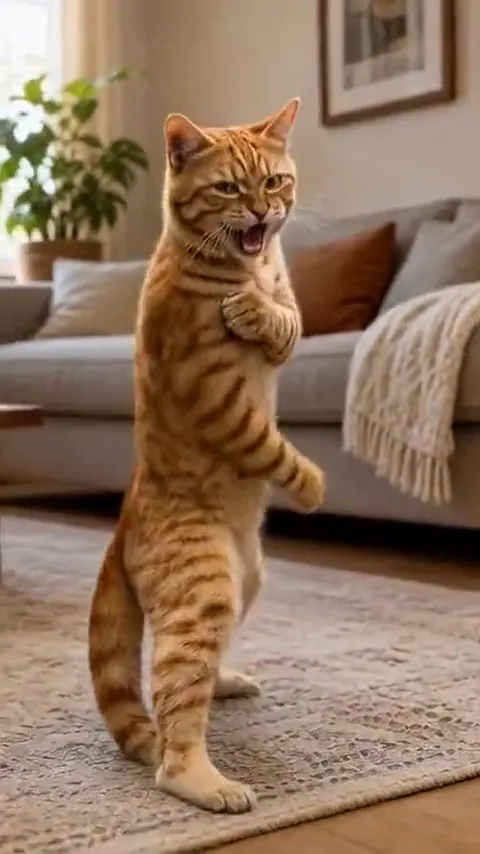
A playful animated spar
Fantasy

A playful animated spar

An animated cat practices a playful martial arts sequence: a small step, one clean kick, then a return to its original stance. Preserve the character proportions and fur pattern. Keep the full body visible in a locked wide shot. Use a lighthearted tone without injury.

A wrestling counter
Wrestling

A wrestling counter

Two fictional wrestlers begin in a standing clinch in a clear training ring. One carefully turns out of the hold; both regain their footing and separate. Use a single wide shot with readable hand positions and stable body proportions. No dangerous neck movement or injury.

A duel with a clear ending
Fantasy

A duel with a clear ending

Two fantasy rivals hold opposite sides of the frame. One advances, the other deflects a single strike, and both step apart. Keep costumes and props consistent throughout. Use a gentle lateral camera move and finish on a still, readable standoff. No gore or scene changes.

Clips are visual references. These editable prompts are starting points, not the original prompts used to make the clips.

From idea to a useful brief

How to plan an AI fight video.

  1. Establish the characters

    Describe their clothing, positions and setting, or attach one scene reference. Use distinct silhouettes so each action stays easy to follow.

  2. Write an action beat

    Specify an approach, one exchange and a recovery. Keep the camera description separate from the choreography.

    Explore prompts
  3. Review the sequence

    Check the start, contact and final pose in your brief. Export the plan with your reference and motion notes.

A more useful motion prompt

Write the fight as three beats.

For AI fighting video prompts, describe the order of the action before adding spectacle.

Establish
Name the two characters, their starting positions and the distance between them.
Exchange
Describe one attack and one response. Keep contact and direction easy to see.
Recover
End in a balanced stance with stable costumes, props and readable silhouettes.

Questions before you start

AI Fight Video FAQ

Formats, prompts and what you can do in this workspace today.

Is this an AI fight story generator?

This workspace is designed for video choreography and camera prompts. It prepares a scene brief rather than a long fictional battle story.

Can I use text without a character image?

Yes. Text mode lets you prepare a fight from your description. Reference mode also requires a character or scene image.

Can I create an AI wrestling video brief?

Choose Wrestling and describe a short staged action, such as a grapple, turn and release. The same workspace covers fight, fighting and wrestling prompts.

How should I plan the visuals and sound?

Use the reference clips to plan a visual direction and keep sound notes with your brief. Audio support and synchronization depend on the model and editing workflow you choose.

Will a prompt reproduce the example exactly?

No. The examples show visual directions. Your reference, model and generation settings will influence the eventual result.

Start with one unforgettable action beat.

Bring your idea into the workspace and leave with a clear, editable video brief.

Bring your reference, refine the direction and save your creative brief.

Your brief is ready

Your images and instructions are organized. No video has been rendered or credits charged.