Skip to workspace

Product videos

AI Jewelry Video Generator

Give your jewelry a considered close-up. Plan the light, camera movement, and details that make the piece yours.

Your creative brief

Use a sharp ring, necklace, bracelet or earring photo with the complete piece visible.

Jewelry product photo
JPG, PNG or WebP · max 10 MB each
Product movement

A controlled highlight travels across a stationary piece.

Scene prompt
Product details to preserve

Refine your idea, review the direction and export your creative brief.

Images stay in this tab. Drafts survive in-site navigation for 30 minutes; a reload clears them.
Reference preview
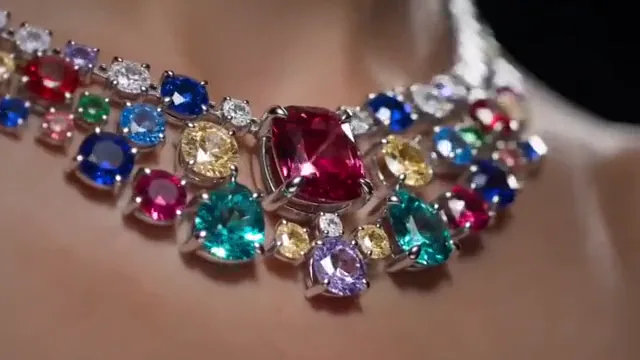
Gemstones in close-up

Study how a small light change brings out the setting and surface.

Reference clip, not a result from your upload.

Ideas in motion

Let the detail do the talking.

Make an AI jewellery video around one useful product detail: the finish, the setting or the way a chain catches light.

A necklace catches the light

Reference clip, not a result from your upload.

Light & finish

A necklace catches the light

A controlled light sweep reveals texture without asking the product to change shape. Begin with a sharp photo and a simple background.

  • Product detail
  • Material accuracy
  • Subtle movement

Review generated stone count, prongs and metal color before using an output in a product listing.
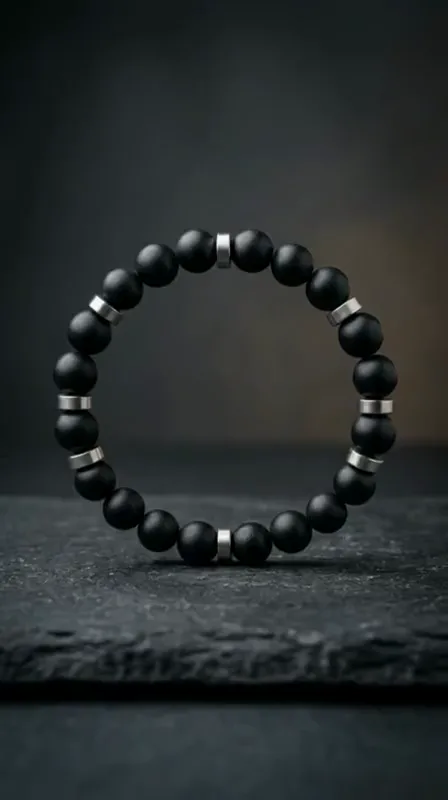
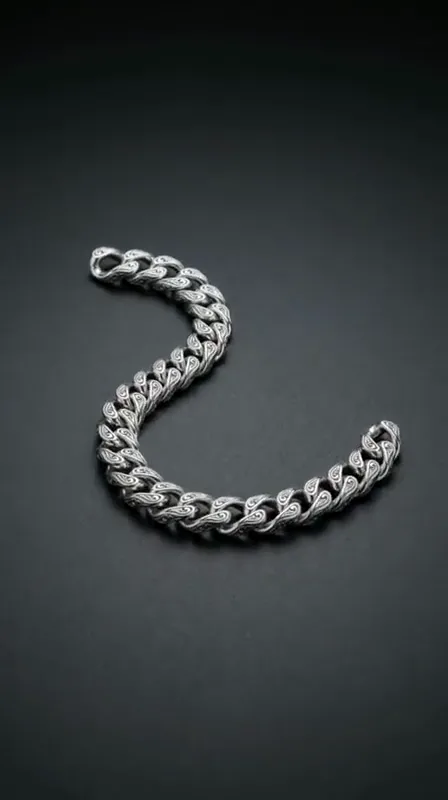
Follow the bracelet texture

Reference clip, not a result from your upload.

Close details

Follow the bracelet texture

A macro move gives the viewer time to read the material. Keep the camera path short enough to preserve the product’s shape and proportions.

  • Product detail
  • Material accuracy
  • Subtle movement

A prompt cannot recover tiny details that are missing from the uploaded photograph.

A small arc around a chain

Reference clip, not a result from your upload.

Camera moves

A small arc around a chain

A shallow orbit adds depth while keeping the reference useful. Avoid a full turn when the input only shows one side of the piece.

  • Product detail
  • Material accuracy
  • Subtle movement

Use several real product angles if a later rendering workflow needs to show the hidden side.

Choose a direction

AI Jewelry Video prompts to start with.

Choose a direction, read the full prompt and apply it to your workspace. Your uploads and personal notes stay in place; you can undo the prompt change.

6 prompts
A necklace catches the light
Light & finish

A necklace catches the light

Create a restrained product shot of the necklace in the uploaded photo. Move a soft light across the metal and gemstones while the necklace stays still. Preserve the chain pattern, stone count, clasp and metal color. Keep the background neutral and end on a balanced highlight.

Follow the bracelet texture
Close details

Follow the bracelet texture

Make a slow macro push-in along the bracelet’s visible beads and surface texture. Preserve every bead shape, color and spacing. Keep the product in focus, avoid changing its geometry and stop before any important detail leaves the frame.

A small arc around a chain
Camera moves

A small arc around a chain

Move the camera in a small, slow arc around the chain bracelet. Keep the link pattern, thickness, clasp and original material unchanged. Use a stable product surface and soft studio lighting. Avoid a full rotation that requires inventing the hidden side.

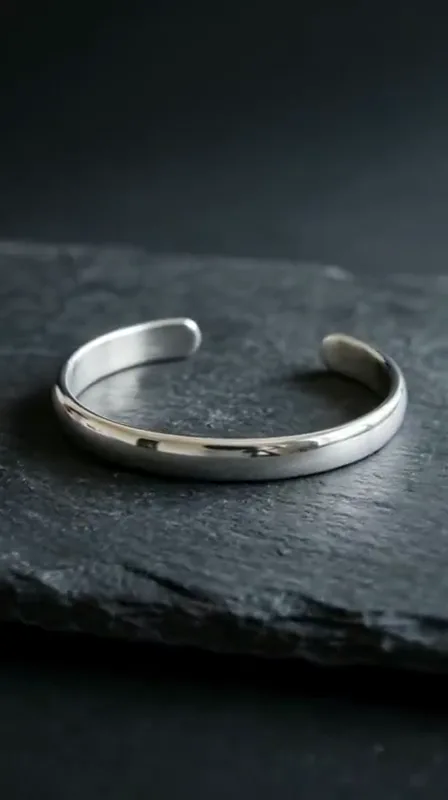
Show the curve of a cuff
Light & finish

Show the curve of a cuff

Let a broad soft highlight sweep once along the cuff bracelet. Keep its curve, opening, edge thickness and metal finish identical to the reference. Lock the camera and background. Do not add stones, lettering or extra reflections that obscure the design.

A pendant detail for a listing
Close details

A pendant detail for a listing

Start on the whole necklace and slowly move closer to the pendant. Preserve the setting, gemstone color, prongs and chain attachment. Keep the movement restrained and the product accurately framed. End with a steady detail view suitable for a product listing.

An editorial bracelet shot
Camera moves

An editorial bracelet shot

Create a short editorial product shot with a shallow lateral camera move across the bracelet. Preserve the bead count, spacing and material colors. Keep the background simple and avoid changing the product to match the lighting. Finish with the complete bracelet readable.

Clips are visual references. These editable prompts are starting points, not the original prompts used to make the clips.

From idea to a useful brief

How to plan an AI jewelry video.

  1. Choose a detailed product photo

    Use a clear image with visible settings and edges. Avoid blown-out highlights that erase stone or metal detail.

  2. Direct light and movement

    Choose a light sweep for sparkle, a small orbit for depth, or a macro push-in for a specific detail. Keep the movement restrained.

    Explore prompts
  3. Review product accuracy

    Record the features that must stay accurate. Before using a result, compare the entire clip against the original before using it in a product listing.

A more useful motion prompt

Protect the product while directing the shot.

A useful jewelry video prompt separates camera movement from the details that must remain accurate.

Product identity
Name the piece, material, stone count and design details to preserve.
One visual change
Choose a light sweep, a shallow orbit or a slow macro push-in.
Accuracy check
Review geometry, color and markings before treating any rendered clip as product advertising.

Questions before you start

AI Jewelry Video FAQ

Formats, prompts and what you can do in this workspace today.

Do jewelry and jewellery use different tools?

No. Jewelry and jewellery are spelling variants for the same product-video task, handled by this workspace.

Can I upload a ring or necklace photo?

Yes. JPG, PNG and WebP product photos up to 10 MB are accepted. Keep the whole piece visible, including thin chains and clasps.

Does the AI preserve every stone and engraving?

There is no accuracy guarantee. The preservation notes become part of your brief. Any generated clip should be checked against the actual product before use.

Can I generate jewelry ads here today?

Plan the product shot, refine its motion and download a text brief. Keep branding, product details and the intended ad format together for your production workflow.

Are the video examples generated from my upload?

No. They are reference material for choosing a visual direction. Your uploaded image remains local to this browser session.

Give your product its next close-up.

Bring your idea into the workspace and leave with a clear, editable video brief.

Bring your reference, refine the direction and save your creative brief.

Your brief is ready

Your images and instructions are organized. No video has been rendered or credits charged.