
MUSIC VIDEO PROMPTS
Top Prompts for Music Videos: 12 Visual Ideas
Give your track a visual language, then build it one shot at a time.
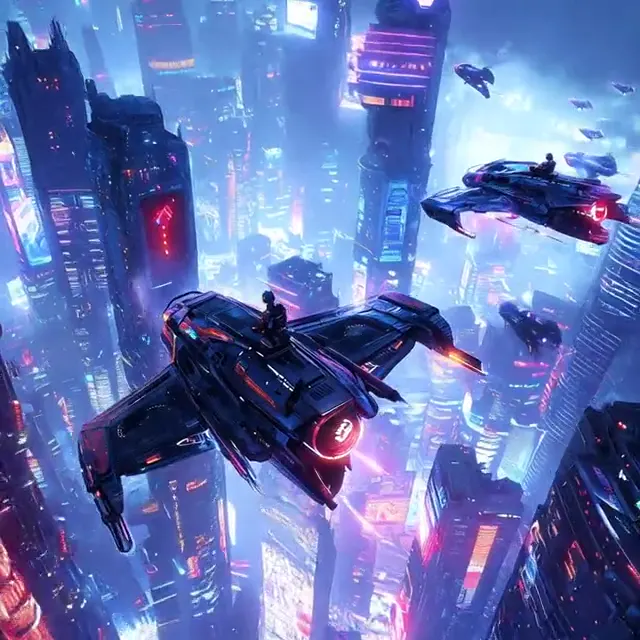
The most useful prompts for music videos describe something a camera can see. Start with the feeling of the track, choose a recurring subject or color, and write one action per shot. A quiet verse might need a held portrait; a chorus might open into a wide landscape. These 12 original prompts cover performance, story, detail and repeating visual motifs. The previews are motion references, not exact outputs from these prompts or clips synchronized to your music. Hover previews are silent; click to hear the original audio when available.
Build the shot around three decisions
Name the visual mood
Translate the song into a place, light and color: a deserted blue street, warm window light or a single red accent. Avoid relying on an artist name to explain the look.
Choose one visible action
A head turn, a walk, a fabric movement or a light sweep gives each shot a clear purpose. Save complex choreography and scene changes for a sequence of separate shots.
Leave room for the edit
Describe a readable beginning and a held ending. Trim the rendered clips against the track later; writing a BPM in a prompt does not guarantee beat synchronization.
12 EDITABLE IDEAS
A prompt library to make your own
Motion reference · not an output from this prompt
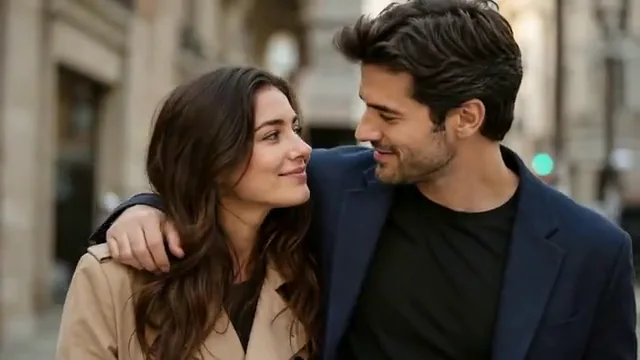
The quiet verse portrait
Animate this portrait as a quiet music video insert. The subject makes one small head turn toward the window and settles into a thoughtful gaze. Keep the face, hairstyle and clothing unchanged. Use a slow, subtle camera push-in with soft side light. Keep the lips relaxed and closed, with no singing or speech. Hold the final expression for the edit.
Use this between wider shots. It can suggest emotion without asking a model to perform lyrics or precise lip movements.
Animate Photo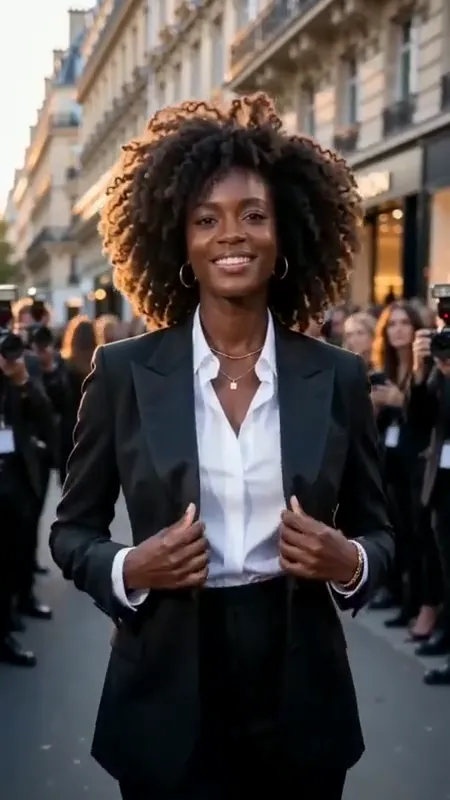
A confident street entrance
Use the uploaded fashion reference for a music video entrance. The subject takes two measured steps toward the camera along a city street, then holds a confident pose. Preserve the face, jacket cut, shirt color and accessories. Track backward smoothly at waist height. Keep the background consistent and leave a clean moment before and after the walk. No lip sync, text or outfit transformation.
Choose an outfit with a recognizable silhouette. Repeat that same description in later shots to make the sequence feel connected.
AI Fashion Video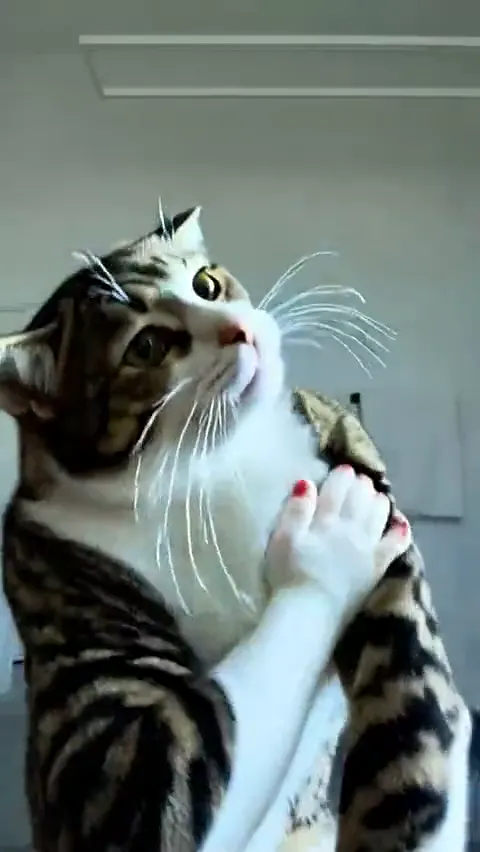
A playful character interlude
A cheerful animated cat makes a short side-to-side dance in a simple room, pauses, then returns to its starting stance. Keep the full body in view, the fur pattern consistent and the camera locked. Use two small deliberate steps rather than complex choreography. Keep the background still, with no text or extra characters. Finish on a steady pose for editing.
Treat the motion as an editable accent. The prompt does not make the steps follow a song; align your cut points in the final edit.
AI Cat VideoThe city between two verses
Animate the uploaded night street as a reflective music video scene. Make a slow forward camera drift along the pavement while rain gently disturbs the existing reflections. Preserve the architecture, signs and perspective. Keep a restrained blue and amber palette and avoid adding readable words or new people. End on a steady composition with empty space in the center.
A location shot can connect separate portraits. Use the same palette across the location, wardrobe and cover artwork.
Animate Photo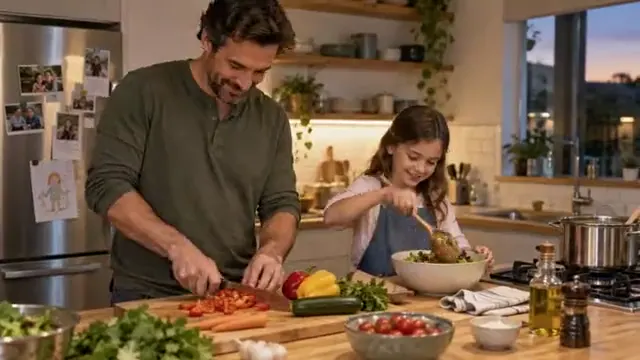
A memory that almost moves
Animate this photograph as a gentle memory in a music video. Add only a small natural blink and a slight shift in posture. Preserve every person, their age, expression, clothing and the arrangement of the scene. Keep the camera fixed and the original color character intact. No talking, new people, face changes or large gestures. Let the final image settle.
A restrained memory insert leaves room for the song. Obtain permission for personal photos and keep the action appropriate to the people shown.
Animate Photo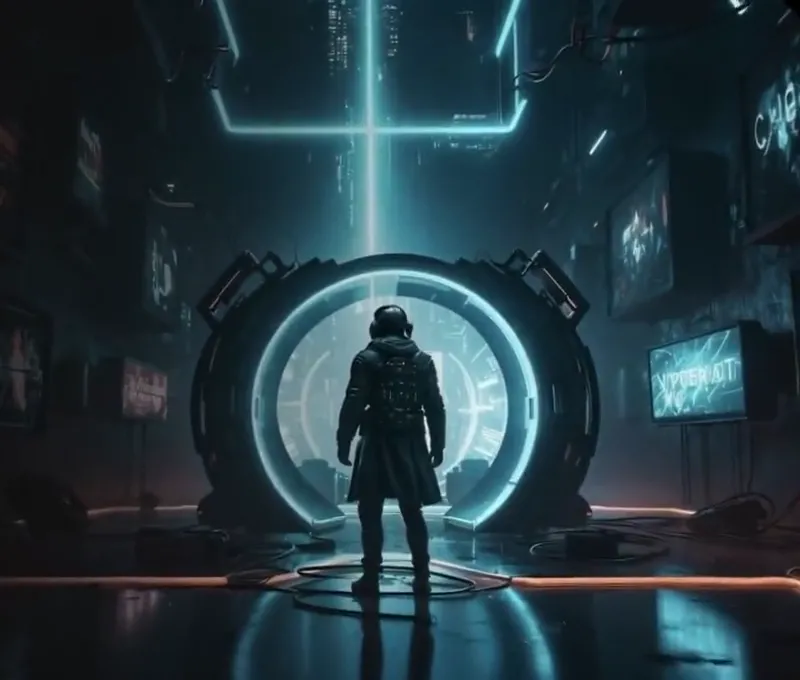
A darker bridge
Create a restrained suspense scene for the bridge of a music video. In the uploaded setting, let a distant shadow slowly become visible while the foreground remains still. Preserve the location and light direction. Use one gradual camera push-in, deep but readable shadows, and a held ending. Keep the mood mysterious without injuries, gore, flashing lights or sudden cuts.
Use a darker visual passage when the arrangement changes. Keep the reveal subtle enough to work under a range of tempos.
AI Horror Video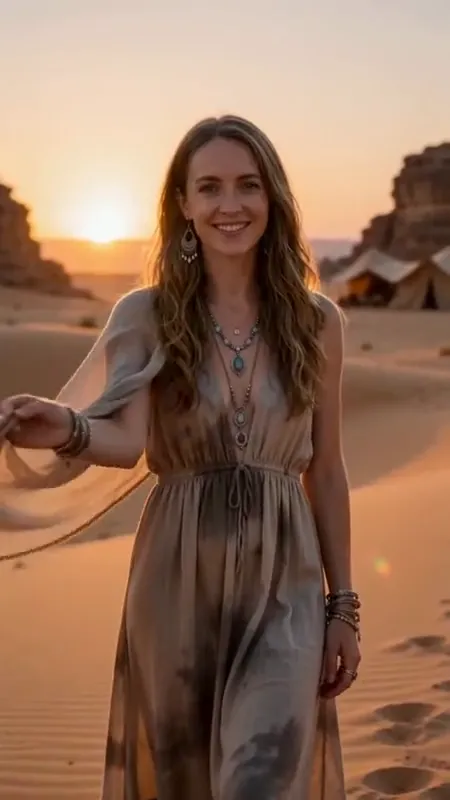
Fabric catching the last light
Animate the outfit in this reference as a warm music video detail. Let a light breeze move the visible sleeve and skirt while the subject holds a relaxed pose. Preserve the garment color, length, seams and fabric texture. Use a gentle sideways camera drift in soft sunset light. Keep the scene continuous with no outfit changes, new accessories or text.
Fabric gives a shot natural motion without requiring choreography. Use it as breathing room between performance scenes.
AI Fashion Video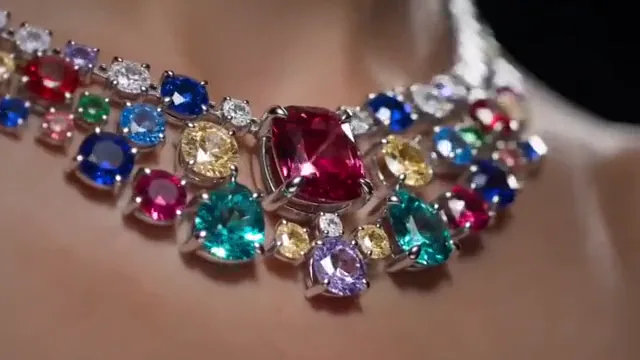
One glint of the recurring color
Create a close jewelry detail for a music video from this reference. Keep the item still while a narrow soft light moves once across its surface. Preserve the gemstone count, metal color, setting and engraving. Use a slow camera push-in and a clean dark background. Keep reflections controlled and realistic. End on a held highlight with no floating letters or added gems.
An accessory can carry a visual motif across shots. Preserve the same metal and accent color instead of introducing a new palette.
AI Jewelry Video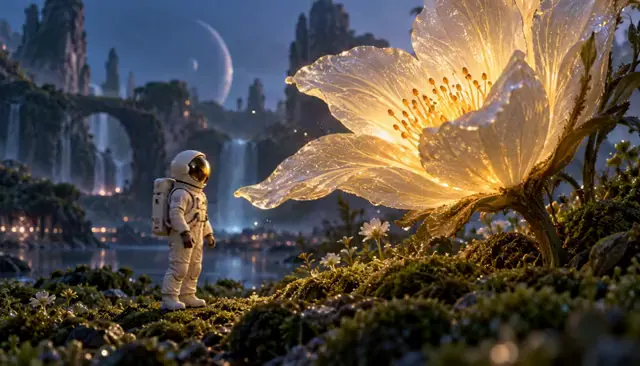
A small image for a big lyric
Animate the flower in this reference as an intimate music video insert. Let its petals move very gently while the surrounding light slowly brightens. Keep the stem, petal shape and framing consistent. Use a fixed close shot with a soft background. Avoid rapid growth, new flowers or abrupt color changes. Hold the last composition so the clip can dissolve into the next scene.
Choose one symbol and repeat it with small changes. The edit can establish meaning without spelling out every lyric literally.
Animate Photo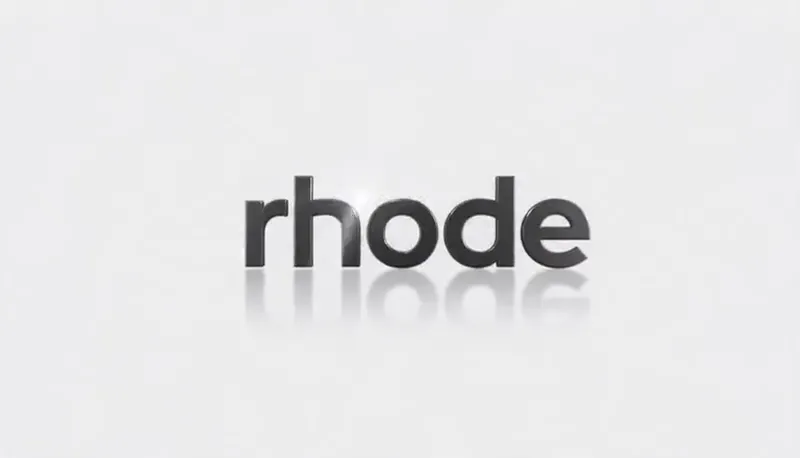
A clean artist-mark reveal
Animate my uploaded artist wordmark as a restrained music video end card. Keep every letter, spacing and shape exactly as supplied. A soft light sweep passes over the mark once, then the lighting settles. Keep the logo fixed in the center on a simple background with no extra text, reshaping or new symbols. Hold the complete mark at the end.
Use your own mark or lettering. Add release dates and platform details in an editor so they remain exact and readable.
AI Logo Animation
A shot that returns to its start
Use matching start and end reference images for a calm music visual. Keep the scene composition, subject placement and lighting consistent. Add one small environmental movement in the middle and return to the original composition by the end. Use a fixed camera with no cuts, text or new objects. Keep the first and final moments steady for a loop edit.
Matching endpoints help you plan a return, but do not guarantee a seamless loop. Inspect the final frames and trim or crossfade the join in your editor.
First & Last Frame Video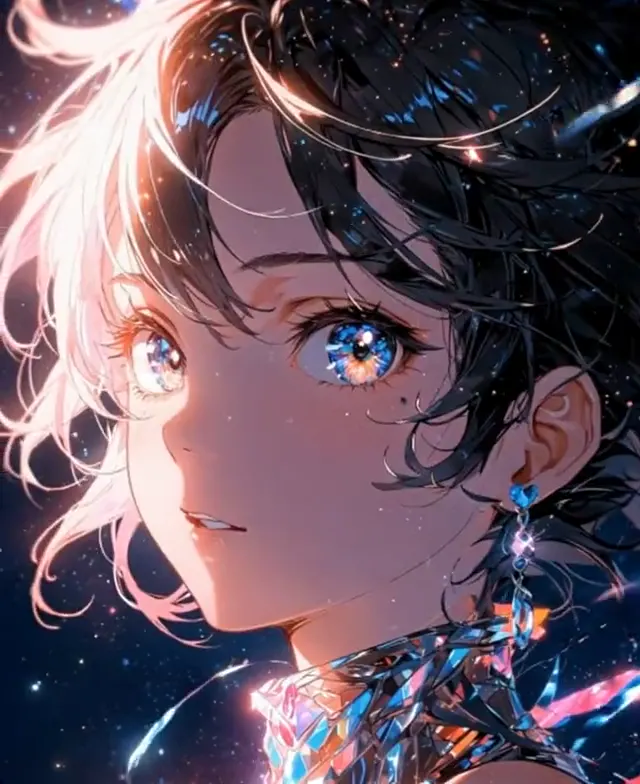
Album artwork with breathing room
Animate this illustrated cover artwork with subtle movement. Keep the character design, painted linework, composition and palette intact. Let a small amount of hair and background detail move gently while the face stays consistent. Use a fixed camera and keep the title area completely still. No new text, mouth movement, scene changes or added objects. Finish on a settled frame.
Keep typography outside the generated motion whenever possible. Render the illustration, then overlay the original title artwork in the edit.
Animate PhotoTurn a song into a small, useful shot list
Listen once for structure before writing any AI music video prompt. Mark the opening, verse, chorus, bridge and ending in your editing timeline. Beside each section, write its visual job: introduce a person, establish a place, widen the world, interrupt the pattern or resolve the story. You do not need a new location for every change in the music.
Build a first sequence with a portrait, a wide setting, a detail and a held ending. Repeat a color, costume or object across those shots. The Storyboard to Video workspace can help arrange references and record a prompt and intended duration for each shot. Its sequence preview is a planning aid; rendered motion and the final music edit remain separate steps.
Adapt the visual language to the track
For a reflective acoustic track, try longer held compositions, natural light and small subject movement. For a fast electronic track, create a few clearly different framing scales and stronger light contrast, then control the rhythm through editing. A darker arrangement can use obscured space and a slow reveal. These are creative starting points, not rules tied to a genre.
Keep camera movement consistent within a passage. If the verse is built around a still camera, let the chorus introduce a slow track or wider reveal. This makes the change readable without asking a single clip to perform a dolly, orbit, zoom and scene transformation at once.
Keep the artist, wardrobe and world consistent
Use a clear reference image for each recurring person and list the features that should remain stable: hairstyle, jacket shape, colors and accessories. Repeat this short continuity description in each prompt. Large turns, changing light and hidden garment details introduce more room for the eventual rendering model to invent something new.
When a useful rendered shot exists, extract its last frame and use it as a reference for the next shot. Match camera height and light direction before introducing a new movement. Endpoint references can guide a continuation, but review faces, hands and background edges between clips rather than assuming an exact match.
Build rhythm in the edit
A prompt such as “move at 120 BPM” does not establish a reliable relationship to your audio file. Generate clean visual actions with a little stillness at either end, then place and trim them against the track in a video editor. Choose cuts that support the phrase or performance; cutting on every beat can remove the contrast that makes a chorus feel bigger.
Keep your visual brief, references and intended soundtrack together in your editing project. Precise singing, instrument fingering and dance synchronization need a workflow designed for that task and careful review.
Review the sequence before making more shots
Watch the draft first without sound. The subject and action should still be readable. Then restore the track and check whether the visual changes support the emotional changes. If a shot feels busy, remove one action from its prompt. If two consecutive shots feel identical, change framing or location while keeping the motif.
For a vertical release, check the crop around faces, hands and any text you will add. Keep a horizontal version when the composition benefits from the wider frame. Save the reference, prompt and selected result together so later revisions can preserve the same visual choices.
Questions before you create
What are the best prompts for AI music videos?
Useful prompts identify the subject, visible action, framing, light, details to preserve and ending composition. Choose a shot that supports a part of the song, then adapt the examples to your own reference and visual theme.
Can I make a music video from one photo?
One photo can support a portrait animation or cover-art visual. A longer sequence usually benefits from additional compositions and detail shots. Keep each movement plausible for the information visible in the reference.
Will the generated movement automatically follow my music?
No. These prompts describe visual movement. The current workspaces do not process a music track or synchronize motion to its beats. Align the rendered shots with the track in a separate editing workflow.
Can I use these prompts for a lyric video?
Yes, as background visual directions. Keep space for typography and add the exact lyrics in an editor. Asking an image-to-video model to render long passages of text can produce inconsistent letters.
How do I make a repeating music visualizer?
Start with a locked camera, restrained movement and matching endpoint compositions. Inspect the transition between the last and first frames after rendering. Trim or crossfade it in your editor if needed; matching references alone do not guarantee a perfect loop.
How do I organize a music video project with these tools?
Prepare shot prompts, keep image references and review the brief. Use Storyboard to Video to arrange reference images and plan timing, then keep your intended soundtrack with the project for editing and synchronization.
Keep exploring
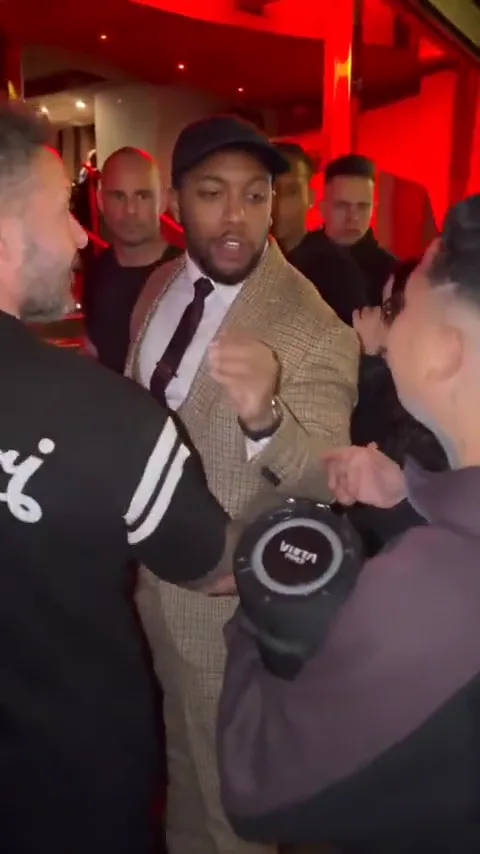
Bulin 47 Performance Guide
Plan a portrait-led rap scene with clear gestures and audio notes.
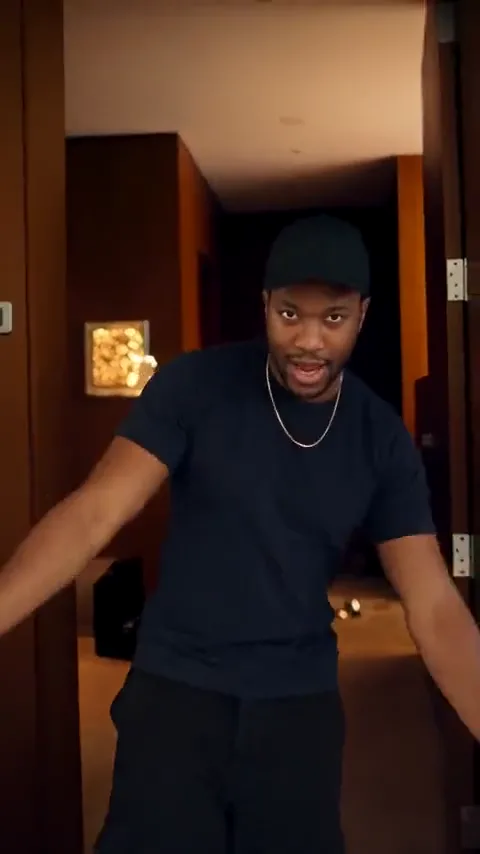
Popstar AI Video Template
Direct a mansion performance with a continuous walking shot.
Storyboard to Video
Arrange references, prompts and timing for the whole sequence.
AI Fashion Video
Plan performance looks and garment movement.
AI Horror Video
Build atmosphere for a darker visual passage.
Cinematic Video Prompts
Make camera, lighting and composition choices more precise.

Last Frame Extractor
Save a useful endpoint for your next shot.
AI Logo Animation
Give your artist mark a considered closing shot.