
BULIN 47 VIDEO GUIDE
How to Make a Bulin 47 AI Video
Build the entrance. Hold the identity. Give every gesture room to land.
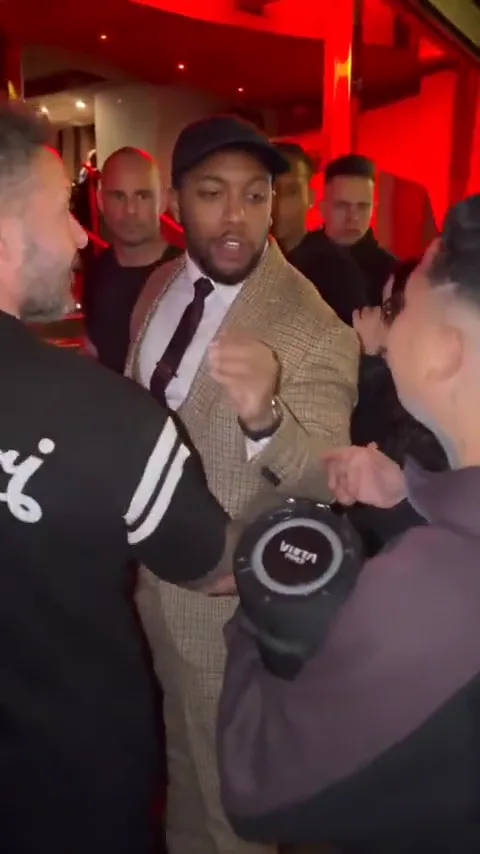
A Bulin 47 AI video is a performance scene: a suited lead emerges near a red-lit doorway, addresses the camera and delivers a sequence of confident gestures. One portrait establishes your lead; the scene brief establishes everything around them. This guide separates identity, motion and sound so you can plan each deliberately. Use the workspace to organize your portrait and refine the scene direction. Use the playable example to study the performance, camera and timing.
Build the shot around three decisions
One readable portrait
Start with a sharp face, visible eyes and even light. Keep the lead separate from the crowd and describe the suit independently of the input photo.
Three performance beats
A turn toward the lens, one deliberate hand gesture and a held finish form a clear short scene. Add extra moves only after that sequence is readable.
A separate audio plan
Decide whether you want a silent visual take for editing or a performance driven by an audio reference. A text prompt alone cannot guarantee mouth timing.
6 EDITABLE IDEAS
A prompt library to make your own
Motion reference · not an output from this prompt
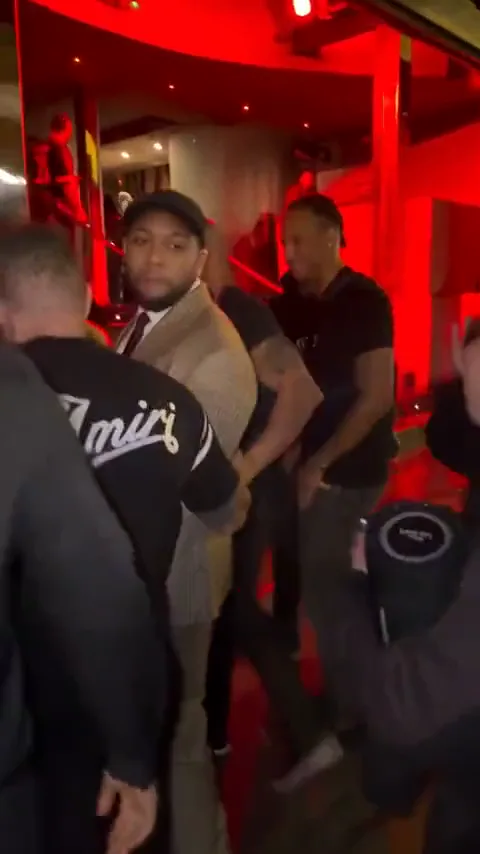
The doorway entrance
Use the uploaded portrait as the identity reference for the lead. Frame a vertical medium shot outside a red-lit evening entrance. The lead wears a tailored tan checked suit, turns from the doorway toward the camera and settles into a confident stance. Keep the face and hairstyle recognizable, the background crowd behind the lead and the doorway in the same position. Use a gentle handheld camera drift. Finish with the face clearly visible. No cuts or added text.
Establish the person before asking for a full performance. This direction focuses on the opening turn, not lip sync.
Bulin 47 workspaceOne step into the light
Create a short vertical entrance using the person in the uploaded portrait. The lead takes one measured step from a warm red doorway into softer front light, then looks directly at the lens. Preserve the face, hair and body proportions. Keep the tan suit consistent, hands relaxed and background figures out of the foreground. Maintain a medium shot with a small backward camera move and hold the final pose. No dialogue, fast zooms or scene changes.
A small change in light can create an entrance without combining walking, turning and several hand actions.
Bulin 47 workspace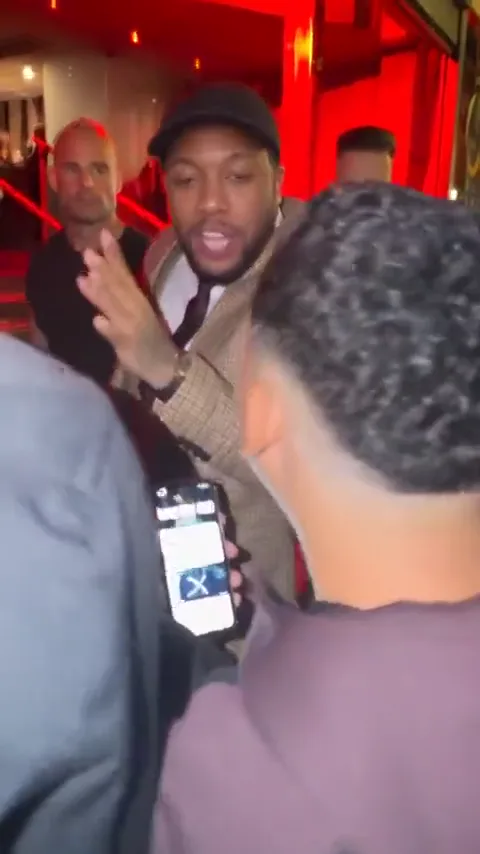
A single confident gesture
Use the uploaded person as the lead in a vertical street-performance shot outside a red-lit entrance. The lead faces the camera in a tailored tan suit, raises one hand to chest height, makes one deliberate outward gesture and lowers it. Keep the face visible throughout. Preserve natural fingers, clothing details and the distance between the lead and the background crowd. Use subtle handheld movement and finish on a steady look into the lens. No speaking or added text.
Keep the hand below the chin to reduce facial occlusion. The action should remain understandable with the audio off.
Bulin 47 workspaceDirection for an audio-led take
Performance brief for a renderer that supports a supplied audio and motion reference: use the uploaded portrait for the lead identity in a tan suit outside a red-lit entrance. Follow the chosen reference for the turn, compact hand gestures and facial performance while keeping the lead face stable and visible. Keep the crowd behind the lead and preserve the camera perspective. Retain the selected audio timing without adding unrelated speech or new lyrics. End after the performance settles.
This is a production brief, not an enabled audio feature. The eventual renderer must accept the intended reference audio and motion.
Bulin 47 workspace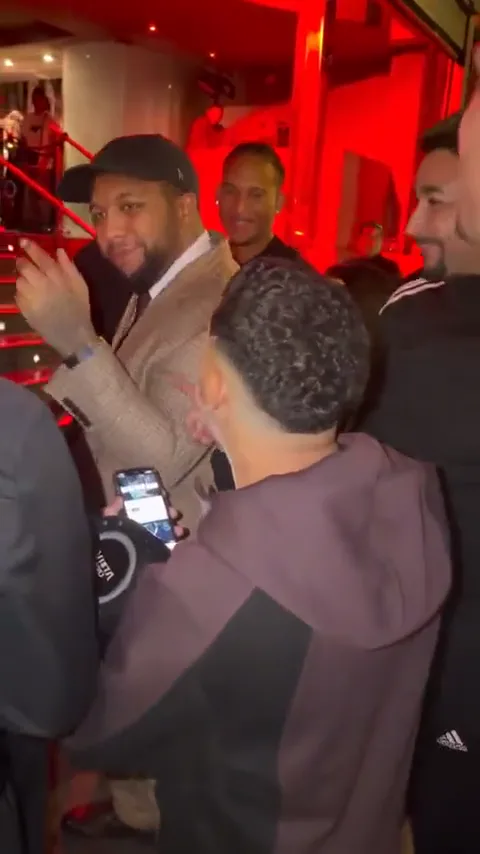
The final look
Animate a vertical medium portrait of the uploaded person in a tan checked suit outside a warm red doorway. Begin after a gesture has ended. The lead lowers the hand naturally, gives a small confident nod and holds eye contact with the lens. Preserve the face, hair, tie and jacket shape. Keep the camera almost still and the crowd softly moving in the background. No speech, new characters, cuts or captions.
Leave a held ending so the edit can finish cleanly instead of cutting through a moving hand.
Bulin 47 workspaceA quieter personal version
Create a restrained vertical performance portrait from the uploaded photo. The lead wears a simple tailored suit at a softly illuminated entrance, turns toward the lens and gives one small smile with a relaxed shoulder movement. Keep the face and hairstyle unchanged. Use warm red background light with natural skin tones, a fixed medium framing and a calm held finish. Keep the lips relaxed, with no singing, dialogue or text.
Use this when you want the visual attitude without recreating the full musical performance.
Bulin 47 workspace1. Choose a portrait that can survive a moving shot
Pick a single-person photo with a clearly defined face and visible hairline. A nearly front-facing view gives a useful starting point for a turn toward the lens. Avoid a tiny face in a large group picture, heavy motion blur or a hand covering the mouth.
You do not need a club photo or a suit in the input. Describe the planned setting and wardrobe in the brief. If a cap or a piece of jewelry matters to your version, name it explicitly and use a photo where it is easy to see. Keep the list of must-preserve details short.
2. Define the Bulin 47 scene before writing the prompt
The scene needs a clear lead, an entrance behind them and room for the arms to move. Red background light and a tailored suit communicate the setup; a large crowd, multiple stairs and several foreground props make it harder to read.
Write a simple scene sentence first: a suited performer turns toward the camera outside a red-lit entrance. Then decide which details are essential to your version. The example shows a particular performance; the prompts here are editable interpretations rather than promises of an identical reconstruction.
3. Separate the entrance, gesture and ending
Plan three visible moments. First, establish the body and face as the lead turns. Second, use one compact gesture that stays below the face. Third, let the hand return and hold the expression. This makes it easier to see which part needs revision.
If you later use a motion-reference renderer, retain the reference clip timing in that workflow. If you use an ordinary image-to-video renderer, begin with the simpler entrance or gesture prompt. A long instruction containing several movements does not create a reliable timeline by itself.
4. Apply a prompt in the Bulin 47 workspace
Choose a prompt card below and open the matching workspace. Add your portrait in the lead-photo slot, review the selected direction and edit the prompt around your chosen outfit, gesture and camera distance. Applying another prompt changes the creative direction while leaving the uploaded photo in place.
Review the brief before moving on. Keep your portrait and final prompt together, check the framing and choose a simple movement that suits the scene.
5. Treat voice, rhythm and lip sync as separate decisions
Click the example to hear its original audio. Hover playback is a quiet preview. When studying a performance, listen for where a gesture begins and ends, then watch whether the mouth and head movements share that rhythm.
Preserving an audio track does not automatically synchronize a new face. Accurate lip sync depends on a renderer or editing stage that supports audio-driven facial movement. For an original visual variation, keep the mouth relaxed and add your chosen soundtrack in the edit. For a synchronized version, keep the intended audio reference available and verify the supported inputs before rendering.
6. Fix face drift, busy hands and a moving background
If the identity drifts during the turn, shorten the turn and keep the camera closer to the source portrait angle. If a hand crosses the face or changes shape, use a smaller gesture below the chin. Do not try to fix both problems by adding more gestures and camera moves.
If the crowd distracts from the lead, reduce foreground figures and ask for background motion only. If the suit pattern changes, simplify the wardrobe description and review the jacket and tie across the whole take. Change one instruction at a time so you can tell what helped.
7. Check the finished performance as an editor
When you have a rendered clip, review the face, hands and outfit at the beginning, through the largest gesture and at the end. Play it once with sound and once without: the first pass checks musical timing, while the second reveals motion and identity problems that a soundtrack can conceal.
Trim around complete actions. Keep enough room above the head and around the hands for a vertical crop, then place any caption away from the face. A strong short take with a clean ending is more usable than a longer sequence that changes identity halfway through.
Questions before you create
How many photos do I need for a Bulin 47 AI video?
Use one clear portrait for the lead. The suit, entrance, gesture and background belong in the scene direction; you do not need separate photos for each of them.
Do I need to wear a suit in my input photo?
No. You can describe the desired suit in the brief. A clean, well-lit face is more useful than an input that matches the outfit but hides your features.
Can I copy a Bulin 47 video prompt and change the outfit?
Yes. Keep the identity, action and camera instructions, then replace the wardrobe sentence. Change a few deliberate details instead of adding several conflicting outfit descriptions.
Will this reproduce the reference movements exactly?
A text prompt does not guarantee the exact performance. A closer recreation would need a compatible motion-reference workflow and a review of the resulting face, hands and timing.
How should I prepare a Bulin 47 scene?
Start with a clear portrait and define the doorway, outfit and performance direction. Keep the visual prompt and intended soundtrack together, and check the audio and lip-sync support of your chosen production workflow.
Why is the video silent on hover?
Hover is a muted visual preview. Click the example to play it with its original audio and use the player controls to adjust the volume.
What is a good alternative if I do not want a musical performance?
Use the doorway entrance or quieter personal version prompt. Both focus on an expression and a simple movement, so you can keep the mouth relaxed and edit a soundtrack separately.
Keep exploring
Bulin 47 AI Video
Bring your portrait and chosen direction into the dedicated brief workspace.
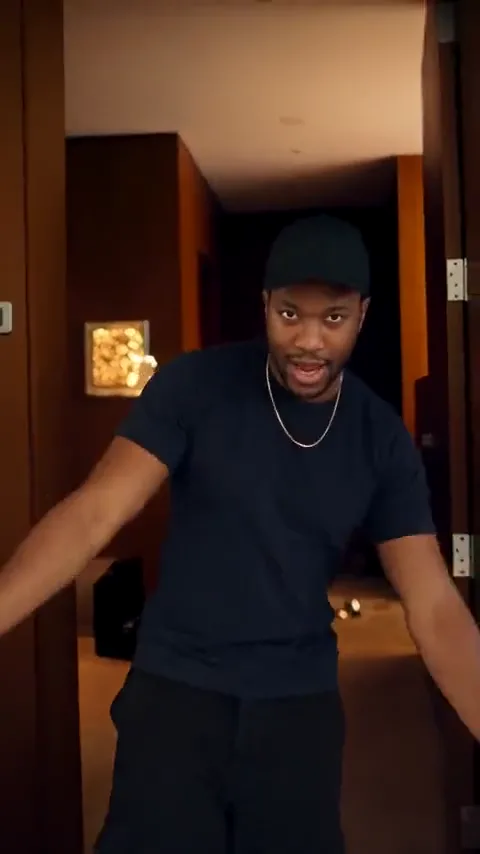
How to Make a Popstar AI Video
Plan a moving performance with a clear route through the scene.

Music Video Prompts
Explore original performance, narrative and visual-loop directions.
Hotel Lobby AI Video
Try a fashion-led entrance with room for a different kind of reveal.