
POPSTAR VIDEO GUIDE
How to Make a Popstar AI Video
One lead. A confident walk. A camera that knows where it is going.
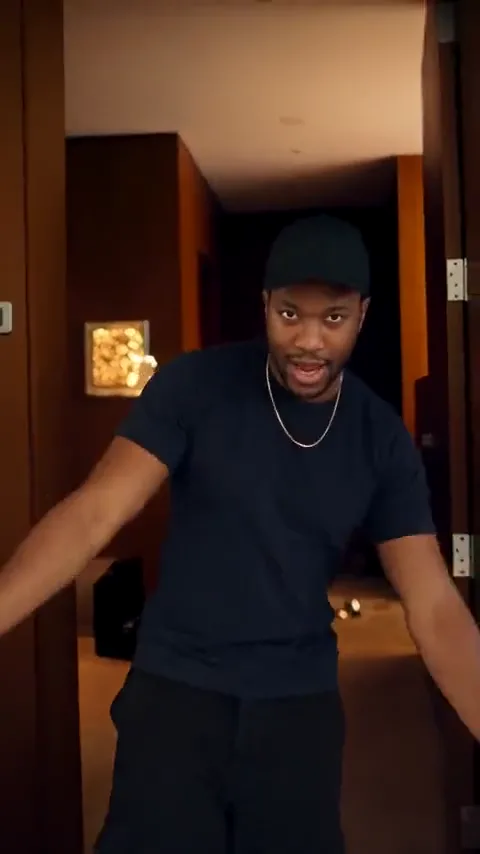
The Popstar AI video format turns a portrait into the lead of a mansion performance: a walk toward the lens, expressive arms and a camera moving through the space. Its appeal depends on continuity. The face, outfit, hand-held prop and surrounding room need to feel like one take. Use this guide to prepare a focused creative brief with one photo. Use the workspace to keep your portrait, camera direction and prompt together. Use the example as a motion reference when shaping your own scene.
Build the shot around three decisions
Choose the lead and look
Use one clear portrait. Name the hairstyle, top and accessories you want to retain, then choose a small number of scene details.
Draw a simple route
A hallway walk and a held finish are easier to direct than a tour through several rooms. Keep the camera direction consistent.
Give each hand a job
If one hand holds a prop, use the other for a modest gesture. Avoid switching the prop between hands during the take.
6 EDITABLE IDEAS
A prompt library to make your own
Motion reference · not an output from this prompt
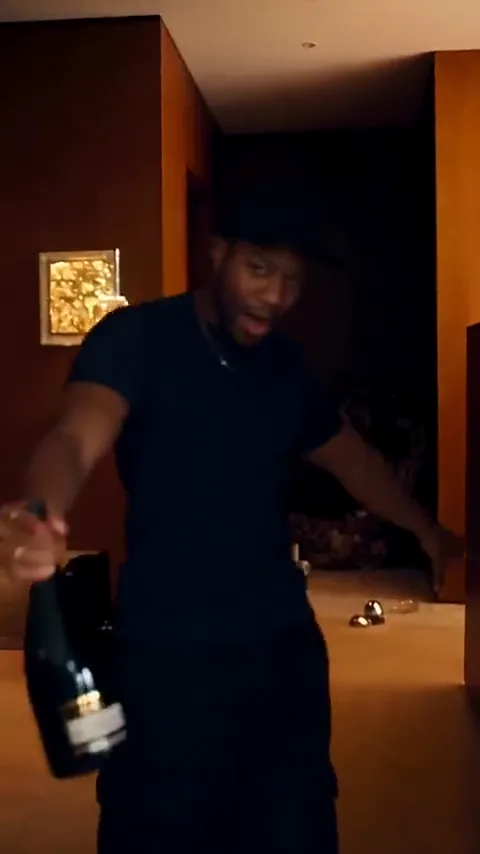
The mansion walk
Use the uploaded portrait as the identity reference for the lead in a vertical mansion performance shot. The lead walks slowly toward the lens along one warm wood-panelled hallway. Keep the face, hairstyle and chosen outfit consistent. The camera tracks backward at the same pace with a subtle handheld feel. Use relaxed arms, clear space around the body and a visible floor. Finish in the same hallway on a confident held pose. No cuts, extra rooms or text.
Keep the first attempt in one hallway. A clear camera path is more useful than a long list of luxury details.
Popstar workspaceTwo steps, then stop
Create a short vertical performance portrait using the person in the uploaded photo. In a softly lit modern hallway, the lead takes two easy steps toward the camera, stops and gives one small nod. Preserve the face, hairstyle, top and jewelry. Keep the hands relaxed, the background stable and the camera at chest height with a gentle backward drift. No singing, dialogue, sudden zooms or scene changes.
Choose this when a longer walk causes the face or body proportions to change.
Popstar workspace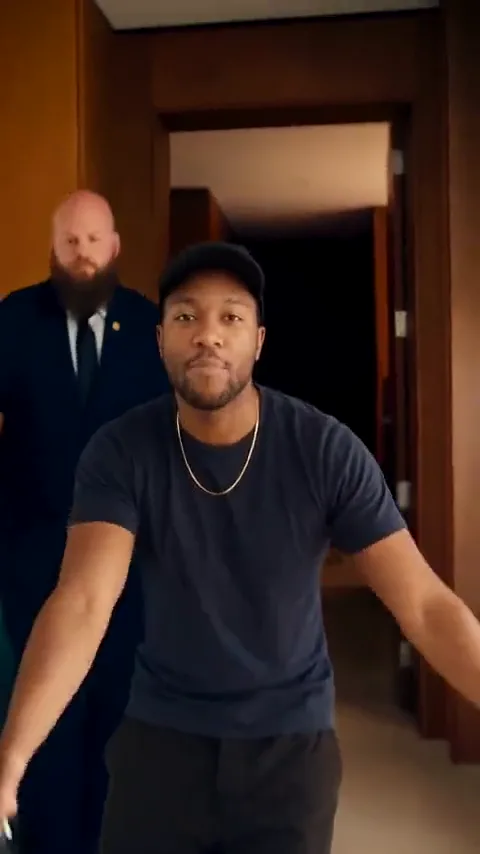
A prop that stays in one hand
Use the uploaded person as the lead in a vertical music-video-style hallway shot. The lead holds a simple unlabelled bottle upright in the right hand and makes one small open-palm gesture with the left. Keep the bottle shape, hand assignment, face, hairstyle and outfit consistent throughout. Track backward slowly as the lead takes one measured step. Keep the prop below shoulder height and finish with both hands settled. No drinking, hand swaps or text.
Use a simple silhouette and choose the hand explicitly. This version is about prop continuity, not the exact sample choreography.
Popstar workspaceDirection for a music-led take
Performance brief for a renderer with compatible audio and motion-reference inputs: use the uploaded portrait for the lead identity in a warm mansion hallway. Follow the selected reference for the walking pace, facial performance and compact arm gestures while preserving the lead outfit and the camera route. Keep any hand-held prop in the same hand. Align the facial performance to the supplied audio rather than inventing words. Complete the final movement before the shot ends.
Exact mouth timing needs an audio-capable workflow. These notes do not activate song upload or lip sync in the current workspace.
Popstar workspace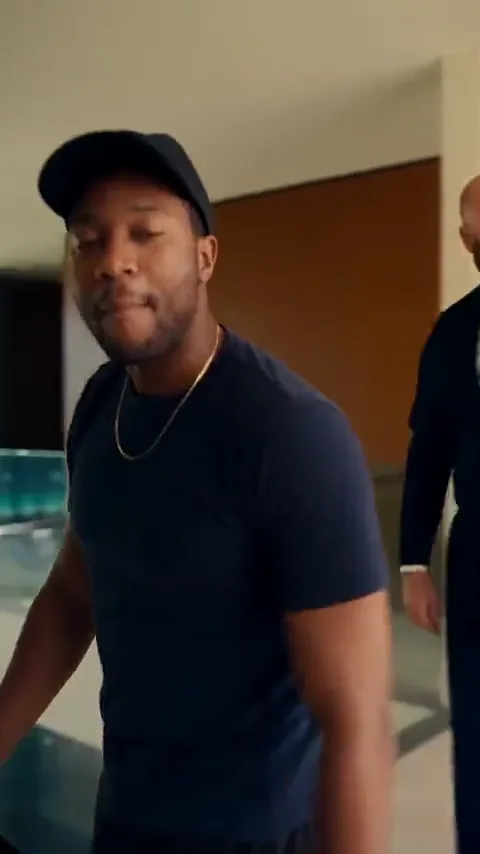
The window-side finish
Create a vertical final shot using the person in the uploaded portrait. The lead stops beside a large window in a warm contemporary interior, turns slightly toward the light and holds a relaxed confident expression. Preserve the face, hairstyle, top and accessories. Keep the window geometry and background still. Use a slow subtle push-in, natural skin tones and hands resting below the chest. No talking, fast gestures, new rooms or text.
A separate ending shot can suggest a change of location without forcing a complex continuous walk through the building.
Popstar workspaceAn understated star moment
Animate the uploaded portrait as a restrained vertical music-video insert. The lead stands in a softly lit stylish interior, makes a small shoulder turn and looks into the lens with a relaxed smile. Preserve the face, hair and clothing. Use a locked medium shot, a simple background and natural hands at the sides. Keep the lips relaxed and closed. End on a steady expression with no dialogue, added text or other characters.
Use this for a personal variation without props, supporting performers or a lip-sync requirement.
Popstar workspace1. Choose your Popstar photo and keep the look specific
Start with one sharp photo of the intended lead. A visible face and a clear hairstyle are the priority. A chest-up photo can also show the top and accessories you want to preserve. Avoid an image where a phone, hair or a deep shadow covers most of the face.
Decide which details define the look before opening the workspace. For example, keep the light shirt and short necklace, then describe the rest of the outfit simply. Asking for every detail from several different pictures at once makes the brief harder to interpret.
2. Choose a camera route that can stay continuous
The core setup is a lead walking toward a backward-moving camera. Begin with a single hallway and keep the camera near chest height. This gives the face room in the frame and makes it easier to notice changes in stride, wall geometry or body proportions.
If your idea ends by a window or balcony, decide whether that needs to be the same take. A separate finishing shot is often a clearer creative direction than a prompt that asks for several room transitions, a turn, a prop gesture and a close-up all at once.
3. Plan the hands, prop and supporting figures
The reference performance includes a bottle and a supporting figure. They are scene details, not requirements for every personal version. Removing them gives you a simpler starting point if your priority is a recognizable face and a natural walk.
If you keep a prop, name its hand and shape. Ask for a compact gesture with the free hand and keep both hands clear of the face. Place any supporting figure behind the lead at a stable distance. A second foreground person can obscure the subject and compete with the main performance.
4. Build a Popstar AI video prompt around one action
Choose a prompt from the library and send it to the Popstar workspace. Upload the lead portrait, then edit the camera route, outfit details and final pose. Use the short-walk prompt if you want a simpler visual variation, or keep the audio-led notes as a production brief for a compatible production workflow.
Applying a prompt keeps the uploaded photo in place. Review the combined brief after each change so the identity, camera movement and performance remain one consistent plan.
5. Keep the song plan separate from the visual prompt
A confident walk can work under many soundtracks. Matching a specific vocal performance is a separate task. If the goal is lip sync, use a workflow that accepts the intended audio and explicitly supports facial synchronization. Do not expect the song name in a text prompt to supply the music or align the mouth.
The reference video plays with its original audio when clicked; hover remains muted. Use it to study the relationship between movement and sound. For a new visual interpretation, keep the mouth relaxed and cut your selected soundtrack against the finished actions in an editor.
6. Troubleshoot the walk before adding more spectacle
If the lead seems to slide instead of walk, shorten the route and keep the floor visible. If the room bends, reduce the camera travel and keep the shot in one space. If the face changes during a wide arm movement, make that movement smaller and keep the hand away from the cheeks.
If the prop switches hands, explicitly assign the holding hand and remove any instruction to point across the body. If a supporting figure merges with the lead, increase their separation or remove the figure. Stabilize the simple version first, then add only the detail that improves the scene.
7. Finish on a complete action and a clean frame
When a rendered version is available, inspect the start, middle and end for consistent identity, outfit, prop and room layout. Check the feet when visible and look for abrupt changes in the distance between the lead and the camera. Review any lip sync separately with the intended soundtrack.
End after the last step or gesture has settled. Leave space for a caption without covering the eyes or the prop, and avoid cutting the audio in the middle of a phrase. A short coherent performance is easier to reuse than a longer take with an unfinished ending.
Questions before you create
How many photos does a Popstar AI video need?
The dedicated workspace takes one lead portrait. Use a clear single-person photo and describe the wardrobe, interior and action in the prompt.
Do I need a photo inside a mansion?
No. The portrait provides the lead identity; the mansion or hallway is part of the scene direction. Choose a sharp face over a matching background.
Can I make the Popstar template without a bottle?
Yes. Use the mansion walk, short-walk or understated star prompt. A prop is optional, and removing it simplifies the hands and continuity.
Can I keep my own clothes in the video brief?
Yes. Name the visible top and any important accessories you want retained. Actual preservation must be checked in the rendered result once generation is available.
Will a Popstar video prompt generate the original song?
No. Text instructions do not supply a song or guarantee lip sync. An audio-driven performance requires compatible audio inputs and a renderer or editing workflow that supports them.
What should I prepare for a Popstar video?
Prepare a clear portrait, choose a performance direction and edit the scene brief. Specify the camera movement and props, and keep the intended soundtrack with your project.
What should I simplify when the movement looks unnatural?
Start with two steps, a gentle backward camera move and a held finish. Remove the prop and supporting figures until the face and walk remain consistent.
Keep exploring
Popstar AI Video
Prepare your lead portrait, camera route and performance direction.
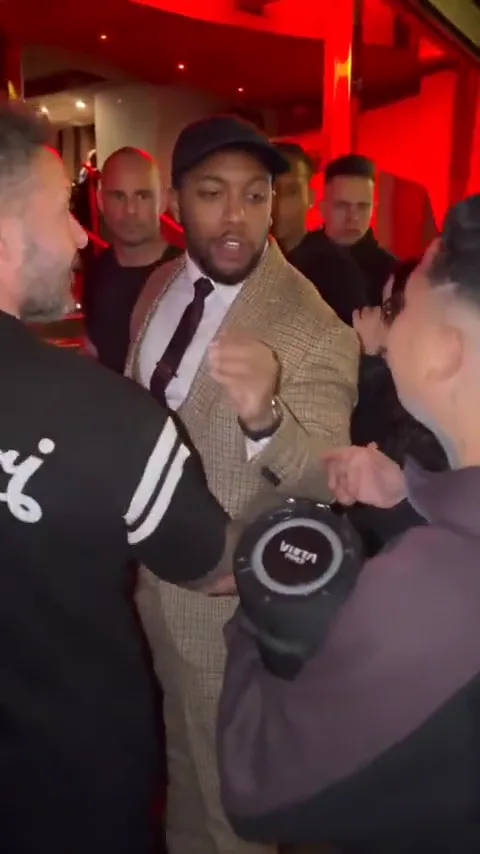
How to Make a Bulin 47 AI Video
Plan a more compact performance around an entrance and a gesture.
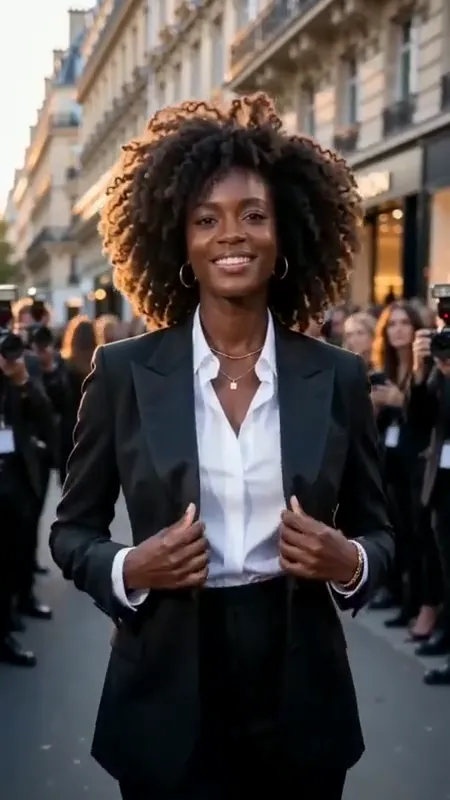
AI Fashion Video Generator
Focus on wardrobe, silhouette and controlled model movement.

Music Video Prompts
Build a broader shot list with performance and atmospheric inserts.