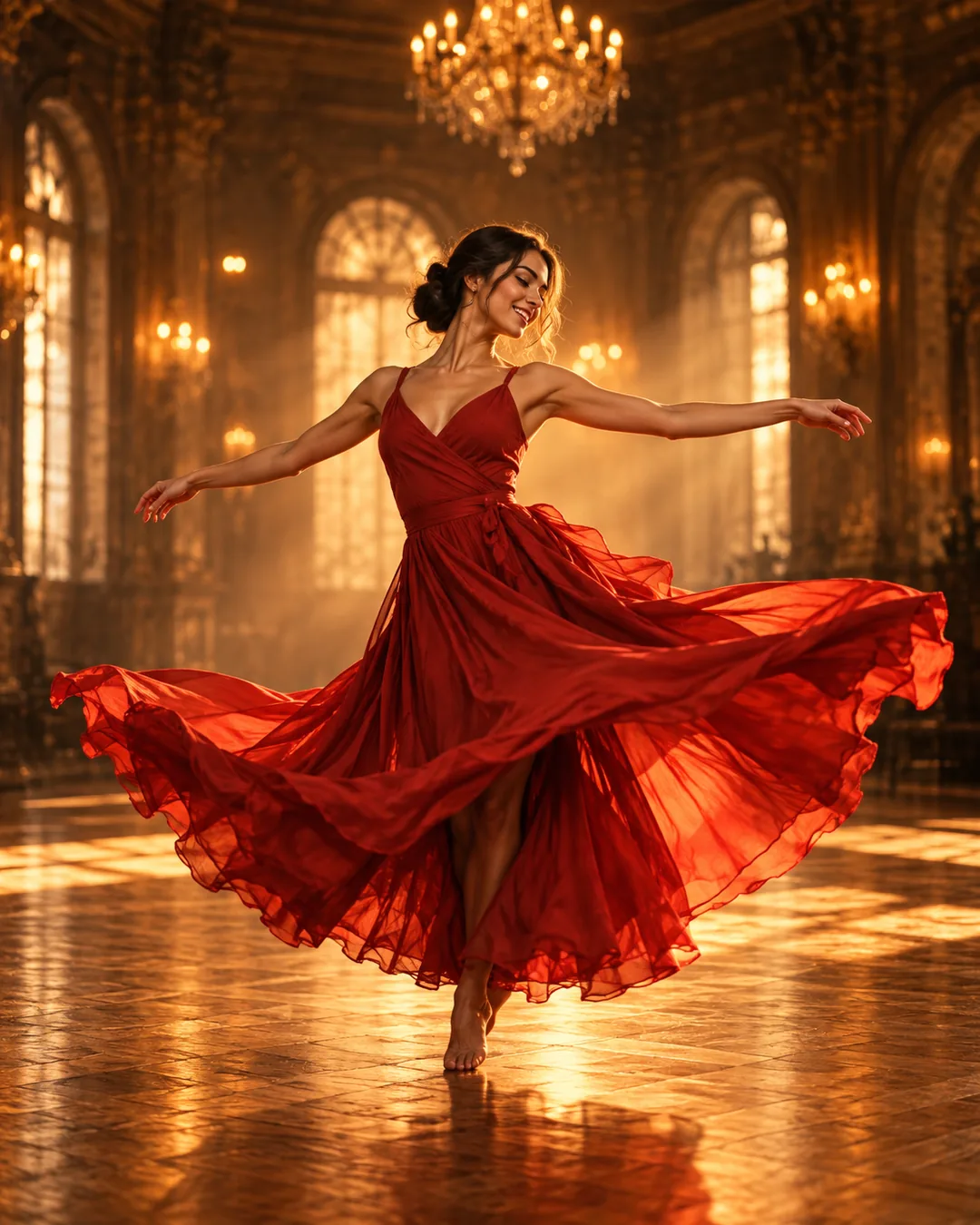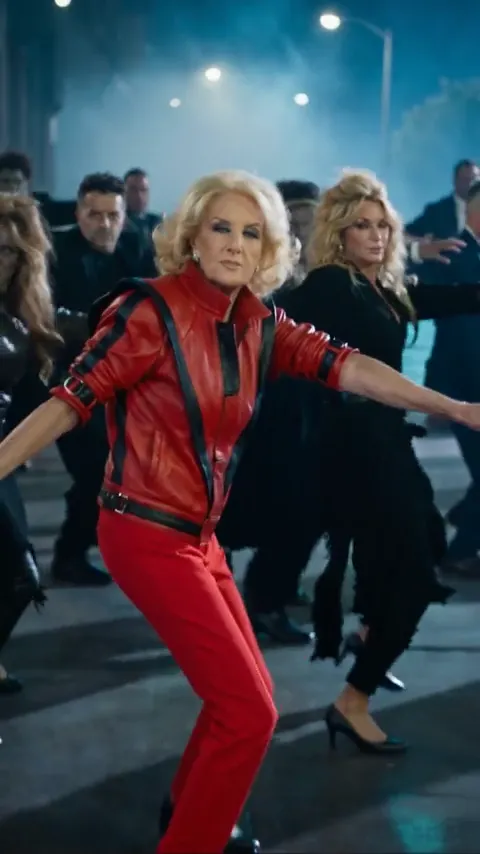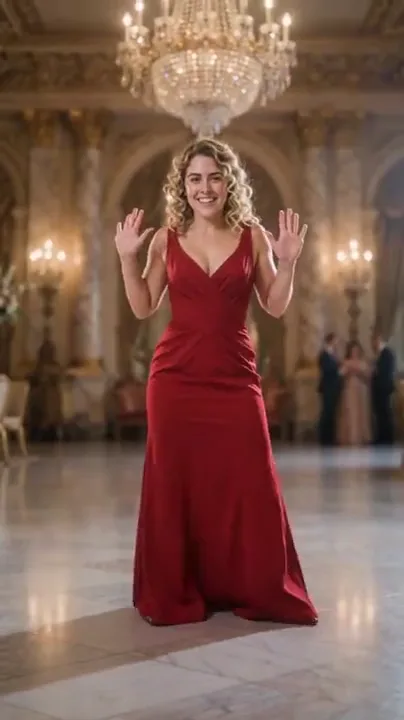
A red dress in a golden ballroom
A woman dancing in a gold-toned ballroom offers a reference for expressive movement and a theatrical setting.
Find the movement that fits the moment. Give a full-body reference a dance direction, a readable rhythm and room to move.
Watch a reference, then adapt the prompt to your own subject and scene.
A woman dancing in a gold-toned ballroom offers a reference for expressive movement and a theatrical setting.
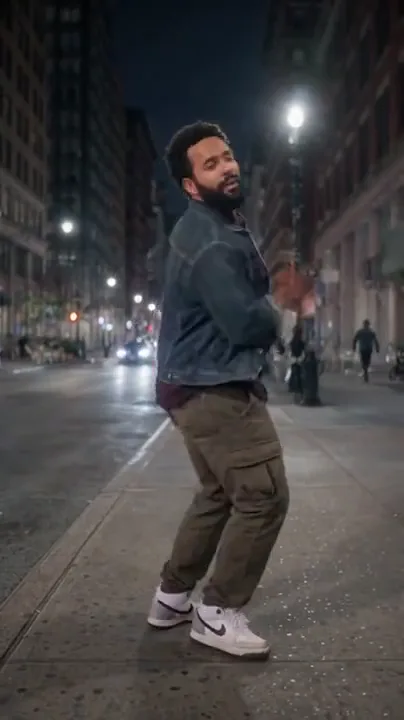
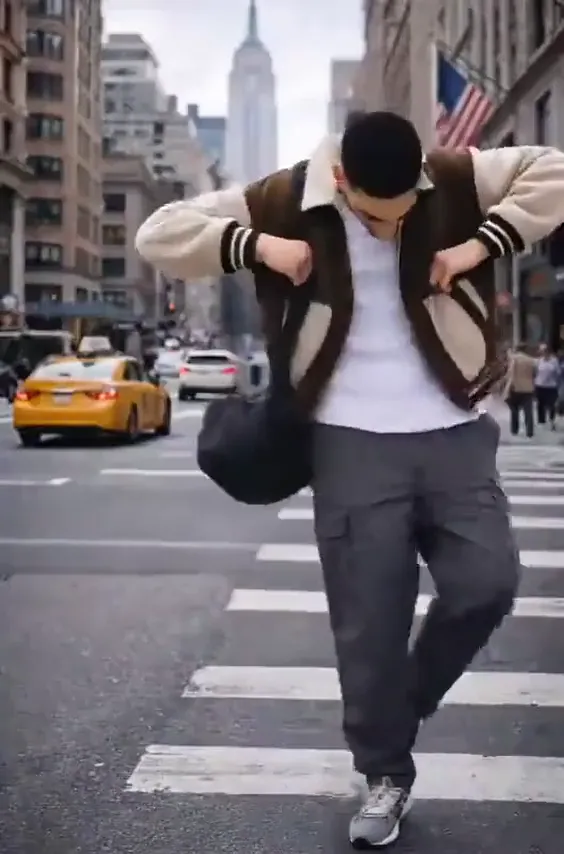
A man dancing on a night-time street pairs a clear performance with an atmospheric urban backdrop.
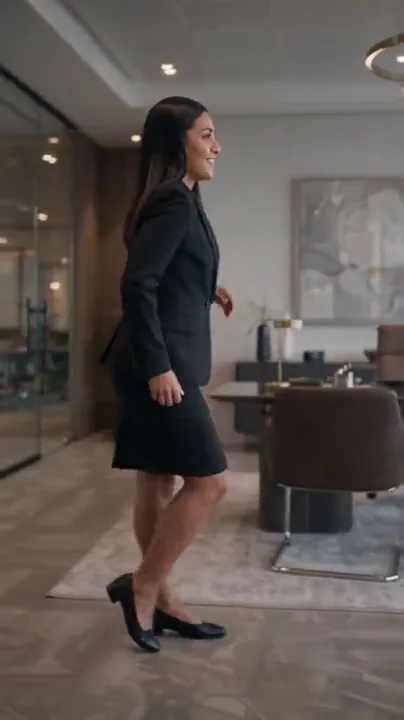
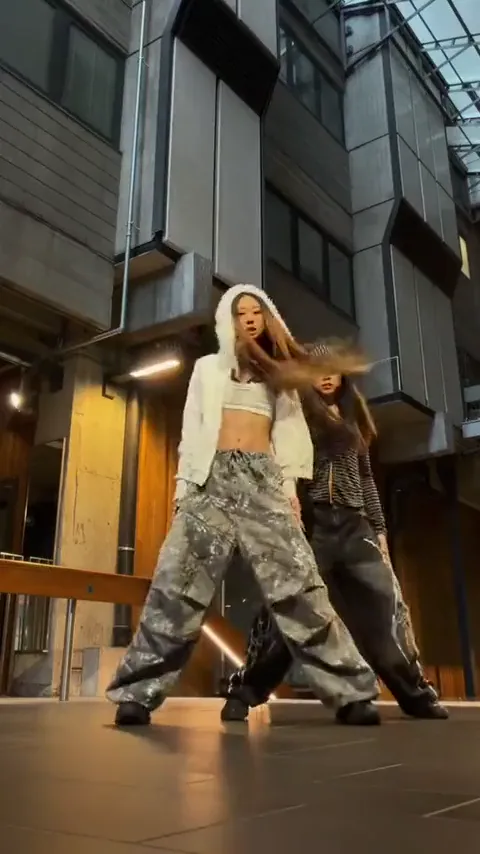
A woman in a black outfit gives a focused reference for readable gestures and simple indoor framing.
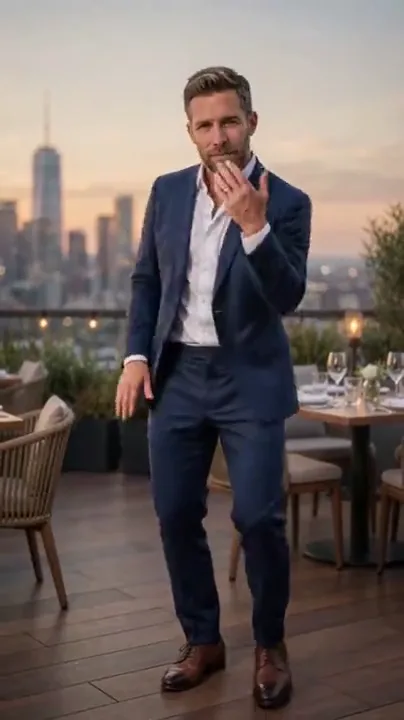
A man in a blue suit brings a playful performance direction to an open city terrace.
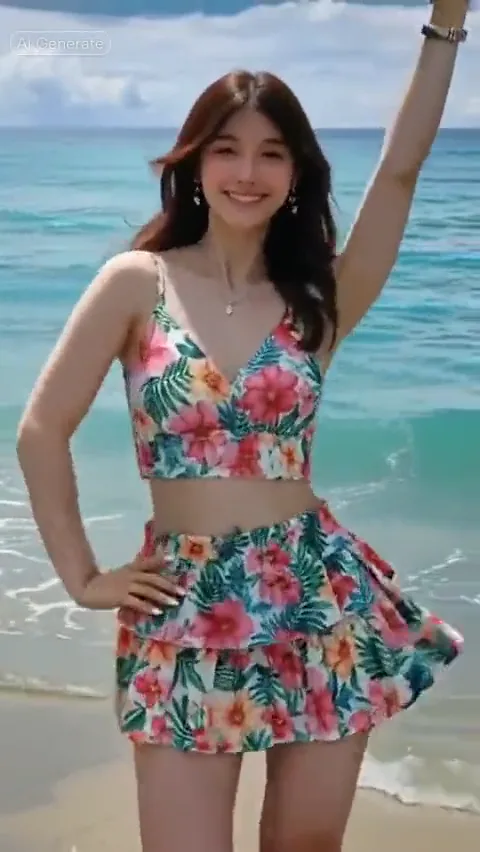
Example footage, not a generated result. Prompts are original starting points and will not reproduce a clip exactly.
Frame the dancer, keep the phrase short, then take a named trend further.
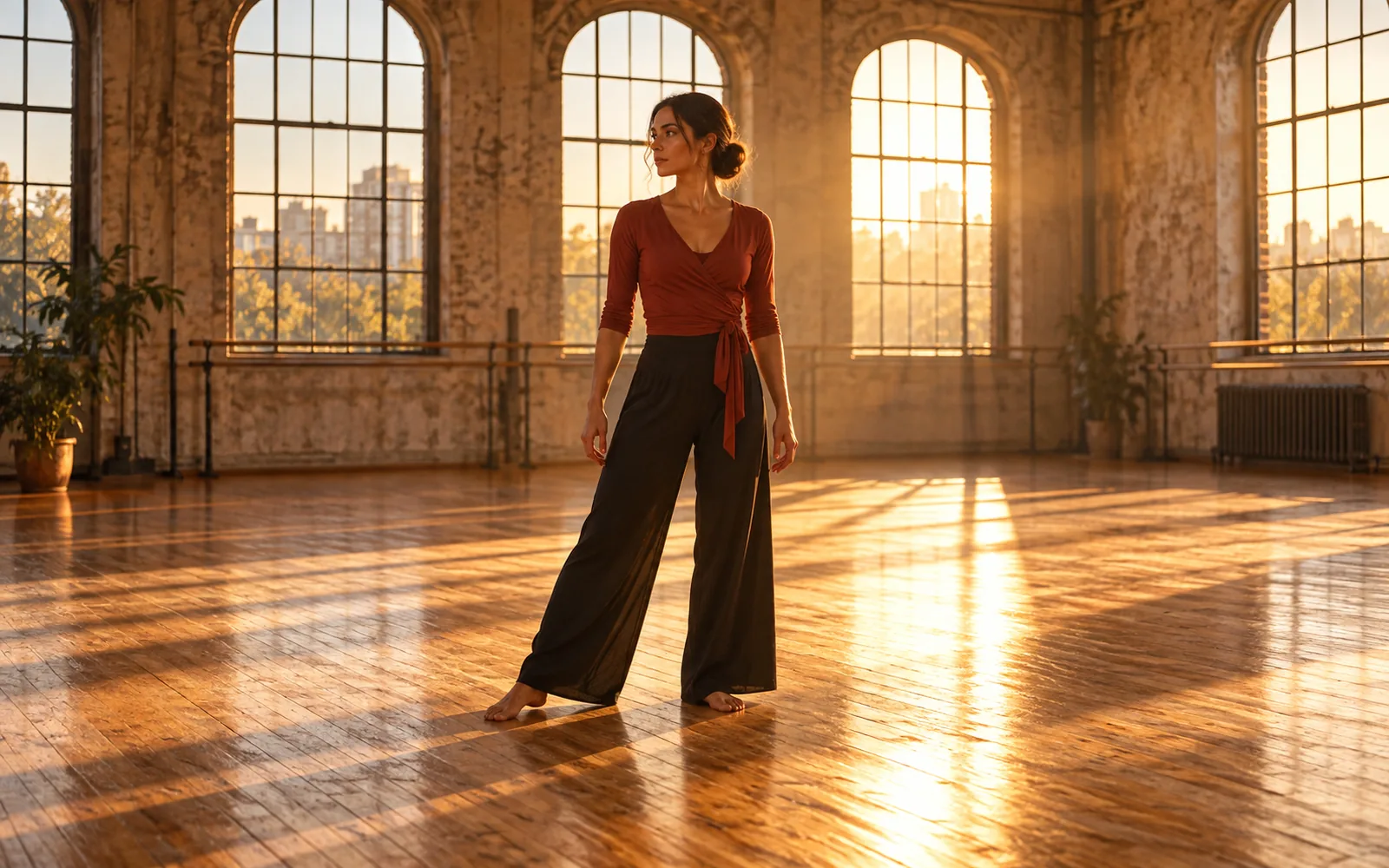
A full-body image makes the starting pose and floor contact clear. Leave space around the arms and feet so a simple step can stay inside the frame. A tight portrait is better suited to a small expression change than an ambitious dance routine.
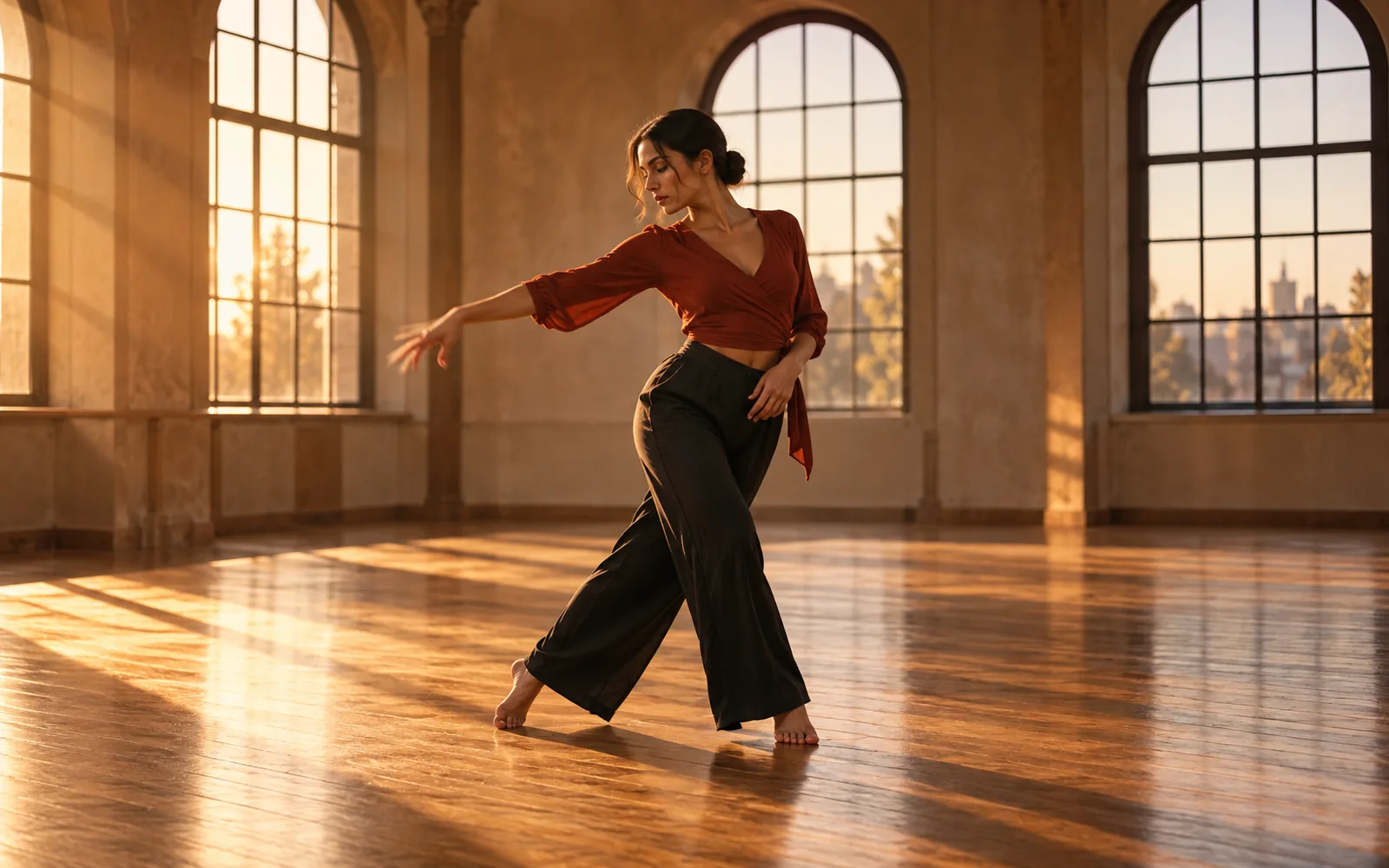
A side step, an arm accent and a stable finish create a readable dance prompt. Start with a few movements, then adjust the energy. These directions are a creative brief; they do not transfer exact choreography or guarantee synchronization to a song.
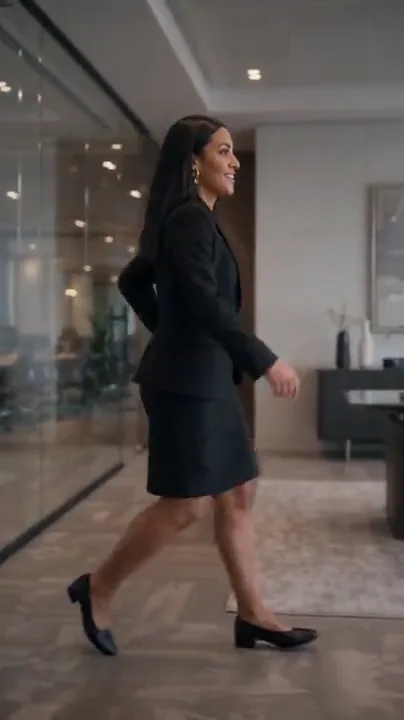
Use this workspace for an original photo dance concept. If you want a recognizable reference such as a pop performance or a named dance meme, explore its dedicated trend page for the source idea, example timing and a more focused prompt.
Choose a full-body photo with visible hands and feet, or describe a dancer and a simple open setting.
Pick the dance direction, energy and framing. Check that the movement fits the pose and the available space.
Copy or export your dance prompt, or bring it into the video workspace to refine the subject, motion and framing.
Borrow the structure, change the subject and keep the details that matter.
Animate the adult in the full-body reference with a small side-to-side groove and a gentle shoulder accent. Preserve the face, outfit and background. Keep the feet in contact with the floor, show both hands clearly and finish in a balanced stance. Use a fixed full-body camera.
The adult dancer takes one small step sideways, adds a single clear arm gesture and pauses in a confident pose. Keep the whole body visible with room around the hands and feet. Preserve the original clothing and proportions. Use a steady camera and a short, readable movement phrase.
Animate the adult subject in a simple disco-inspired step with one upward arm accent and a relaxed return to the starting stance. Keep the face recognizable and the outfit unchanged. Avoid extreme joint angles, fast spins and camera cuts. Hold the final full-body composition.
The adult in the reference shifts their weight gently and extends one arm in a slow expressive gesture. Preserve the original body proportions, face and clothing. Keep the floor visible, both feet grounded and the background stable. End with the arm relaxed and the body balanced.
This workspace prepares it from a clear full-body photo: a ready-to-use dance brief with the movement, pose, clothing and details to preserve, which you export and use with any image-to-video model.
It helps describe a short dance phrase and its energy, but it is not a choreography engine. It does not calculate joint motion, create a full routine or guarantee that a model will follow every movement exactly.
No. This workspace does not provide motion transfer or a reference-video upload. The controls create text directions from your choices and a subject description.
The current workspace does not analyze music or synchronize movement to a beat. You can include rhythm notes in your brief, then align a generated clip with licensed music in an editing workflow.
Use a sharp, full-body image with unobstructed hands and feet, natural proportions and clear floor contact. Leave room on each side of the subject. Avoid asking a tightly cropped image to support large dance movements.
This page is for a general dance direction you shape yourself. Trend pages focus on a named reference and its recognizable visual idea, such as a pop performance or a particular meme format.
Describe the dancer in your photo, one short movement phrase, the framing and what must stay the same. For example: the girl in the photo sways twice, raises one arm and settles into a smile, with her full body in frame and her face and outfit unchanged. One clear phrase works better than a list of dance styles.
Give a full-body reference a dance direction, a readable rhythm and room to move.