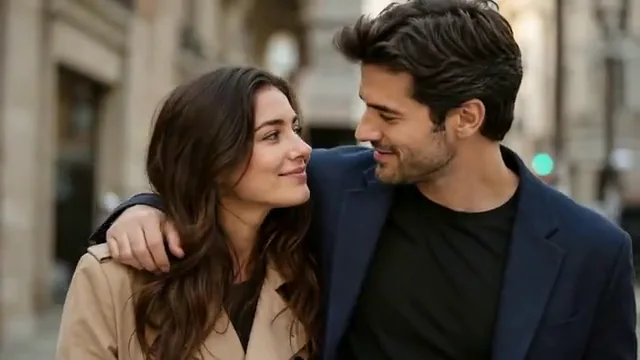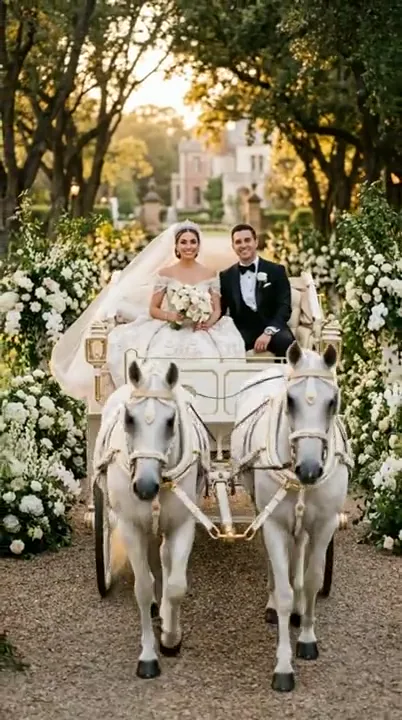
A wedding carriage moment
A carriage wedding scene pairs a recognizable couple with a romantic setting. This visual reference has no original audio.
People and moments
Give a favorite moment a little more time. Start with a couple photo and direct the gesture, atmosphere and camera around it.
Choose your starting point, set the scene and continue in the video workspace.
JPG, PNG or WebP · up to 10 MB · stays in your browser
Use one clear photo with both adults visible. A shared image guides their positions and relationship; this workspace does not combine two separate portraits.Shape your direction, refine the prompt and keep a copy of your creative brief.
Video examples
Watch a reference, then adapt the prompt to your own subject and scene.
A carriage wedding scene pairs a recognizable couple with a romantic setting. This visual reference has no original audio.
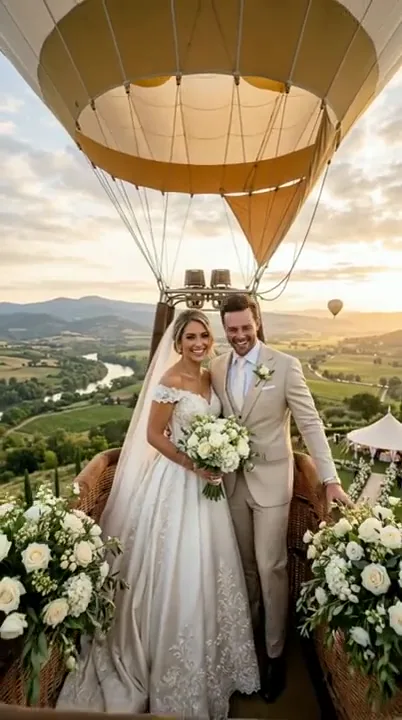
A hot-air-balloon setting gives the wedding portrait an adventurous direction. This visual reference has no original audio.
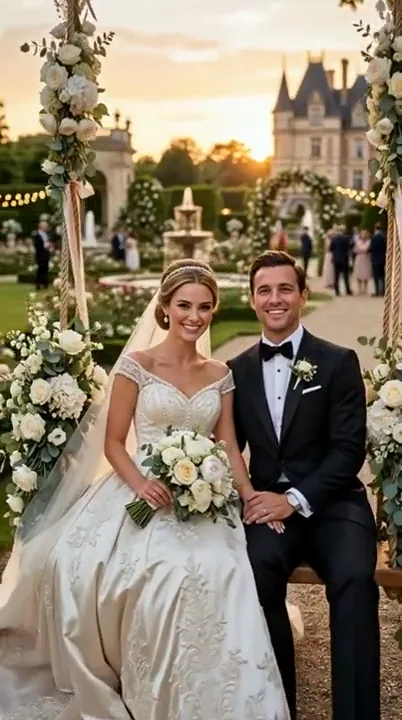
A castle garden offers a wider composition with the couple and location sharing the frame. This visual reference has no original audio.
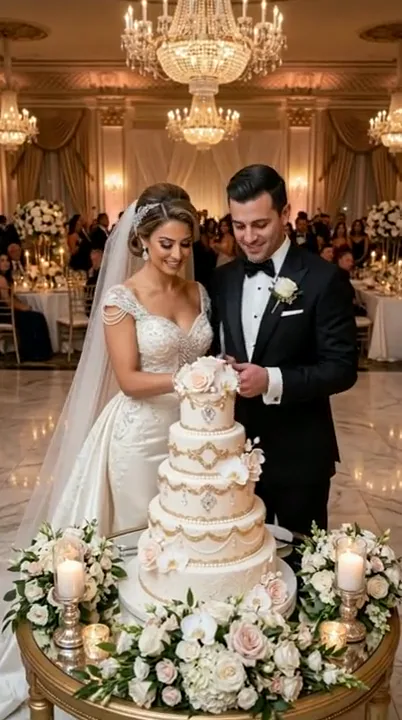
A wedding cake moment turns the brief toward a shared action in a reception setting. This visual reference has no original audio.
Example footage, not a generated result. Prompts are original starting points and will not reproduce a clip exactly.
01 / AI Wedding Video
Choose a sharp couple photo with both faces visible and natural spacing between them. A small gesture is easier to plan when it follows the source pose. This workspace uses one reference image; it does not merge separate portraits into a new couple.
02 / AI Wedding Video
A shared glance, a small smile or a subtle first-dance sway can be enough. Name the features and clothing you want to keep, then limit the action to one change. Large turns and complex hand movements ask the selected model to invent more unseen detail.
03 / AI Wedding Video
Use the same wedding photo animation brief as a starting point for a portrait clip, a save-the-date concept or a story sequence. Add names, dates, music and final timing in your editing workflow. The current page prepares the direction without rendering a finished wedding video.
Prompt ideas
Borrow the structure, change the subject and keep the details that matter.
Animate the adult couple in the uploaded wedding photo with a gentle glance toward each other and a small natural smile. Preserve facial features, outfits, jewelry and hand placement. Keep the original setting and a steady camera. Hold the final expression without adding a kiss or a large body movement.
Use the adult couple in the reference portrait as the subject of a calm golden-hour wedding scene. Keep both faces visible, clothing recognizable and body proportions consistent. Add a faint movement to visible fabric and a slow camera push-in. Treat the warm light as a scene concept and avoid dramatic background changes.
Animate the adult couple with a small side-to-side sway that follows their existing pose. Preserve hand placement and the distance between them. Keep the feet grounded, avoid a full turn, and use warm, soft reception lighting. End in the starting composition for a calm held finish.
Create a restrained wedding portrait motion concept from the uploaded adult couple photo. Keep the people centered with clear empty space near the top for text added later. Preserve their faces and outfits, add subtle fabric movement and use a fixed camera. Do not generate names, dates or lettering inside the video.
How it works
Use a clear image of both adults together. Check that faces and hands are visible and the planned motion fits the pose.
Choose the setting, a gentle gesture and the camera movement. Review the details to preserve before copying the prompt.
Export the editable direction or carry it into the video workspace. Add music, names and dates in a later editing step.
Questions, answered
This page helps you prepare a wedding photo animation prompt from one couple photo. Save your creative brief with the image, movement and details you want to preserve.
This workspace is designed around one image showing both adults together. It does not merge two portraits or place separate people into a shared scene.
You can specify the facial features, clothing, jewelry and poses to preserve, but an AI generation cannot be guaranteed to match every detail. Start with a clear source photo and restrained movement, then review the result carefully.
Choose a sharp, well-lit image with both faces unobstructed, natural proportions and enough space around the couple. A photo already close to your desired final scene requires fewer invented details.
The wedding examples on this page are visual references without original audio tracks. You can plan a portrait clip with space for text, then add licensed music, names, dates and final layout in an editor. Keep the visual brief, soundtrack and invitation details together in your project.
Yes. The same restrained gestures and preservation notes can guide an anniversary or couple portrait. Keep the setting and motion appropriate to the actual image, and use photos you have permission to work with.
Explore related tools