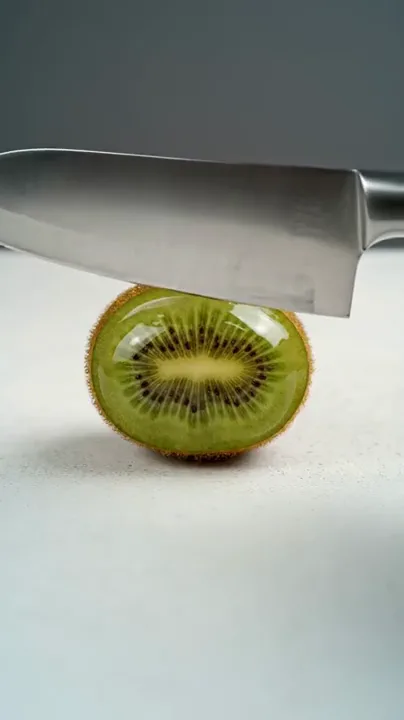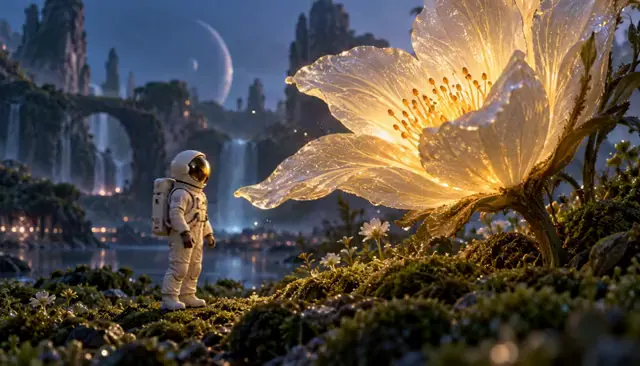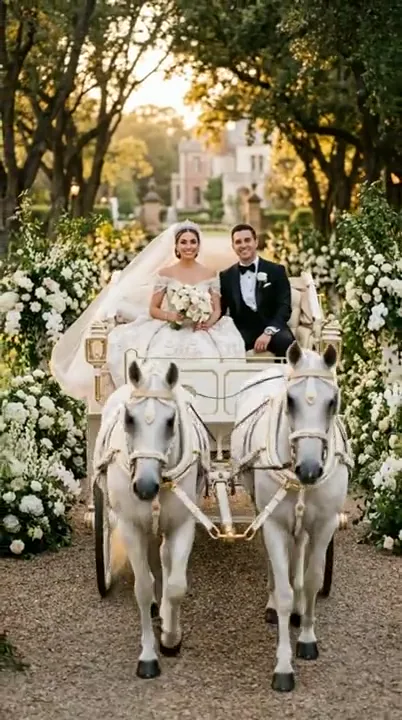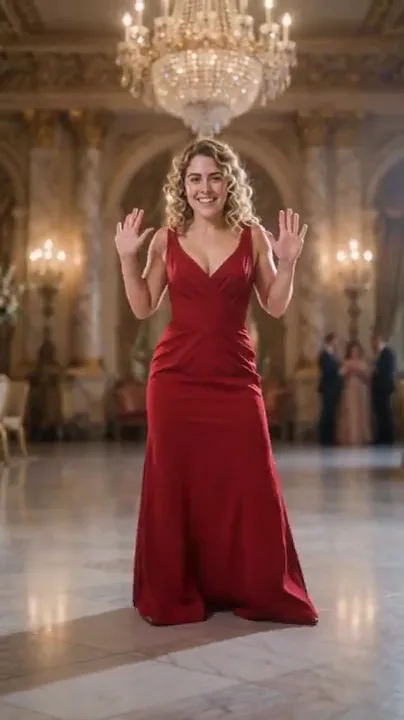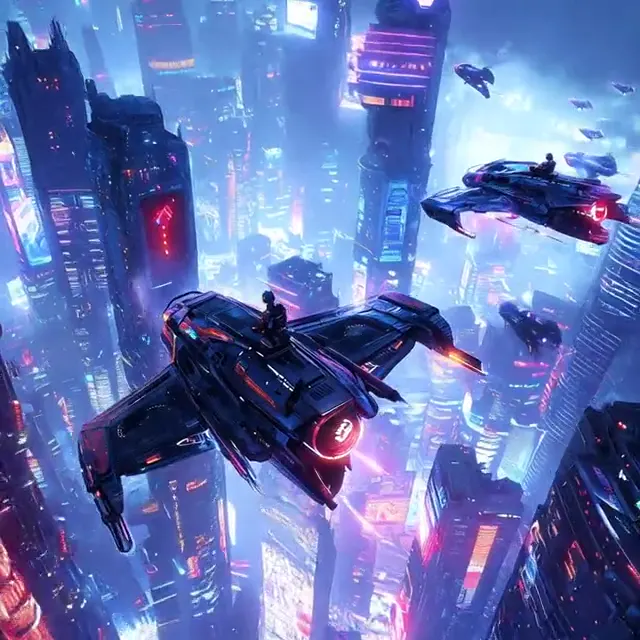
A cinematic scene from words
Name the subject and action first, then add the camera and atmosphere around them.
Prompt and planning
Give every shot a clear direction. Build a video prompt around the subject, the action and the details you want to keep.
Choose a direction, add your details and build an editable prompt.
This tool combines your choices locally. It does not analyze photos or call an AI model.
Edit any detail before copying, downloading or continuing.
Continue with your prompt and reference photo in the video workspace in this tab.
Draft kept during navigation in this tab for 30 minutes. Refreshing clears the draft.
Video examples
Watch a reference, then adapt the prompt to your own subject and scene.
Name the subject and action first, then add the camera and atmosphere around them.
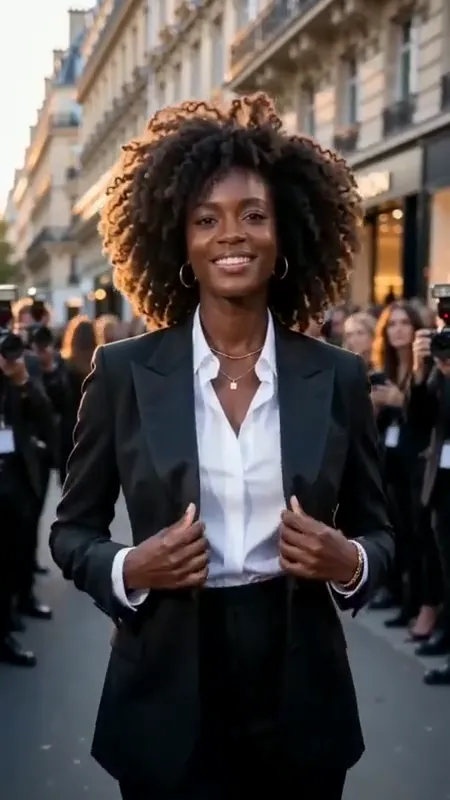
For image-to-video, focus the prompt on what should move and what should remain unchanged.
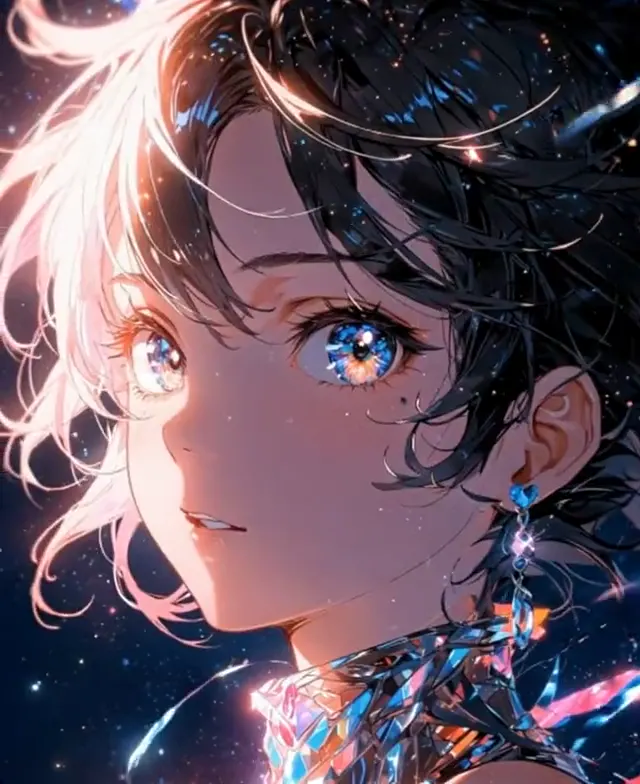
A short, specific action can add life without asking the scene to become something else.
Example footage, not a generated result. Prompts are original starting points and will not reproduce a clip exactly.
01 / Video Prompt Builder
Start with who or what is on screen, then say what changes. Add a camera move, lighting and visual style only when they help the shot. The builder assembles these choices into editable text so you can remove contradictions before taking the prompt elsewhere.
02 / Video Prompt Builder
Text-to-video needs a description of the subject and setting. Image-to-video already has a starting composition, so spend more of the prompt on movement and the details to preserve. A reference image is not analyzed here; describe any important details yourself.
03 / Video Prompt Builder
Review the assembled prompt, replace vague phrases and keep one main action. Copy or export the finished text, or send it into the video workspace with your reference. This is a working local prompt builder, independent of any model account or generation connection.
Prompt ideas
Borrow the structure, change the subject and keep the details that matter.
A small paper boat floats through a shallow puddle after the rain. Track gently alongside it at water level. Use soft overcast daylight and natural reflections. Keep the boat shape consistent, show one continuous movement and end as it reaches a still patch of water.
Animate the subject in the reference image with one small, natural movement. Preserve the face or object shape, original colors, background and light direction. Use a locked camera. Keep the action within the existing composition and finish on a stable pose.
Show the product from the reference image in a restrained close-up. Use a very slow camera push-in while keeping the product still. Preserve its shape, material, color, visible markings and proportions. Retain controlled studio lighting and finish before any important detail leaves the frame.
Animate the illustrated scene with one subtle subject movement and a small atmospheric detail. Preserve the original linework, color palette and character proportions. Keep the camera fixed and avoid changing the drawing into a realistic style. Hold the ending composition.
How it works
Name the subject and the main action. If you have a reference image, describe the details that matter rather than assuming the builder can see them.
Select camera, lighting and style, then review the preservation notes. Keep choices consistent with the subject and source image.
Refine the assembled text, copy it, export it or carry it into the video workspace. The prompt is built locally without an AI call.
Questions, answered
The current tool is a local structured prompt builder. It combines your subject description with camera, lighting, style and preservation instructions. It does not call an AI model or automatically invent content.
A clear subject, one main action, a simple setting and a readable ending are a strong foundation. Add camera movement, lighting and style when they make the intent more specific. Remove instructions that conflict with each other.
The image already supplies the starting scene. Describe what should move, how the camera should behave and which details must stay consistent. Avoid unnecessarily replacing the subject, background and style at the same time.
No. The builder does not analyze images. A reference can accompany the brief into the video workspace, but you should write the relevant subject details and preservation instructions yourself.
The prompts use plain language so you can adapt them to different workflows. Model capabilities, supported duration, camera control, reference handling and audio support vary. Check the selected model’s actual options before using a direction that depends on them.
Not necessarily. Extra detail helps only when it clarifies the shot. A shorter prompt with one action, compatible camera instructions and specific preservation notes is often easier to review than a long list of unrelated requests.
Explore related tools