Choose your moment
Pick a ready-to-edit background or upload a clear frame from your game. Start with one recognizable subject.
YOUR NEXT UPLOAD STARTS HERE
Turn a screenshot into a story worth clicking. Choose a template, make the title your own, and export a sharp 1280 × 720 thumbnail.
A big canvas. Your screenshot. A few words that tell the story.
Drag a text or shape layer to position it. The selection outline is never exported.
Describe a scene, choose the style and composition, and keep a reference with your thumbnail concept.
Stays in this tab. It is not uploaded or sent to an AI service.
Draft kept while you switch between tabs. Reloading clears it.
Template editor
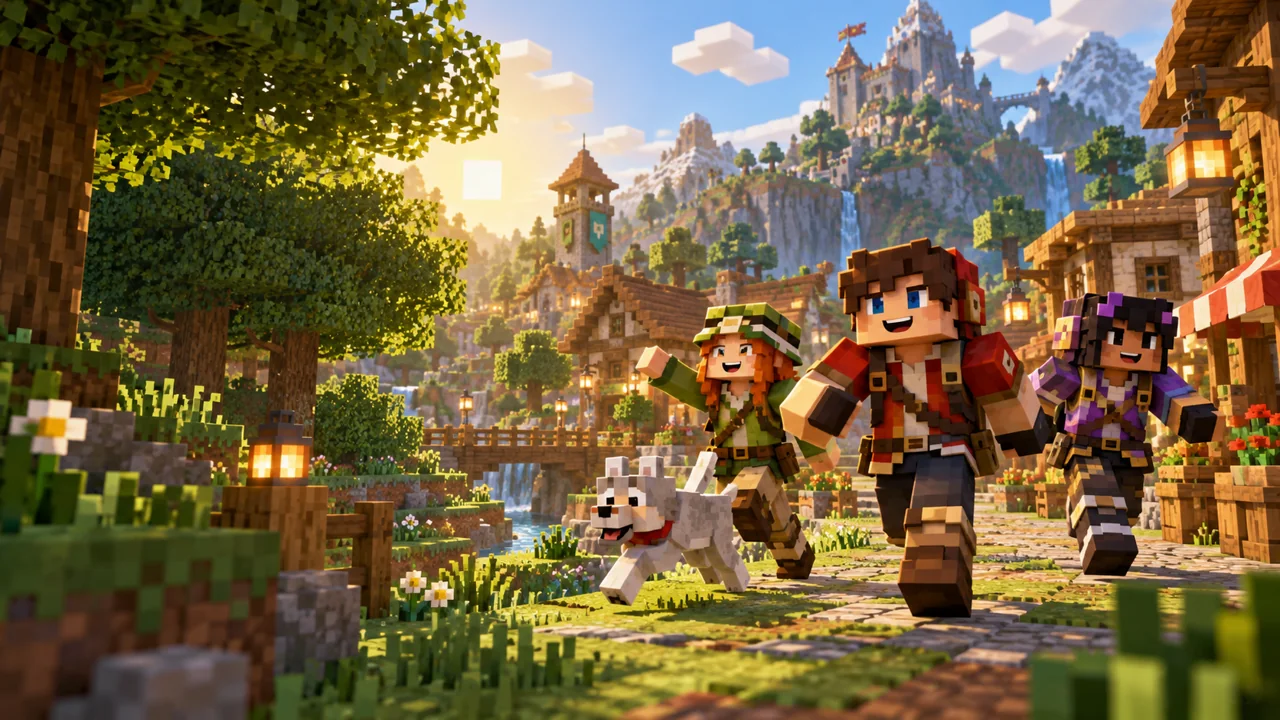
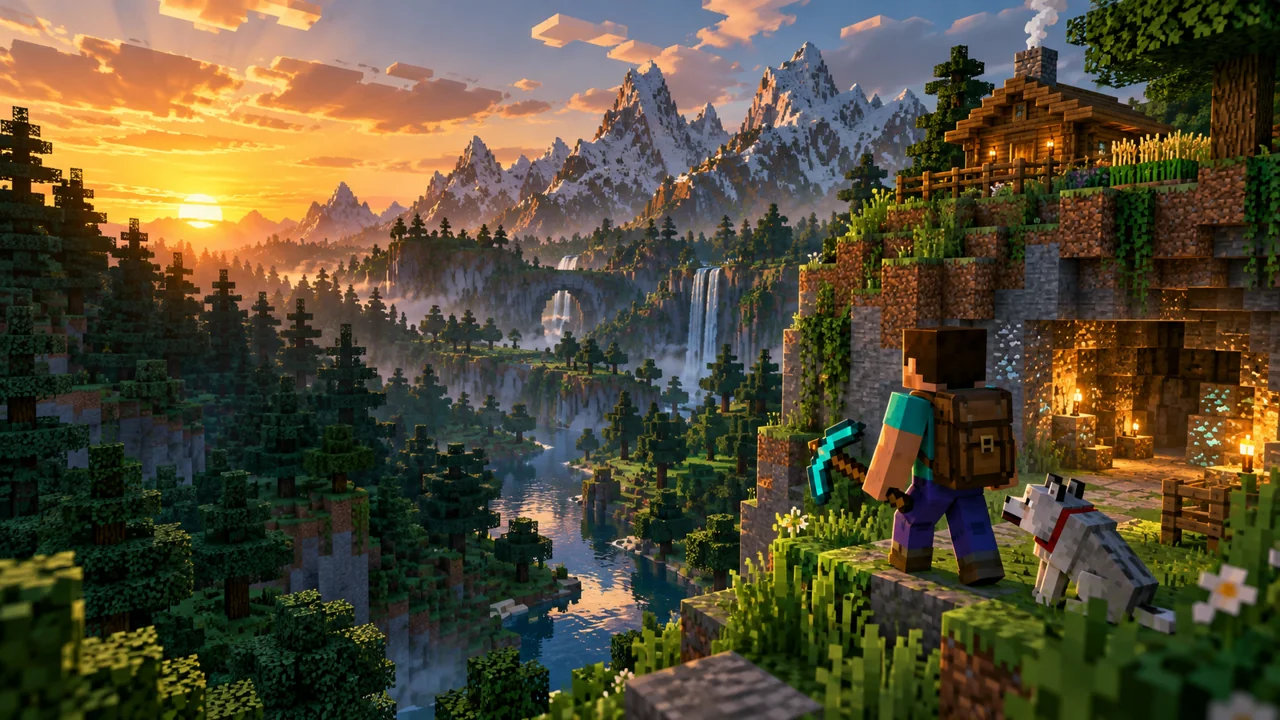
Start with an original block-world background or replace it with your own gameplay screenshot. Every headline remains editable.
Pick a ready-to-edit background or upload a clear frame from your game. Start with one recognizable subject.
Add a short title, adjust the outline and move layers around. Use a shape to point toward the moment that matters.
Download a real 1280 × 720 JPG or PNG. Check how it reads at a small size before using it with your video.
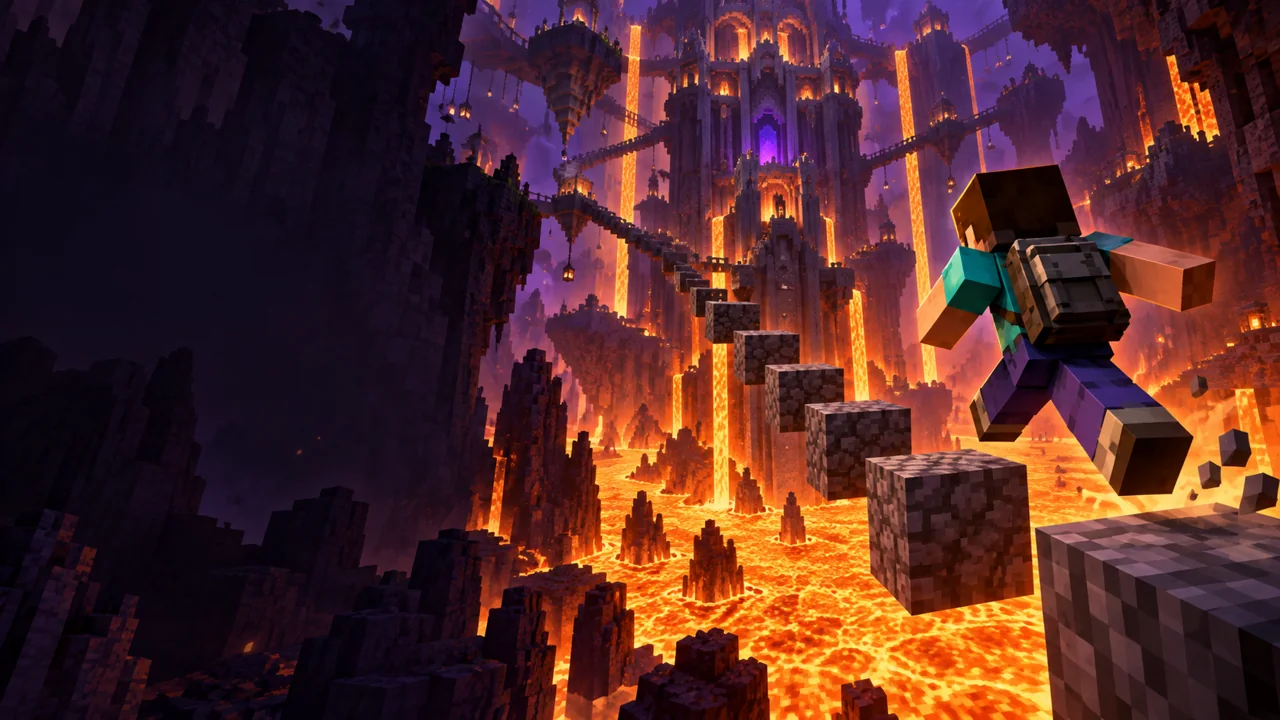
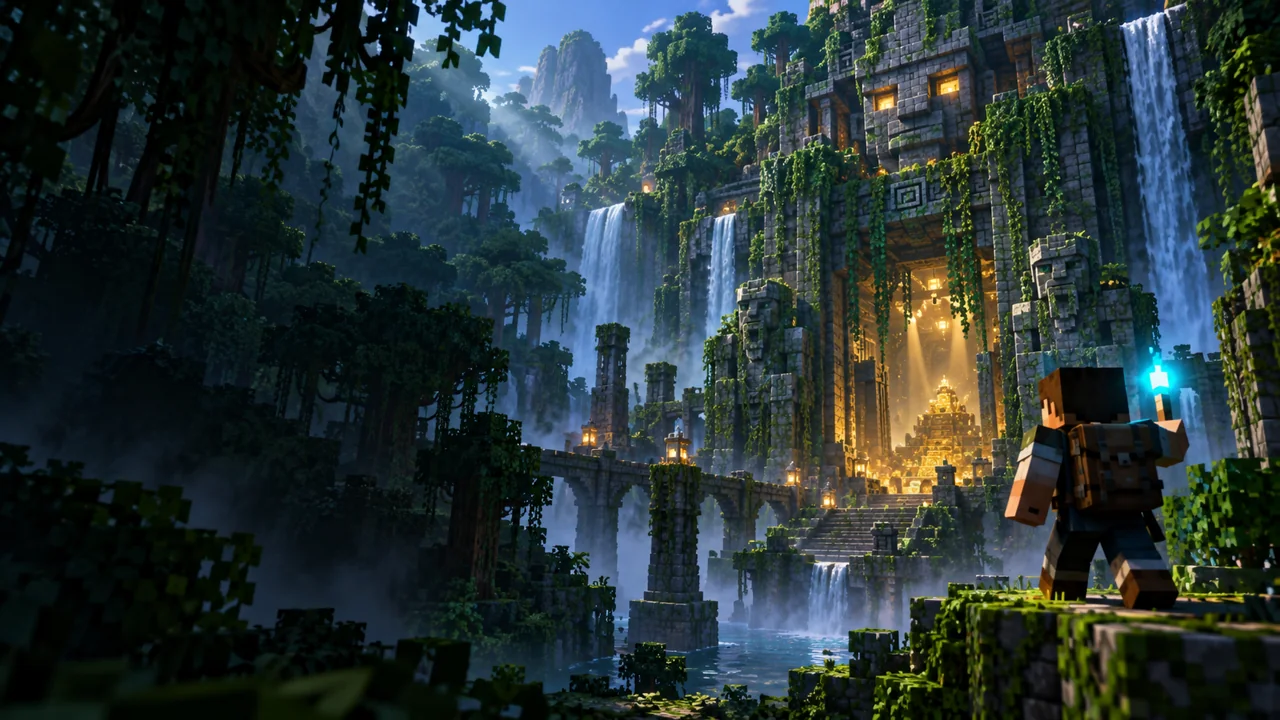
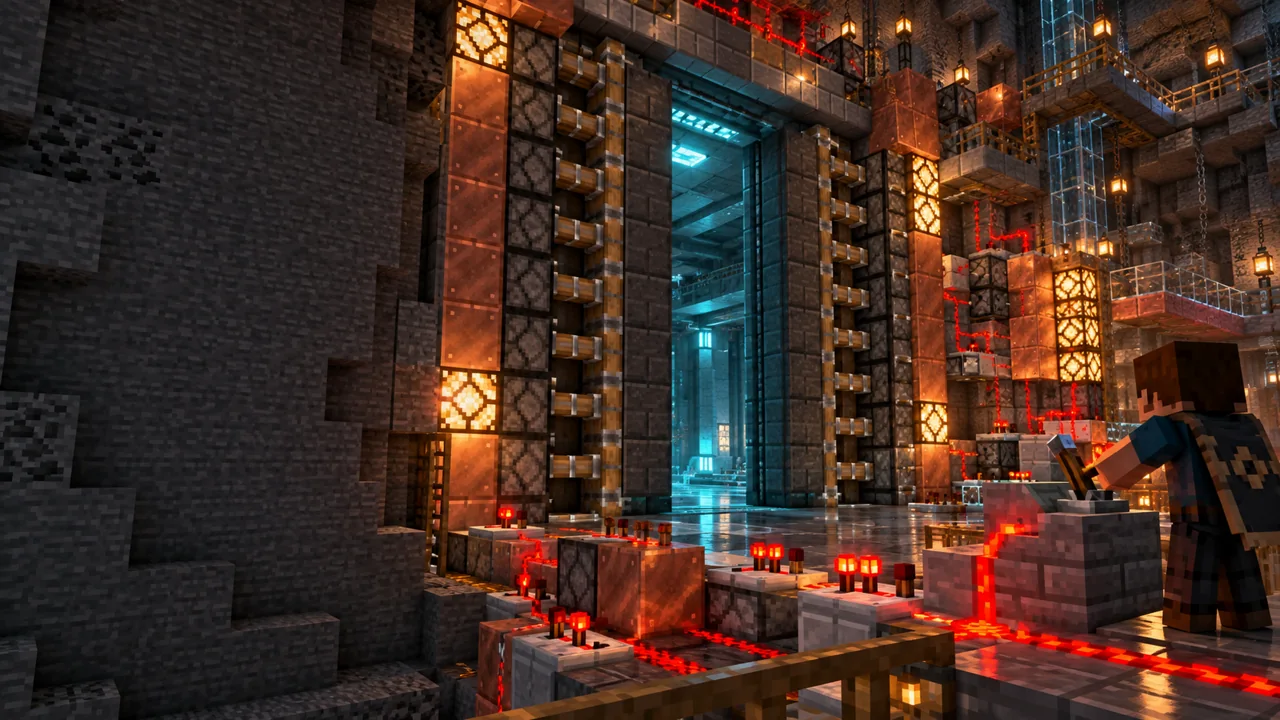
Match your design to the video: a bold challenge question, a finished build or the entrance to a mysterious place. Keep the promise specific to what viewers will see.
Template editor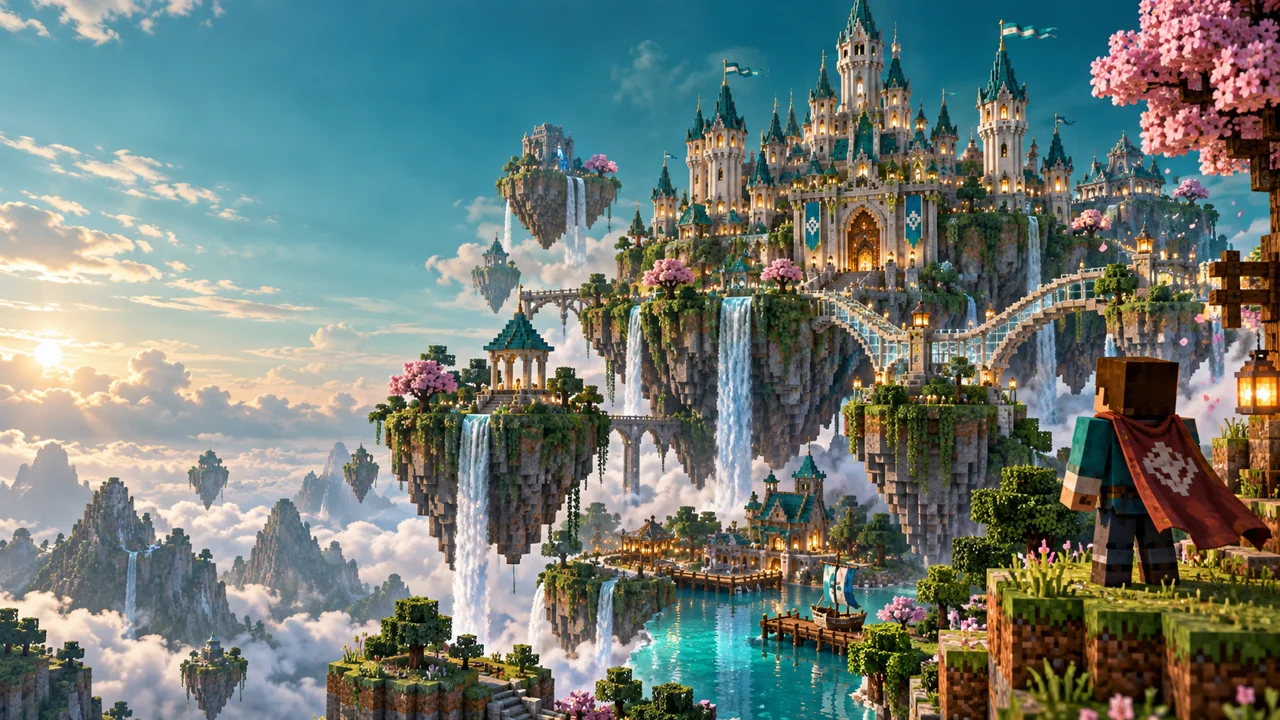
Use a short headline with a strong outline. The live canvas lets you move text away from the main subject and use layers to keep the visual hierarchy clear.
Template editorThe template editor and JPG/PNG export are free and do not require an account. Uploads are processed in your browser.
Yes. Upload JPG, PNG or WebP files up to 15 MiB and 25 megapixels. The screenshot fills a 16:9 canvas; text and shapes remain independently editable.
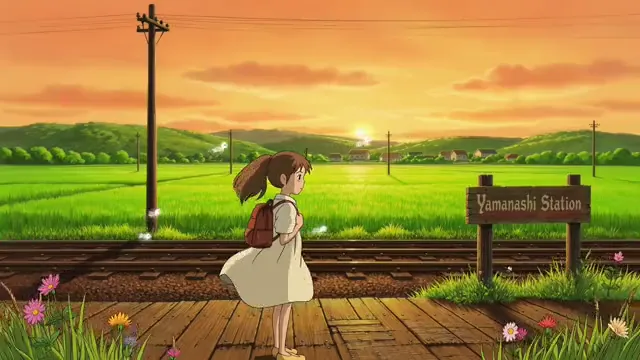
The included backgrounds are AI-created artwork you can use in the editor. Choose a template, personalize the title and layout, or prepare a prompt and reference for your own background design.
Every design exports at 1280 × 720 pixels in JPG or PNG. If you need a smaller file, use the linked YouTube thumbnail resizer after exporting.
Yes. Edit text, font, size, color, outline and shadow. Drag layers on the canvas or use the position controls, change their order, delete them, and undo or redo edits.
No. EZVideoGen is an independent tool and is not affiliated with Mojang or Microsoft. The sample backgrounds are original block-world illustrations. Use screenshots and other images you have permission to use.
1280 × 720 · JPG or PNG