Build your own world
Position your game scene around the center strip without losing the wider landscape.
YOUR CHANNEL, IN FRAME
Give your channel a cover that fits. Position your image, check the text-safe area, and download a 2560 × 1440 banner.
Drag to position your image. Keep your channel name and logo inside the yellow guide.
Upload your artwork or start with an example below.
JPG, PNG or WebP · up to 15 MiB · up to 25 megapixelsDevice previews are illustrative. Check the final crop in YouTube Studio before publishing.
START WITH A DIRECTION
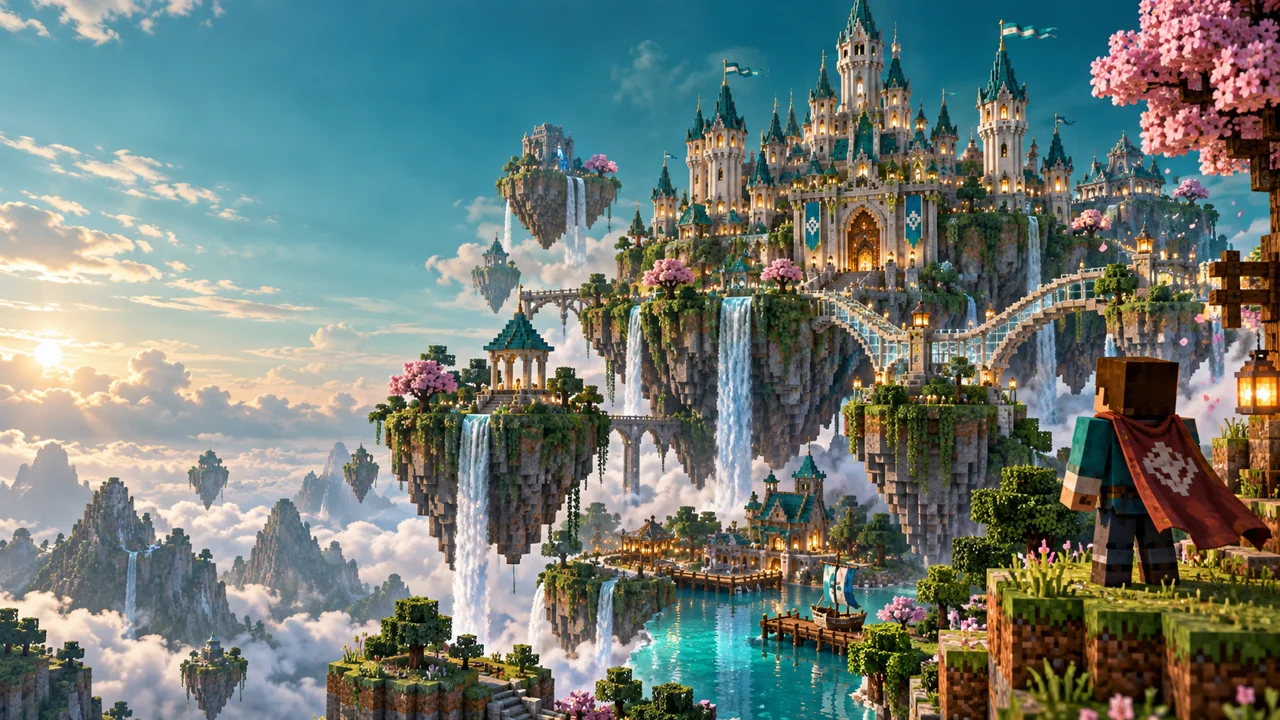
Try a game world, a quiet natural scene or a clean product visual. Use your own finished artwork when you are ready.
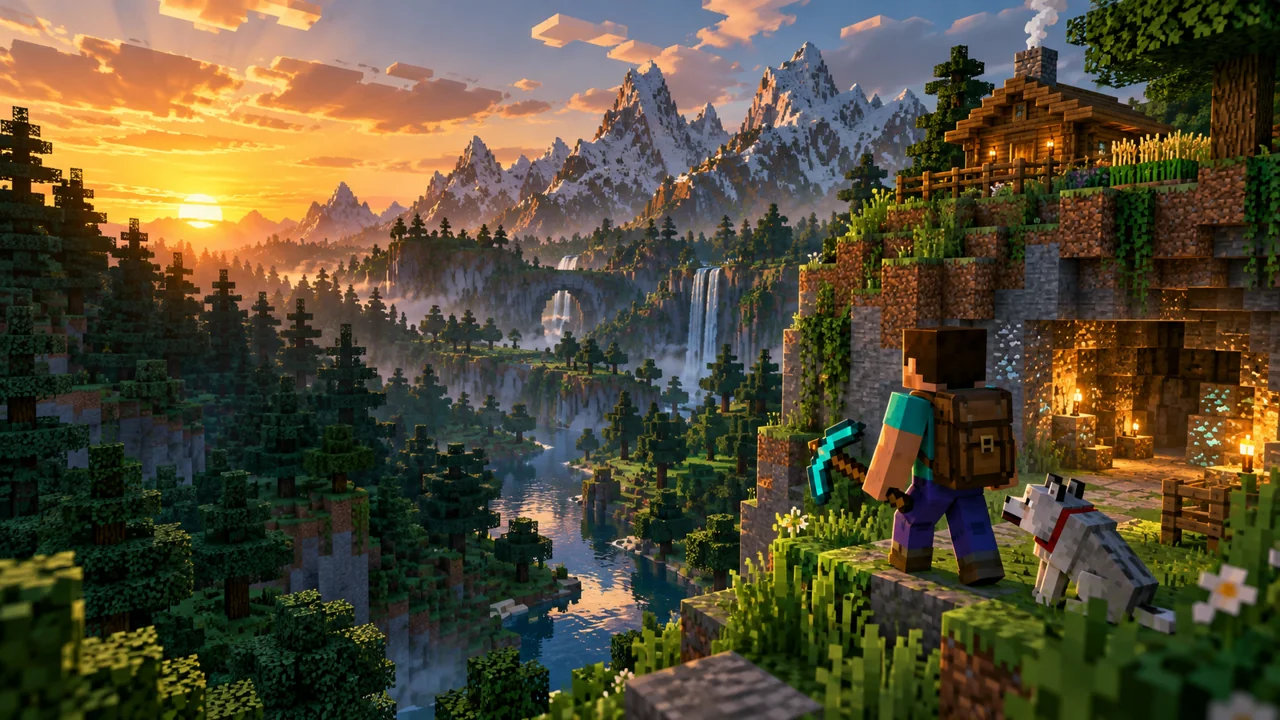
Position your game scene around the center strip without losing the wider landscape.
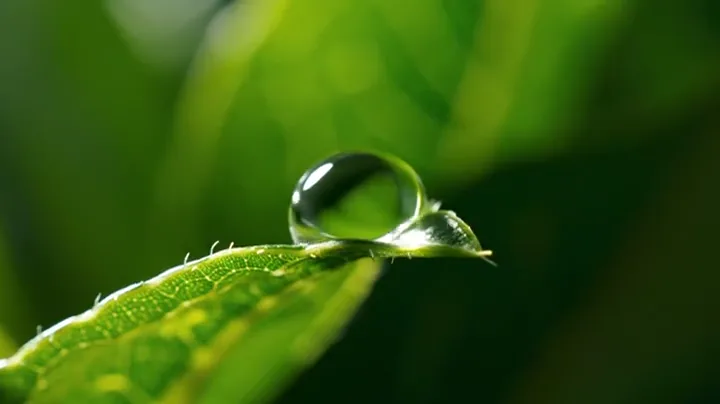
Bring a nature or lifestyle channel into focus with one clear visual.
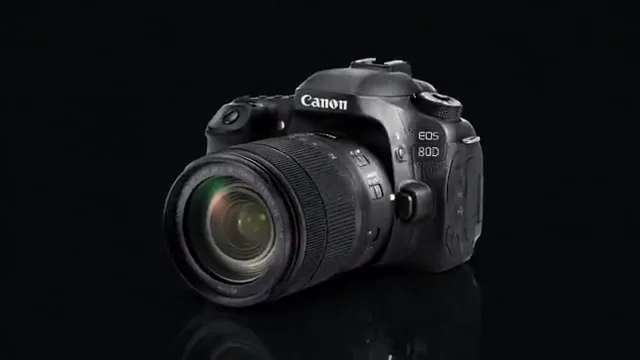
Try a product or tech composition, then check the mobile crop before exporting.
FROM IMAGE TO CHANNEL COVER
Upload your channel artwork, a screenshot or an extracted video frame. JPG, PNG and WebP inputs are supported.
Fill or fit the canvas, move the image and check the center safe area. Use the device tabs to inspect what could be cropped.
Download a 2560 × 1440 JPG or PNG under 6 MB, then upload it in YouTube Studio and confirm its crop.
16:9 / 2560 × 1440
YouTube recommends 2560 × 1440 pixels. Its official 1235 × 338 text-safe area is specified at the 2048 × 1152 minimum. This editor scales that centered guide proportionally to approximately 1544 × 423 pixels. The guide is never included in your download.
YouTube banner guidelinesYouTube displays one banner differently on TV, desktop and mobile. Keep existing text and logos within the center guide, and use the outer canvas for atmosphere.
Fill crops an image to cover the canvas. Fit preserves its full composition and adds your chosen background color. Neither option stretches your artwork.
A banner is a wide channel cover, not a video thumbnail. Make each asset at its own size while keeping colors and visual direction consistent.
YouTube recommends 2560 × 1440 pixels and requires at least 2048 × 1152 at 16:9. This YouTube banner image resizer exports at the recommended 2560 × 1440 size.
No. Guides and device masks are editing aids only. The downloaded JPG or PNG contains only your image and your selected canvas color.
Different screens crop the same banner differently. Keep existing text and logos inside the center guide. The preview is illustrative; verify the crop in YouTube Studio before publishing.
A larger canvas cannot restore missing detail. The editor warns when it enlarges your source. Use a high-resolution original for the clearest banner.
Yes. Local editing and image export are free and do not require an account. Your uploaded file stays in your browser.
The editor checks the actual exported file and will not offer an oversized download. Select JPG and lower its quality to reduce size. PNG quality is fixed.
KEEP YOUR CHANNEL CONSISTENT