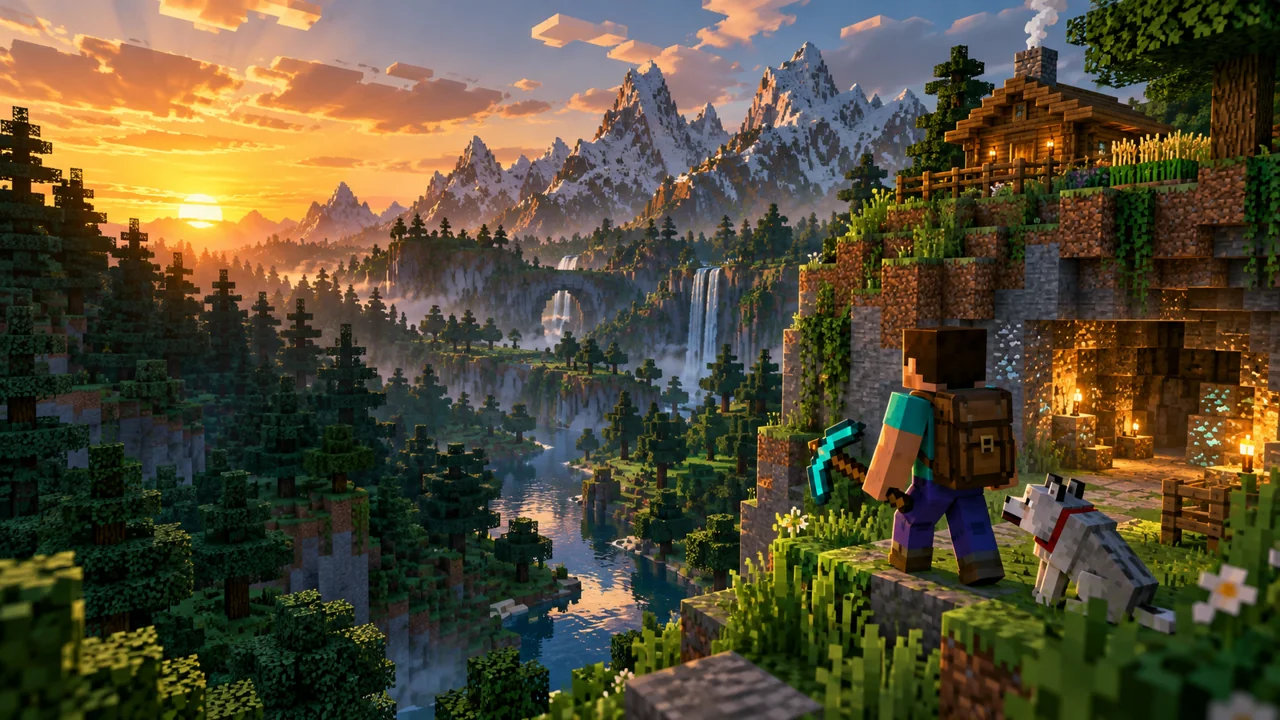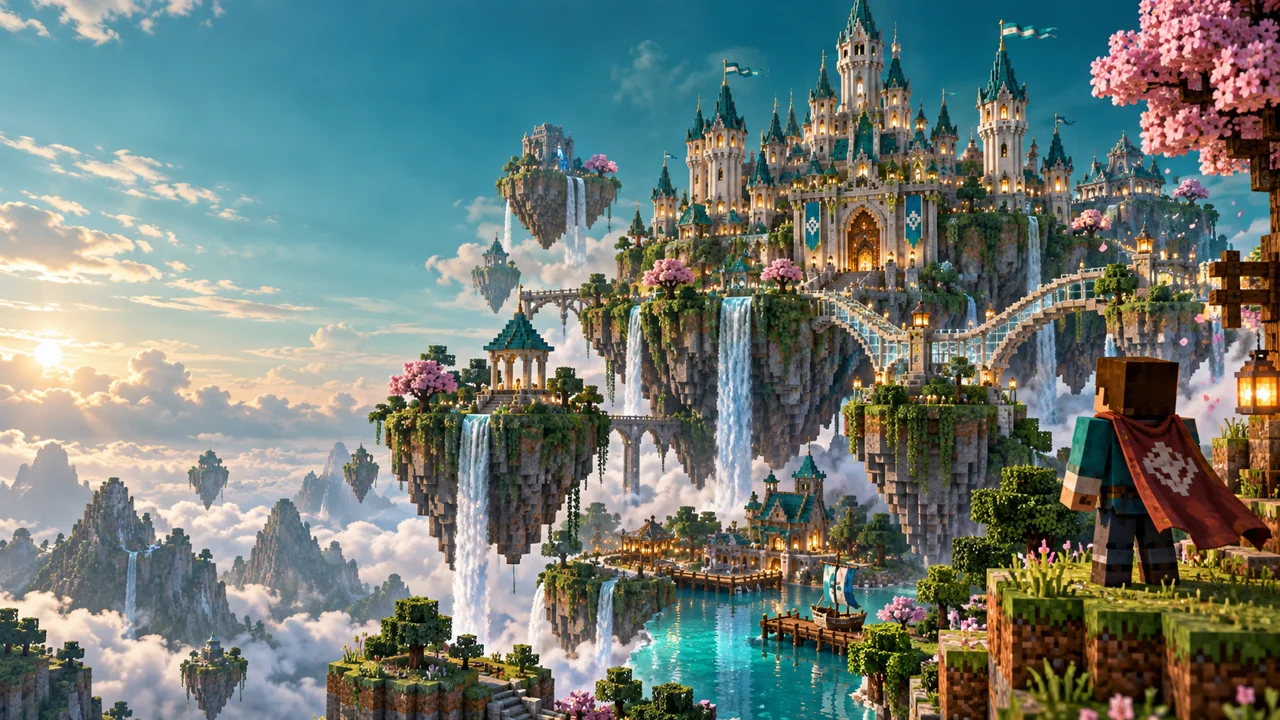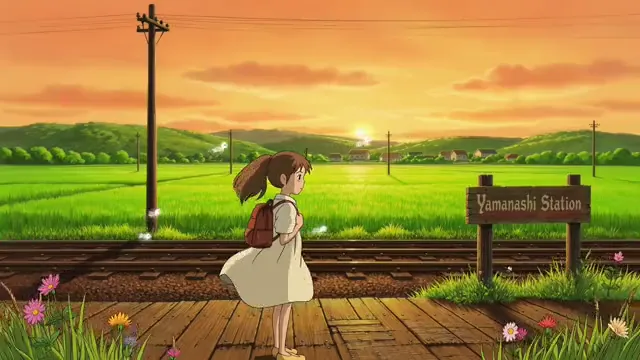
A little animated world
Reframe an illustrated still while keeping the subject in view.
SMALL EDITS. MORE POSSIBILITIES.
Make your image fit the story. Crop to 16:9, resize to a useful thumbnail size, and compress a JPEG to a real file-size target.
JPG, PNG or WebP · up to 15 MB · 25 megapixels
Your file stays in this browser. No uploads, accounts or credits.A FEW PLACES TO START
Choose a sample below, then make the result your own.
Reframe an illustrated still while keeping the subject in view.
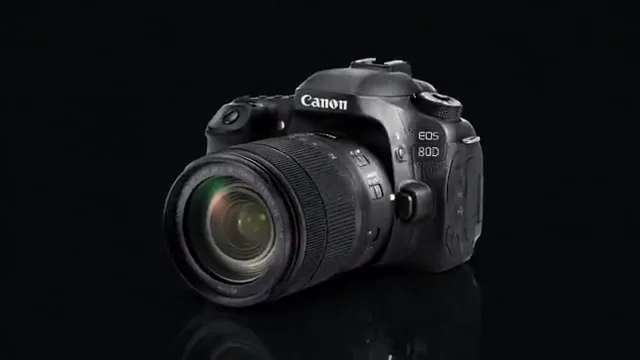
Give a product image a clean 16:9 composition.
Crop a portrait image or fit it against a simple background.
A SHORT PATH TO A USEFUL FILE
Choose a JPG, PNG or WebP, or try a sample. Original image dimensions appear in the editor.
Keep the whole image or zoom in on the subject. Choose 640, 1280 or 1920 pixels wide, always in 16:9.
Export JPG or PNG. JPEG quality can decrease to meet your selected 1 MB or 2 MB limit; oversized results never get a misleading download label.
Use 1280 × 720 as a practical thumbnail layout, or choose a smaller or larger output. Enlarging a small image cannot restore missing detail.
The tool checks the encoded file size in bytes. If PNG is too large, try JPEG or lower the output dimensions.
Use the position and zoom controls to frame a face, object or key visual. This tool resizes existing artwork; it does not add titles or invent image detail.
Open an image, choose a 16:9 output width, and select Fill & crop or Fit whole image. Adjust the framing, then export a JPG or PNG.
Yes, select the 2 MB target. JPEG export lowers quality when needed, then checks the actual byte size. If the target cannot be met, the tool asks you to reduce dimensions or switch from PNG; it does not return an oversized file as a success.
Choose 640 × 360, 1280 × 720 or 1920 × 1080 pixels. Output is JPG or PNG. The 1 MB and 2 MB options are compact export targets, not a claim that every YouTube upload has the same limit. Check current YouTube guidance for your device and content type.
PNG is lossless and does not use the JPEG quality slider. Detailed photographic images can produce large PNG files. JPEG usually reaches a smaller file size at the cost of some detail.
The tool is free and needs no login. Your selected files are processed locally in this browser. Downloads contain your image content, with no watermark added by EZVideoGen.
KEEP CREATING