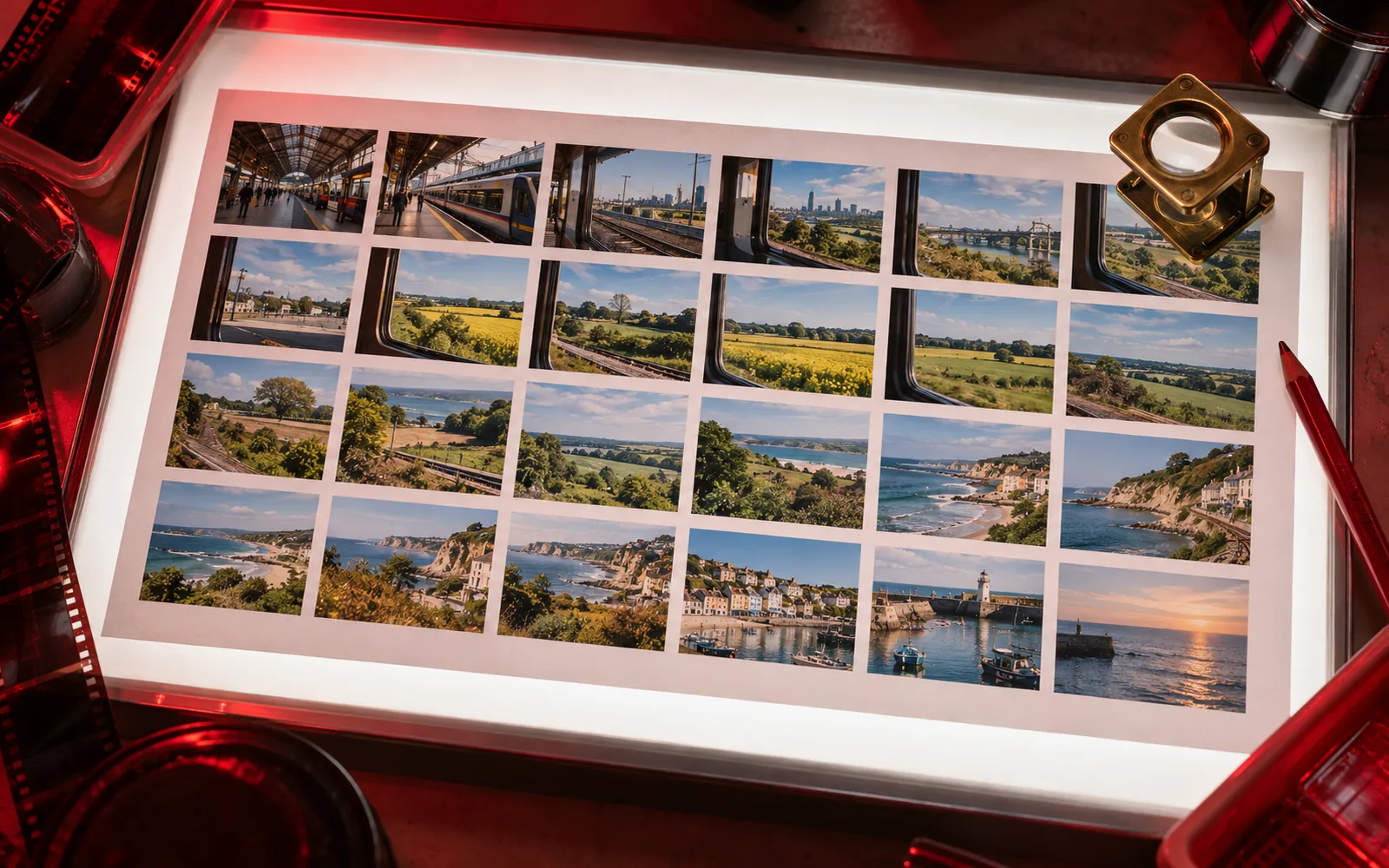
Every part gets a place
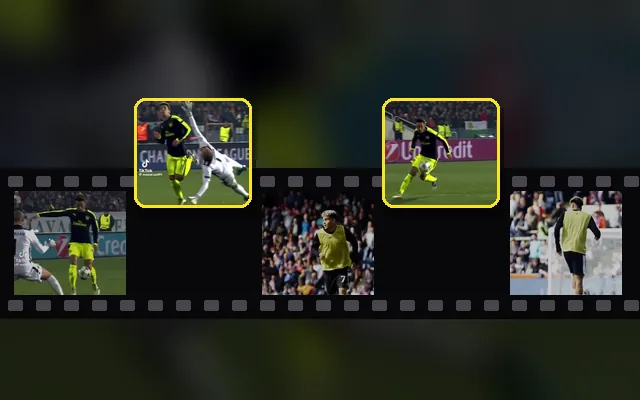
Frames are sampled from the middle of equal time intervals in the range you choose. This gives an even overview; it is not automatic scene detection. Click a tile to replace any frame by hand.
See the shape of a story without replaying every second. Turn a short video into a clean grid of stills, with optional timestamps.
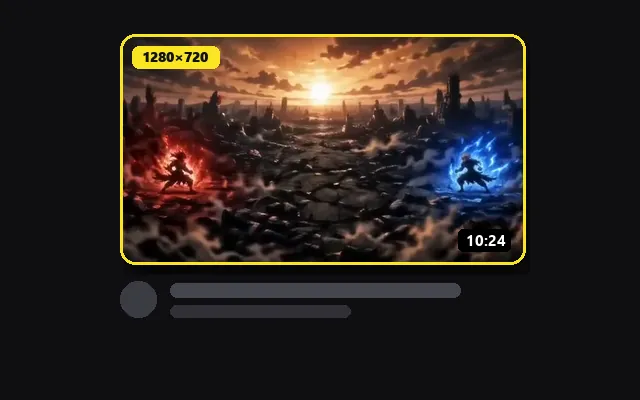
MP4, WebM or MOV · up to 100 MB · 60 seconds · maximum 1920 px per side
Drag a file here, paste it with Ctrl+V, or choose one.Frames are sampled from the middle of equal time intervals in the range you choose. This gives an even overview; it is not automatic scene detection. Click a tile to replace any frame by hand.
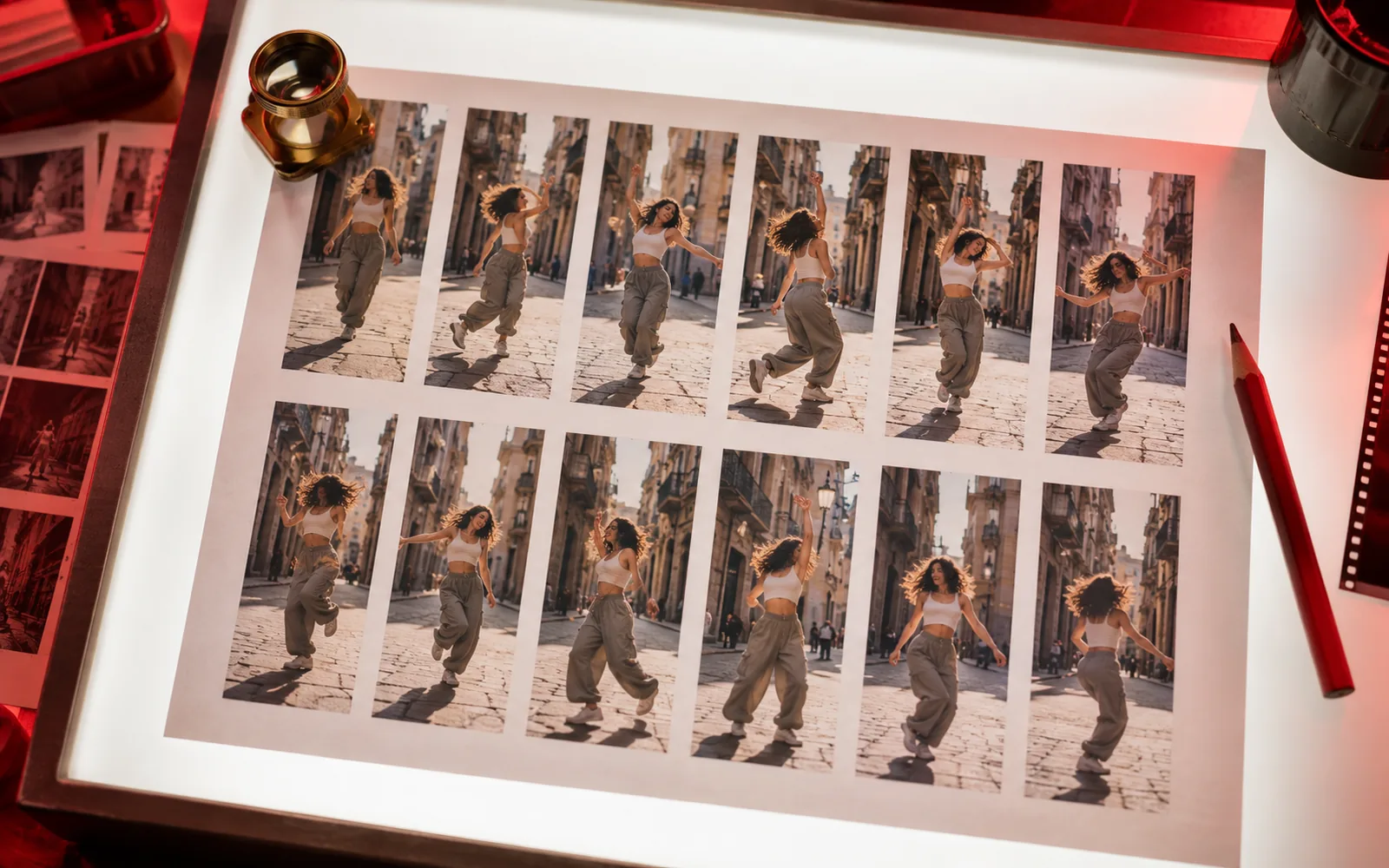
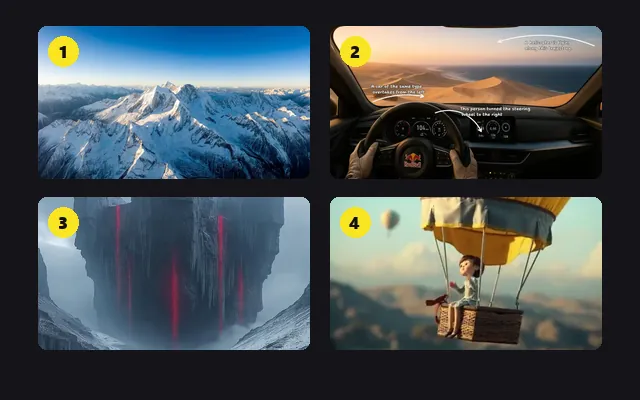
Tiles take the shape of the source video, so vertical clips get tall tiles instead of black bars. No faces or scene edges are cropped to force a uniform shape.

Use the titled, timestamped sheet to discuss a sequence, compare takes or plan an edit. Tiles are 240, 360 or 480 pixels wide; this is a compact overview, not a full-resolution frame export.
Open, drop or paste a short video, or try a sample. Pick the whole clip or just a time range. Your clip stays on your device.
Set columns and rows, spacing, tile labels and a light or dark background, and add a title. The live preview updates as you go; click any tile to pick a different moment.
Export a PNG, JPG or one-page PDF. Tiles follow the shape of your video, so portrait frames are never cropped.
Pick a layout; the grid, labels and background are set for you.
Nine timestamped frames on one image, enough to see the whole clip at a glance.
Twenty-four frames for a longer video, or to check the pacing shot by shot.
A white background with a title header, saved as JPG for an email or a review.
Tiles without timestamps, a header or gaps, for a moodboard or a filmstrip.
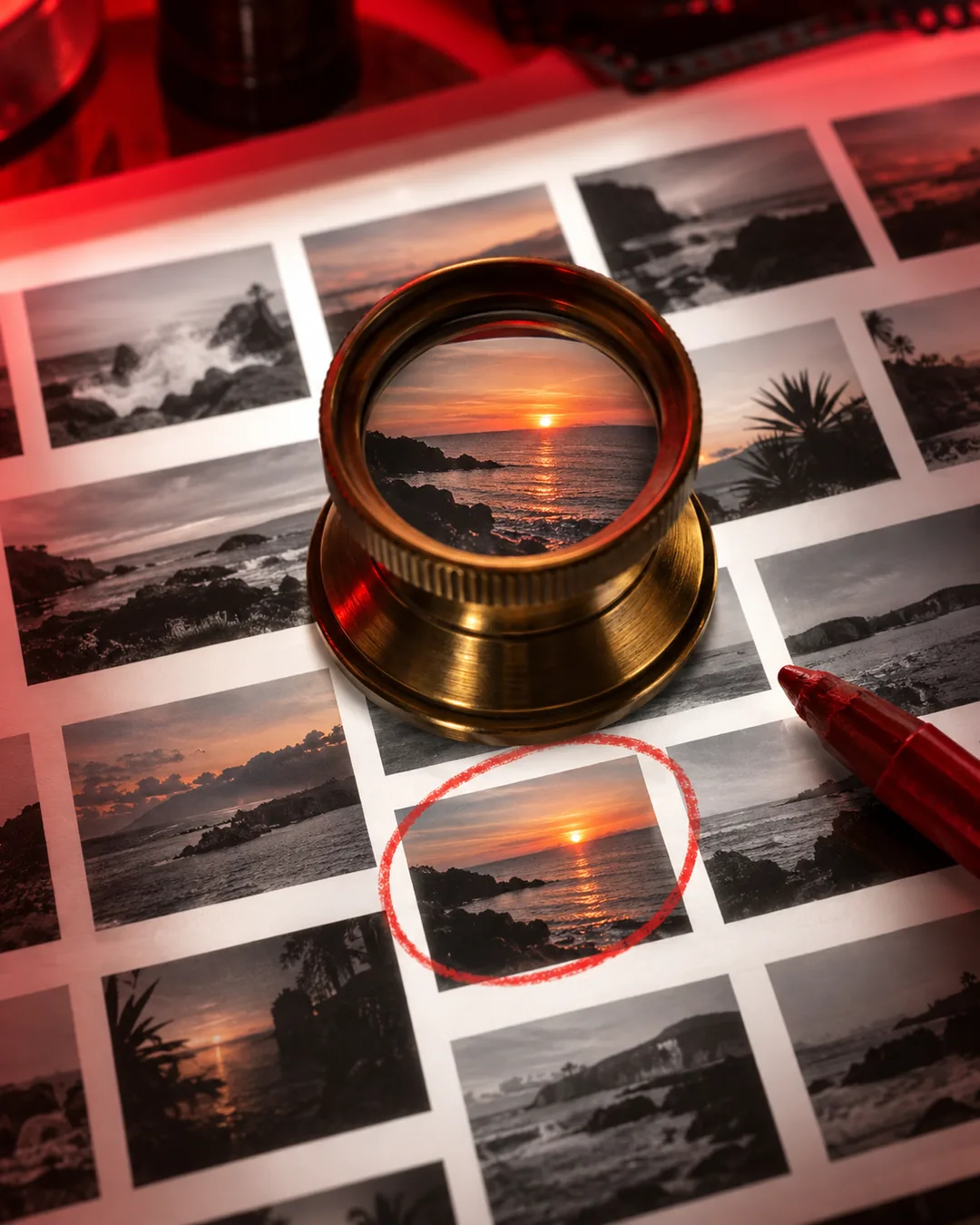
A contact sheet is one image containing multiple stills from a video. It helps you understand a sequence at a glance and find useful moments by timestamp.
The time range is divided into equal intervals. One frame is captured near the midpoint of each interval, so both early and late parts appear. Frames are not selected by AI or scene changes, but you can click any tile and choose its moment yourself.
Yes. Choose 2 to 8 columns and 1 to 10 rows, up to 60 tiles. You can also set the spacing, tile width, labels and background, and add a header with a title, duration and resolution.
Yes. Choose PDF to save the sheet as a one-page document sized to the image, or export PNG or JPG.
This page exports one overview image or PDF. Use Video Frame Extractor for individually chosen full-size images and ZIP downloads.
Use a browser-decodable MP4, WebM or MOV up to 100 MB, 60 seconds and 1920 pixels per side. H.264 MP4 is a good starting point. A container extension alone does not guarantee codec support.
The tool is free and needs no login. Your selected files are processed locally in this browser. Downloads contain your image content, with no watermark added by EZVideoGen.
Choose the grid and labels, then download the whole sequence as one PNG or JPG.