A discovery in a miniature world
A tiny astronaut beside a giant glowing flower suggests an opening built around scale and discovery.
Story and cinema
A world to enter. A question to chase. An ending that keeps it open. Give your trailer a direction before you plan the first shot.
Choose your starting point, set the scene and continue in the video workspace.
Shape your direction, refine the prompt and keep a copy of your creative brief.
Video examples
Watch a reference, then adapt the prompt to your own subject and scene.
A tiny astronaut beside a giant glowing flower suggests an opening built around scale and discovery.

A winged fantasy figure offers a reference for the moment when a trailer reveals more than its opening promised.

A father-and-daughter kitchen sequence shows how familiar actions and a shared setting can establish emotional stakes.

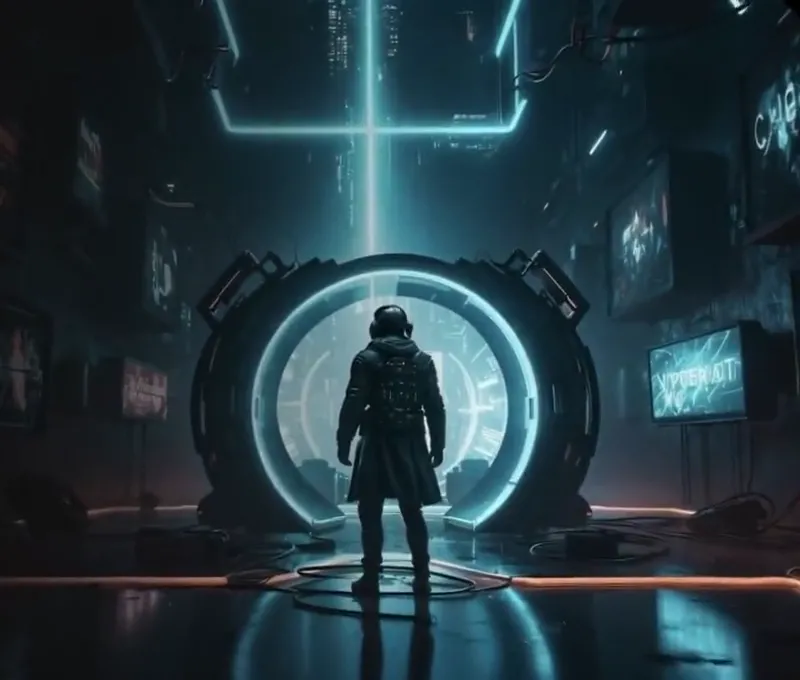
A futuristic city view can set the scale and visual palette. This reference clip has no original audio track.
Example footage, not a generated result. Prompts are original starting points and will not reproduce a clip exactly.
01 / AI Movie Trailer
A synopsis explains a whole story. A trailer needs just enough to create curiosity. Start with the character, the disruption and the question you want to leave open. Choose a structure to turn that premise into a short sequence of distinct visual beats.
02 / AI Movie Trailer
Give each beat a location, a subject, one action and a camera instruction. A complex montage is easier to control as separate clips than as one long prompt. Use the storyboard workspace when you are ready to arrange reference panels and review the sequence.
03 / AI Movie Trailer
Repeat the details that identify your story: the lead character’s coat, the city palette or the quality of the light. Save title cards, sound design and the final cut as explicit production notes. This page creates a trailer brief, not an assembled movie file.
Prompt ideas
Borrow the structure, change the subject and keep the details that matter.
Plan three shots for a science-fiction trailer about a courier receiving messages through city lights. Shot 1: a wide rainy street with one flickering sign. Shot 2: the courier pauses as several signs form a pattern. Shot 3: a bright doorway opens at the end of the alley. Keep the wardrobe and color palette consistent. End before the courier crosses the threshold.
Plan a restrained mystery trailer about an empty house that appears in a different street each morning. Open with a quiet neighborhood, follow a resident noticing the unfamiliar front door, then reveal the same house reflected in a window behind them. Keep the location details readable. Use separate shots and leave the explanation open.
Plan an adventure teaser about a cartographer finding a map that changes with the weather. Establish the map on a wooden desk, show a new route appearing as rain reaches the window, then cut to the cartographer facing a distant mountain pass. Keep the map markings and character wardrobe consistent across the shot plan.
Plan three quiet trailer beats about a musician returning to the stage after years away. Begin with a worn instrument case, show the musician pausing at an empty auditorium entrance, and end with a hand reaching toward the stage curtain. Use a warm, restrained palette and small expressive movements. Leave the performance for the story.
How it works
Name your protagonist, their world and the unexpected change. Keep the premise short enough to explain in one sentence.
Choose a genre, story structure and pacing direction. Review each beat as a separate shot with one clear purpose.
Copy the brief into your storyboard plan or send it to the video workspace for further preparation. Rendering and final trailer editing remain separate steps.
Questions, answered
Build an editable trailer concept and shot brief. Define the opening, conflict and final reveal, then copy the plan to guide individual shots and your editing timeline.
Start with a character, a setting and a central problem. Add the intended genre, a short sequence of trailer beats, camera direction and the visual details that should remain consistent. Keep the ending unresolved.
You can summarize the script in the subject field and build a plan around its hook and main stakes. This local workspace does not read uploaded scripts or automatically analyze an entire screenplay.
Three distinct beats are a useful starting point: a hook, a complication and an unresolved ending. Expand the sequence only when each added shot has a clear purpose. The final duration depends on the clips and editing workflow you choose.
Include them as notes in your exported brief, then produce or license the assets and assemble them in an editing workflow. This page does not synthesize voices, generate music or burn titles into video.
This page helps define a trailer concept, structure and pacing. The storyboard workspace focuses on arranging image panels and writing shot-by-shot directions. They are complementary planning tools.
Explore related tools