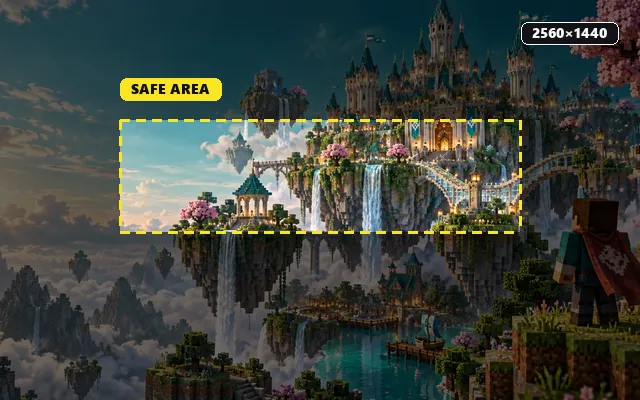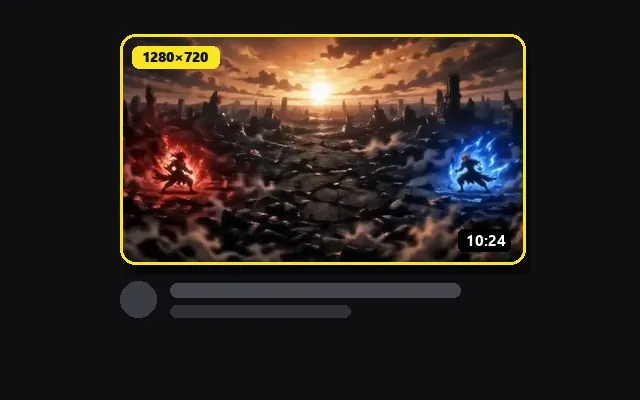
Loud and fast
Energy for gaming, sports and reaction accounts.
YOUR PROFILE, FRONT AND CENTER
Crop any picture to the 1500 × 500 header X uses, keep your words clear of the profile photo, and download a sharp banner in seconds.
Move the picture, add a line of text and watch the round profile photo and the phone crop as you go.
Add your own picture, or start from one of the examples further down.
JPG, PNG or WebP files up to 15 MiB (25 MP max)Overlays are approximate. Once uploaded, check the header on your own profile.
IDEAS TO START FROM
Load an example to see how the crop, the profile photo and your text sit together, then swap in your own picture.
Energy for gaming, sports and reaction accounts.
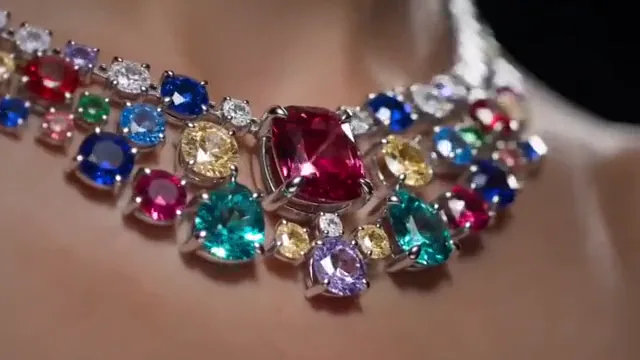
A clean product shot for a brand, shop or portfolio.
Room to breathe for writers, artists and calm creators.
HEADER IN THREE MOVES
Drop in artwork, a photo or a frame from your video. Wide pictures crop best; narrow ones can be extended with a blur, a mirror or edge colors.
Drag the picture into place, type your name, a schedule or your @handle, and keep everything inside the dashed guide, right of the profile photo.
Create a 1500 × 500 JPG or PNG, then open Edit profile on X and choose it as your header.
3:1 / 1500 × 500
X recommends a header of 1500 × 500 pixels, a 3:1 ratio. Pictures with other proportions are cropped to fit, so this cropper shows exactly what stays in frame. The circle marks the profile photo in the lower-left corner, and the dashed area is a conservative zone for text that stays visible on desktop and phones. Guides never appear in your download.
X Help: customize your profileOn X, the round profile photo overlaps the lower-left corner of the header. Anything placed there is hidden, so the guide marks that circle.
Phone layouts can trim a little from the top and bottom edges. Centered text and logos survive on every screen.
Crop to 3:1 fills the header edge to edge. Show it all keeps the whole picture and fills the sides with a color, a blur, a mirror or the picture’s own edge colors.
X recommends 1500 × 500 pixels, a 3:1 ratio. This tool always exports at exactly that size, whatever the shape of your original picture.
Upload it, keep Crop to 3:1 selected and drag the picture until the important part sits inside the dashed guide. The cropper never stretches your image.
Yes. The round profile photo overlaps the lower-left corner of the header. Turn on the guides to see that area and keep names and logos clear of it.
Yes. Add up to three lines of text, such as your name, a posting schedule and your handles. Pick a font, size, color and shadow, then drag each line into place.
Yes, with no account and no watermark. Pictures are processed in your browser and are not uploaded.
Yes, but crop it again: X uses a 3:1 header, while YouTube uses 16:9 with a narrow safe strip. Load the same artwork here and recheck the text, or send a finished design over from the YouTube banner resizer.
MORE FOR YOUR PROFILES