
Image to video
AI video generator for your next idea.
Create with text or photos
Describe a scene or bring a photo. Explore what is possible, then make the direction your own.
Try an idea:
AI video examples worth a closer look
Explore the light, the movement and the idea behind the shot. Pick a starting point for your own text-to-video or image-to-video brief.
Showing 8 of 9 ideas
Text to video or image to video?
Start from words when the scene only exists in your head. Start from a photo when the look is already set.
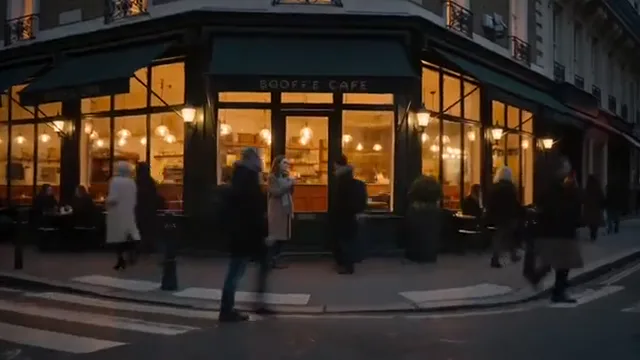
Text to Video
Let a sentence set the scene
Describe a subject, give it an action, and choose the light. Text-to-video starts with a world you imagine.
Try a new environment, a product concept, or a cinematic camera move.
Start with a prompt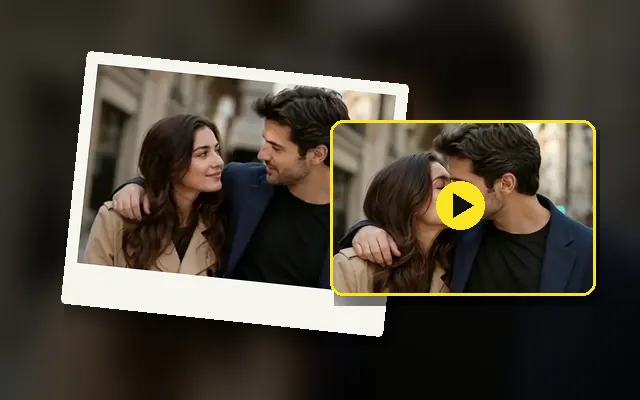
Image to Video
Give your photo somewhere to go
Begin with a clear reference image, then describe what moves. Image-to-video gives your creative direction a visual starting point.
Try a portrait, a pet photo, or a car you want to put in motion.
Start with a photoHow do you turn an idea into a video brief?
Start with a trend, a photo, or a scene you can’t stop imagining. Build the idea one clear step at a time.
Discover
Browse creative video examples and find a visual style or idea that catches your eye.
Describe
Write your scene or add a reference image. Tell the story, the movement, and the mood.
Make it yours
Adjust the prompt and choose your creative direction. Keep the details that matter to you.
Bring it to life
Keep your prompt and reference together, then refine the shot for your project.
How can you shape an AI video idea?
Study three different approaches to a video prompt: the object, the setting and the atmosphere.
EXPLORE WHAT’S POSSIBLE
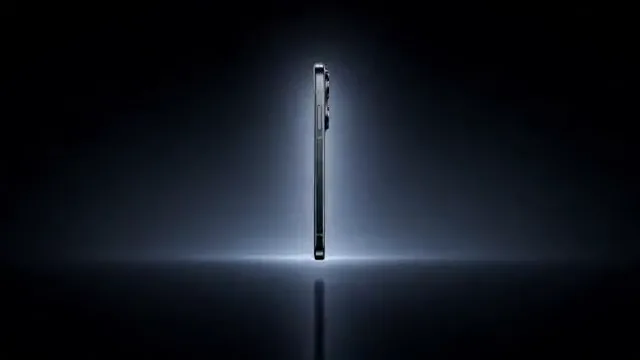
Let the light reveal the product
A quiet stage puts every edge in focus. Direct one camera move and let the reflections do the work.
- Start with a clean product reference
- Describe the light and reflective surfaces
- Keep the shape consistent as the camera moves
Made for product, social and story videos
Pick the goal first. A product reveal, a short-form hook and a story moment each need a different subject, pace and framing.
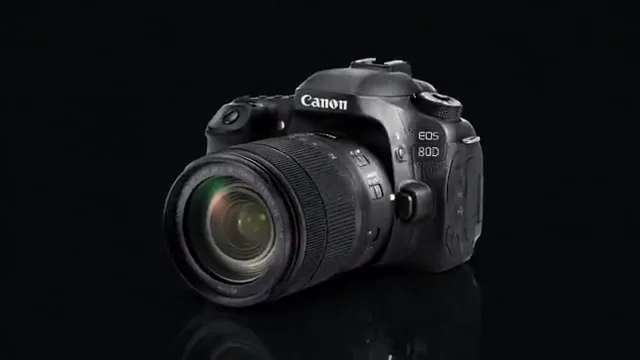
Product stories
Explore a cinematic direction for a product reveal, a campaign concept, or a visual mood board.
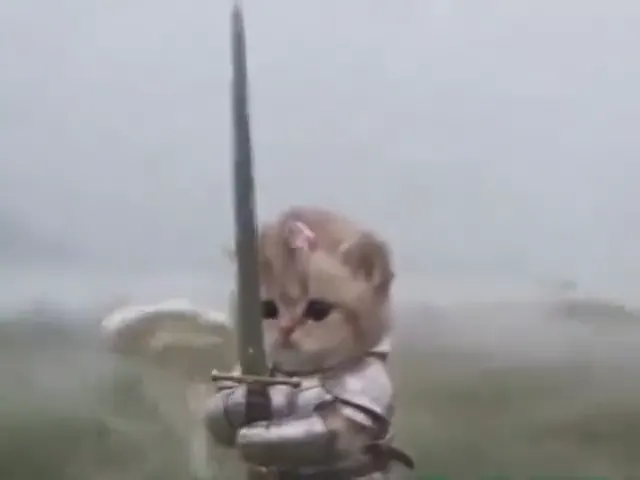
Social-first ideas
Find playful characters and eye-catching visual concepts for your next short-form story.
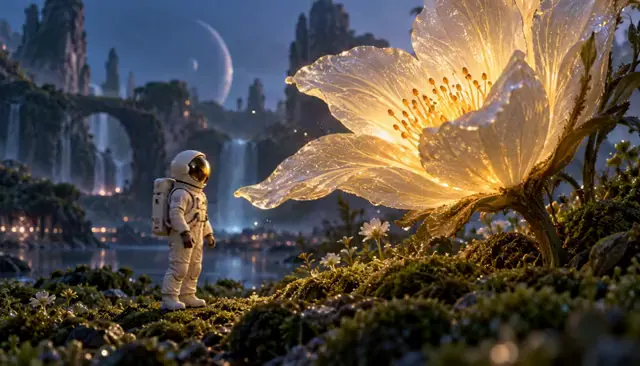
Creative experiments
Try a new aesthetic, imagine an impossible scene, or see where an unexpected prompt takes you.
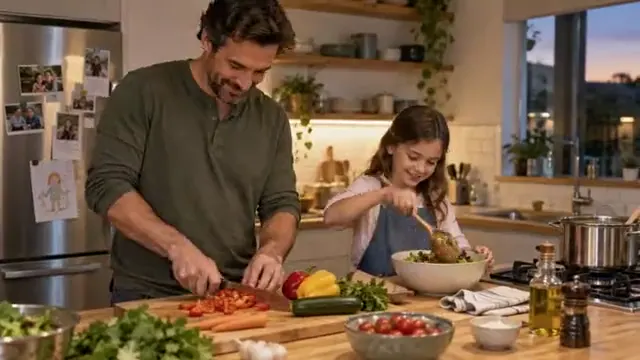
Learning by making
Understand video prompts, explore camera language, and build your own creative process.
Popular tools & templates
Skip the browsing. Open a free video editor, a trending AI video template or a guided AI workspace.
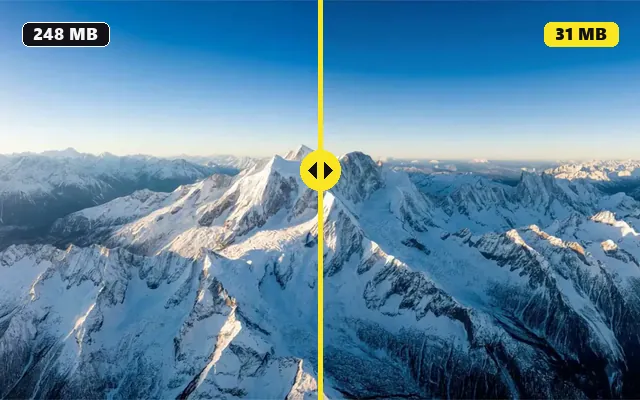
Free video tools
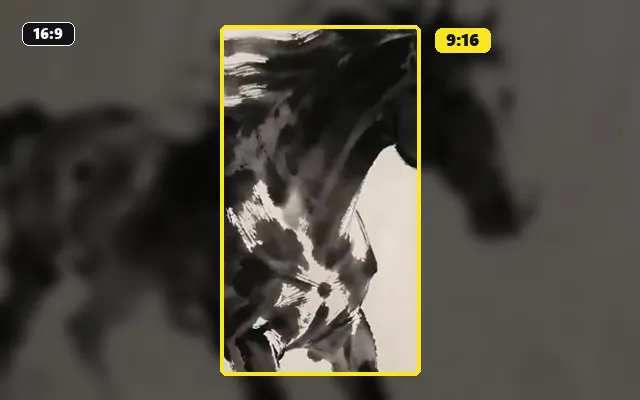
Compress, resize, split or convert supported files on your device. Real downloads, no account required.
AI video templates
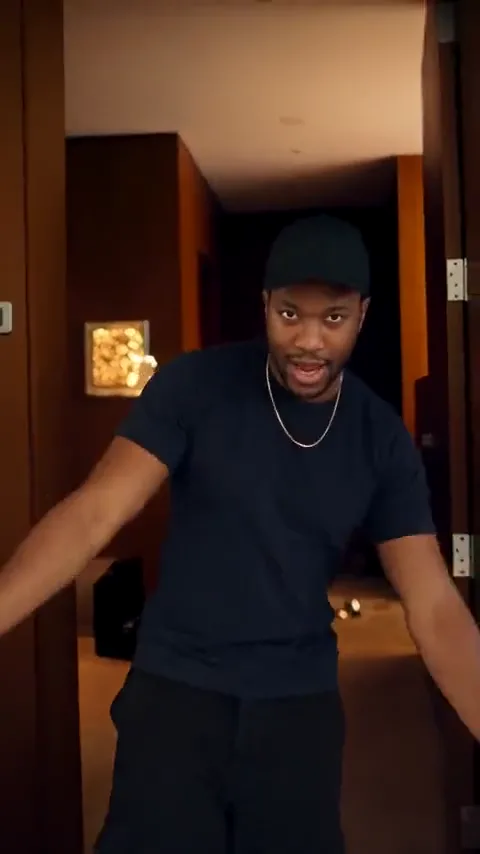
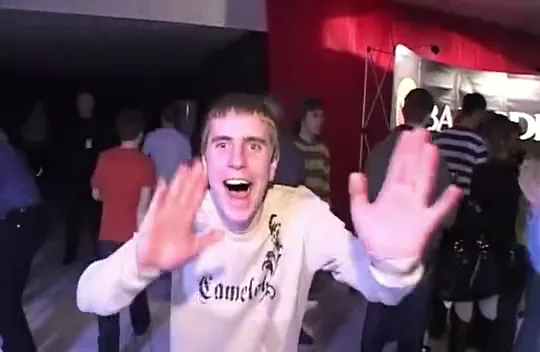
Recreate a named trend with your own photo: a reference clip, a photo checklist and a prompt to adapt.
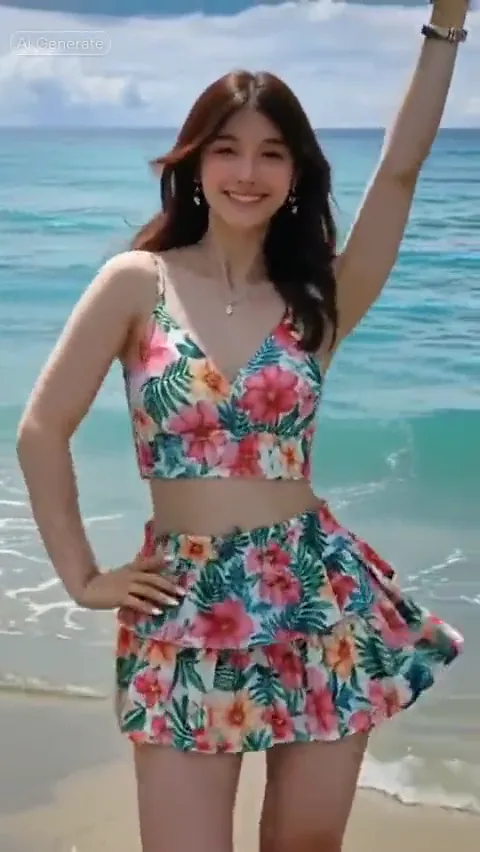
AI video workspaces
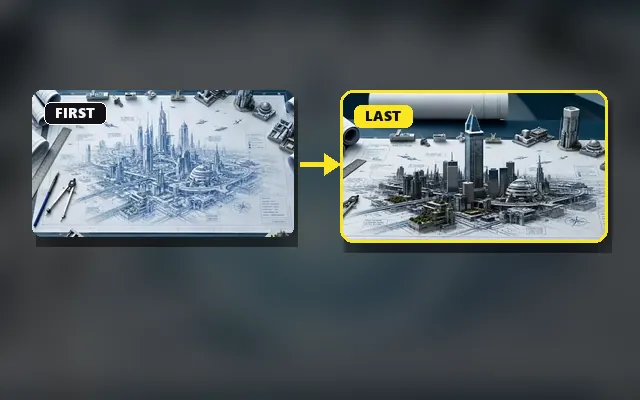
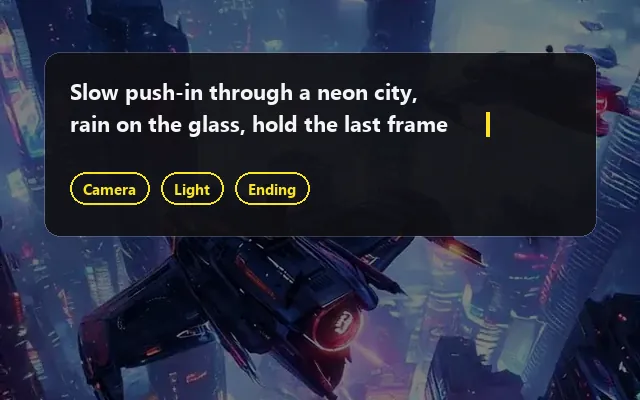
Plan a photo animation, a first-and-last-frame shot or a full prompt, with your references in one place.
AI video generator FAQs
A few things to know before you start exploring.
What is EZVideoGen?
EZVideoGen brings AI video inspiration and creation into one place. Explore video ideas, discover creative techniques, and prepare prompts for text-to-video and image-to-video tools.
How do I start a video project?
Start with a scene description or a reference photo, then refine the subject, movement and framing in the video workspace. To edit existing footage, choose a browser tool to resize, split, compress or export your files.
What is the difference between text-to-video and image-to-video?
Text-to-video starts from a written description of a scene. Image-to-video uses an image as a visual starting point, with a prompt describing how the subject or camera should move. Supported settings depend on your selected model and workflow.
Can I recreate one of the example videos?
Examples are creative references, not guaranteed outputs. Choose Use this idea to load a starting prompt, then make it your own. Matching a complex effect may require a particular model, reference material, or additional editing.
What happens to my reference image?
Images are previewed locally and carried with your prompt when you continue to the video workspace in this tab. They are not uploaded to a generation service. Temporary reference images can be lost on a full refresh; saved text drafts do not include image files.
Can I edit a video without an account?
Yes. The browser-based video tools let you resize, split, compress and convert supported files without an account or credits. Choose a tool to see its file limits, export options and supported formats.
Better AI video prompts start here
Practical examples you can copy, edit, and make your own.
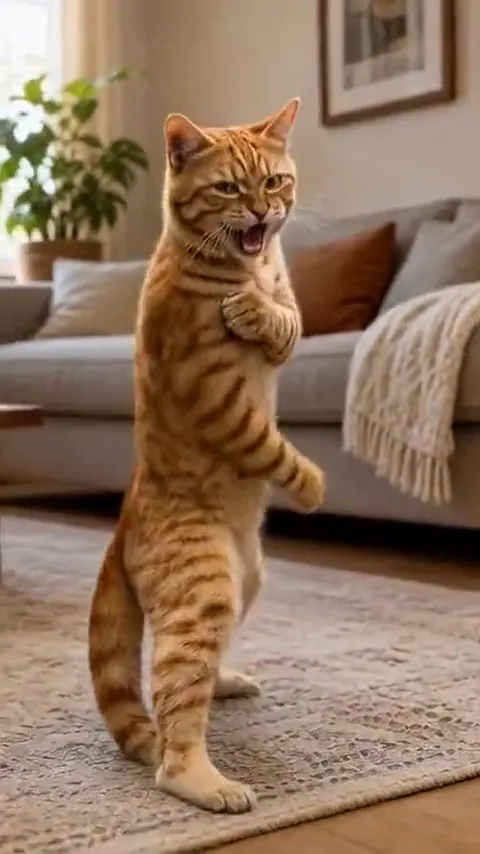
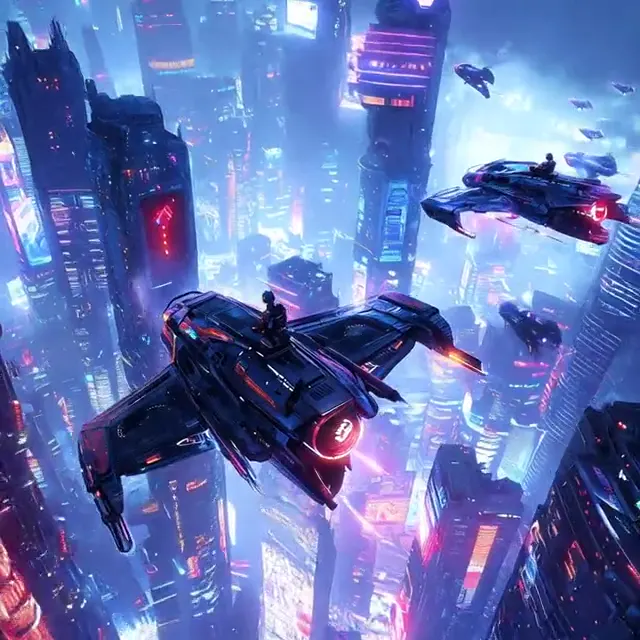
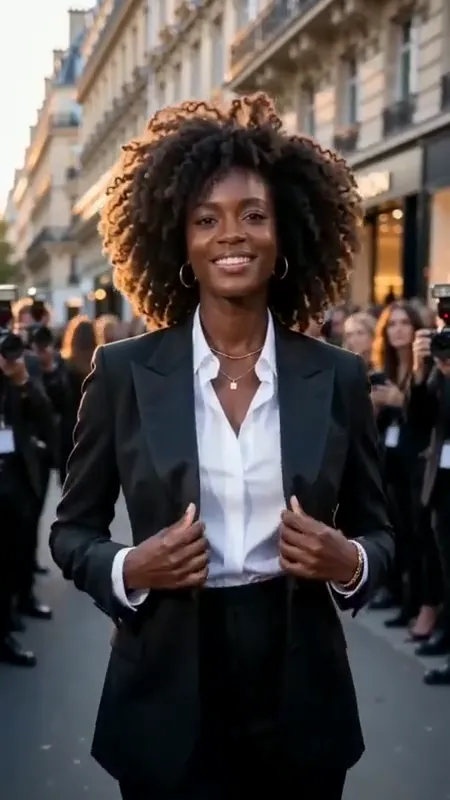
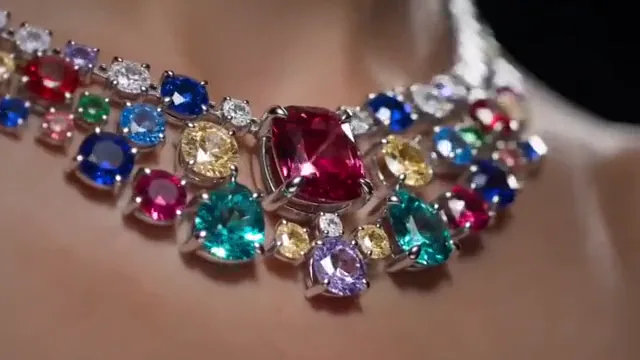 CREATOR GUIDE
Write a product video prompt
Use framing, lighting and one deliberate movement to give a product a clear visual story.
 CREATOR GUIDE
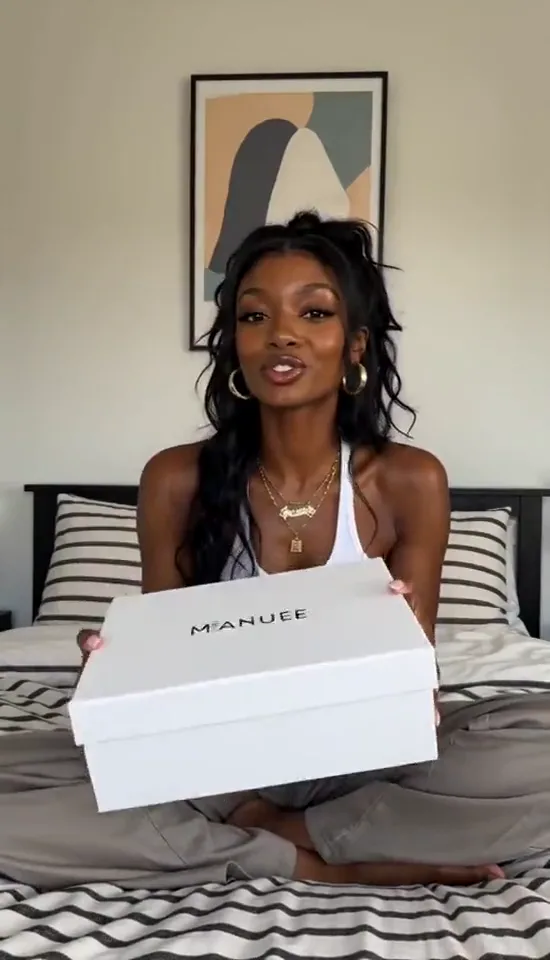
Direct a natural character moment
Start with a clear portrait, then plan one simple gesture and a consistent setting.
 CREATOR GUIDE
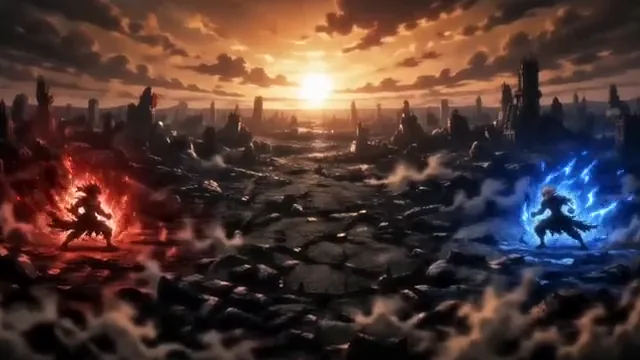
Plan a stylized animated scene
Use silhouettes, color and a clear setting to make an animated idea readable.
 CREATOR GUIDE
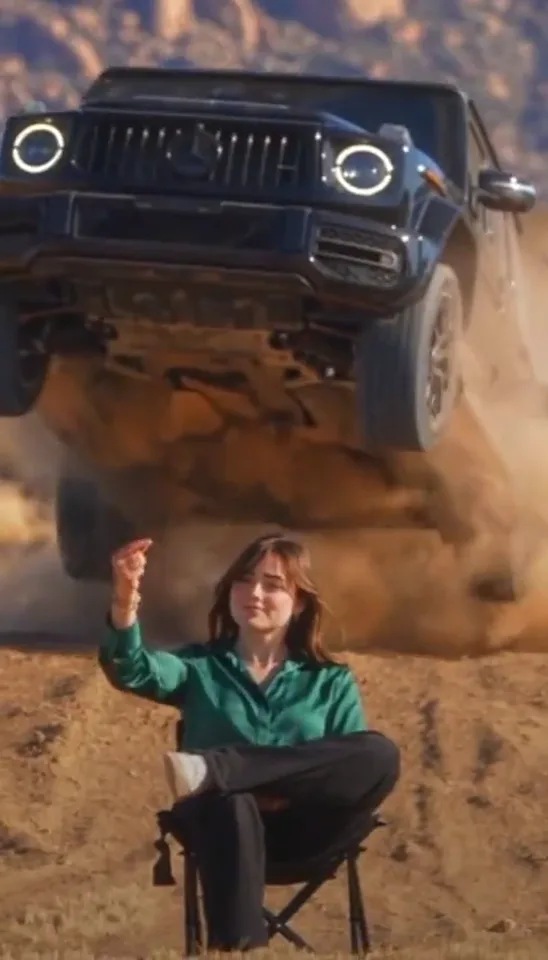
Use contrast to direct an action scene
Pair a calm foreground with a moving background, and give each subject a clear place in the frame.
Start creating with EZVideoGen
Discover AI video trends, find your inspiration, and turn your next idea into a creative prompt.
Start creating