Lower third
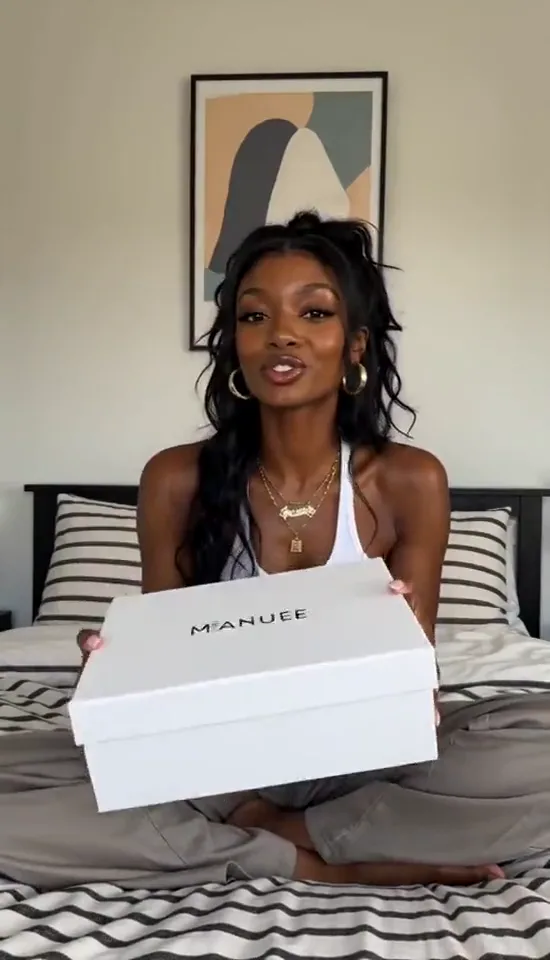
A name and role bar in the bottom left, for interviews, vlogs and tutorials.
Free video text editor
Put titles, captions, a watermark or your logo on any clip. Style each layer, drag it into place with snapping guides, choose when it appears and fades, then export an MP4, all in your browser.
MP4, MOV or WebM · up to 100 MB, 60 seconds and 1080p. Add images or logos once the video is open.
Your files stay in this browser. No uploads, accounts or credits.
Each preset lands on the safe margins and stays fully editable. Try one on the sample clip.
A name and role bar in the bottom left, for interviews, vlogs and tutorials.
Your handle or logo in the corner for the whole clip, at a lower opacity.
A large centered title that fades in and out over the first seconds.
Outlined captions near the bottom that stay readable on any background.
Choose an MP4, MOV or WebM clip up to 60 seconds, or try the sample. A text layer is ready to edit straight away.
Type your text, pick a font, color, outline or background, add an image or logo, and drag everything into place. Snapping guides keep it aligned.
Set when each layer appears on the timeline, add fades, then export an MP4 with the original sound.
Platforms cover the edges with buttons and captions. The guides snap at 5% from each edge; vertical videos need even more room at the bottom.
A thin outline, a soft shadow or a semi-transparent box keeps white text readable over bright scenes without hiding the picture.
Viewers read about three words per second. Keep captions short, leave them on screen for at least a second and fade them gently.
Open your video above, edit the text layer that appears in the middle, then style it and drag it where you want it. Set its start and end on the timeline and select Export MP4. There is no watermark, signup or upload.
Yes. Choose Image or logo, drop a JPG, PNG or WebP onto the video, or paste one from the clipboard. Resize it, lower its opacity for a watermark, and keep it on screen for the whole clip or only part of it. Transparent PNG logos keep their transparency.
Select the layer and drag the handles on its timeline, type exact start and end times, or press I and O to set them at the playhead. Fade in and fade out make it appear and disappear smoothly.
Inter and Libre Baskerville are built in, plus Impact, Arial, Georgia and Courier from your device. Chinese, Japanese and Korean text uses your system font. Every layer is drawn in the browser exactly as you see it in the preview.
The video is re-encoded once at high quality with the text burned in, at the original size or a smaller one you choose. AAC and MP3 sound is copied untouched; other audio is converted to AAC.
MP4, MOV and WebM files up to 100 MB, 60 seconds and 1920 pixels on the longest side. For a longer recording, cut the part you need with the Video Splitter first. Everything runs on your device and nothing is uploaded.
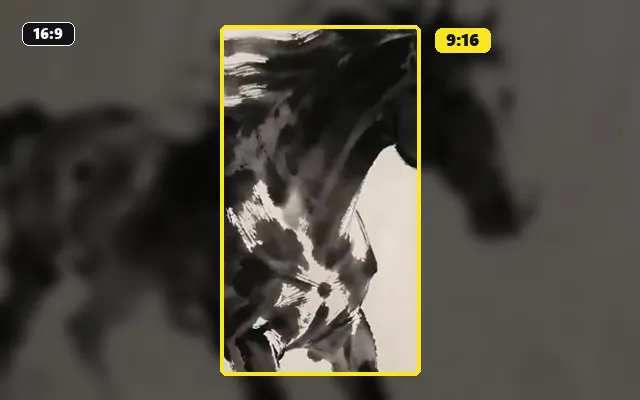
Reframe the finished clip to 9:16 for TikTok, Reels or Shorts.
Turn the captioned moment into a looping GIF.
Make the exported MP4 small enough to share.
Cut a long video into short clips before adding text.