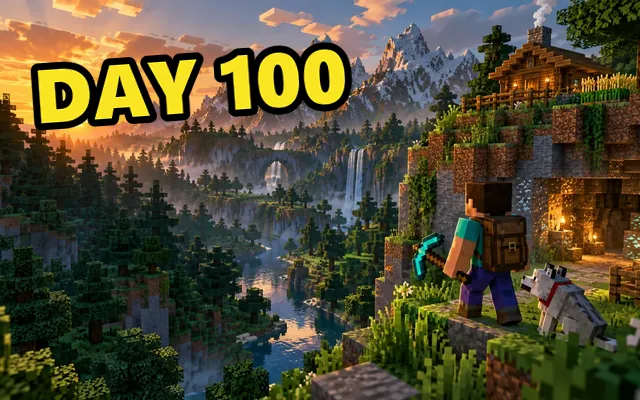
10:32
I tried doing nothing for 24 hours (gone wrong)
Totally Real Channel
Parody mockups, made fast
Put any picture and a ridiculous title into a video-feed layout that looks the part. Choose a home, up-next, search or phone layout, add meme captions and download a sharp PNG.
Everything updates live. The preview is exactly what you download.
I tried doing nothing for 24 hours (gone wrong)
Totally Real Channel
For memes and mockups only. This is not a real video page and is not affiliated with YouTube. Don’t use it to impersonate real creators or to mislead people.
Thumbnail
JPG, PNG or WebP · up to 15 MB
Video details
Layout
Meme captions
Export
Images are processed in this browser. Nothing is uploaded to our servers.
Each template fills the title, stats and captions. Swap the picture and make it yours.
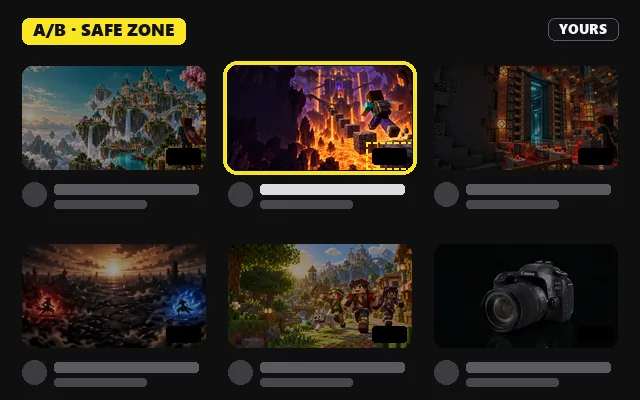
Home feed, dark mode, classic top and bottom captions.
A caption bar above an up-next row, like a reaction meme.
A search result with an absurd title and a half-watched bar.
Upload, drop or paste any image. It is cropped to 16:9 like a real thumbnail.
Type the title, channel, views and duration, or roll random stats and pick a title idea.
Choose home feed, up next, search or phone, add captions, then download a PNG or copy it.
Layouts
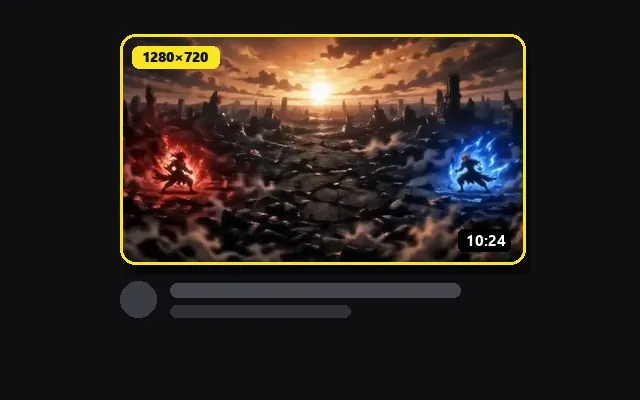
Each layout uses generic proportions: a 16:9 thumbnail with rounded corners, a duration badge in the bottom-right corner, a two-line title and the channel and view count below. No logos are drawn, so the result reads as a parody.
A large card with the channel avatar beside the title. The classic thumbnail meme.
A small thumbnail on the left with the title beside it, like the list next to a playing video.
A wide row with a large thumbnail, good for long clickbait titles.
A full-width card in a phone frame, sized for stories and chats.
Write it like real clickbait: a bold claim, a number and something in brackets.
12 views from 10 years ago, or 4 billion views from 3 minutes ago. The stats are part of the punchline.
The joke lands when the picture nearly, but not quite, fits the title.
It is a joke made to look like a video in a feed: a picture as the thumbnail, a dramatic or absurd title, a channel name and a view count. People use it to caption reactions, inside jokes and fake clickbait.
No. It is a parody mockup that uses a generic feed layout without platform logos. It is not affiliated with YouTube. Don’t use it to impersonate real creators or to make people believe a video exists.
Yes. There is no signup and no watermark. The optional “Parody” label is yours to keep or remove.
The PNG is exported at twice the preview size, so text stays sharp in chats and on social media. The exact pixel size depends on the layout and captions you choose.
Use images you made or have the right to use. Photos of other people and copyrighted artwork may need permission, even in a meme.
No. The meme is drawn and exported in this browser tab. Nothing is sent to our servers.
Test a real thumbnail and title in the feed, search and on mobile.
Resize any image to 1280 × 720 and compress it under 2 MB.
Add bold text, outlines and stickers to a gaming thumbnail.
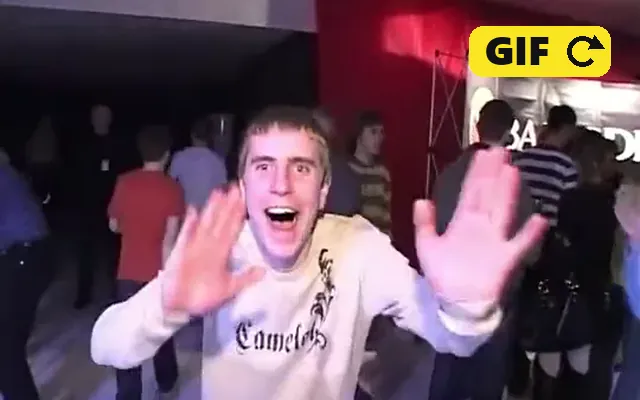
Turn a funny clip into a GIF for the group chat.