AB
 A
AGaming A/B test
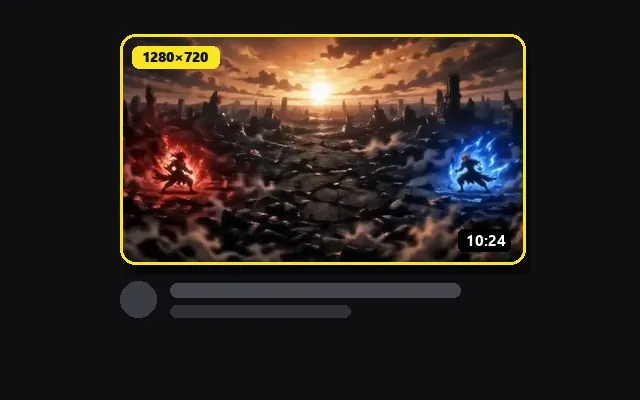
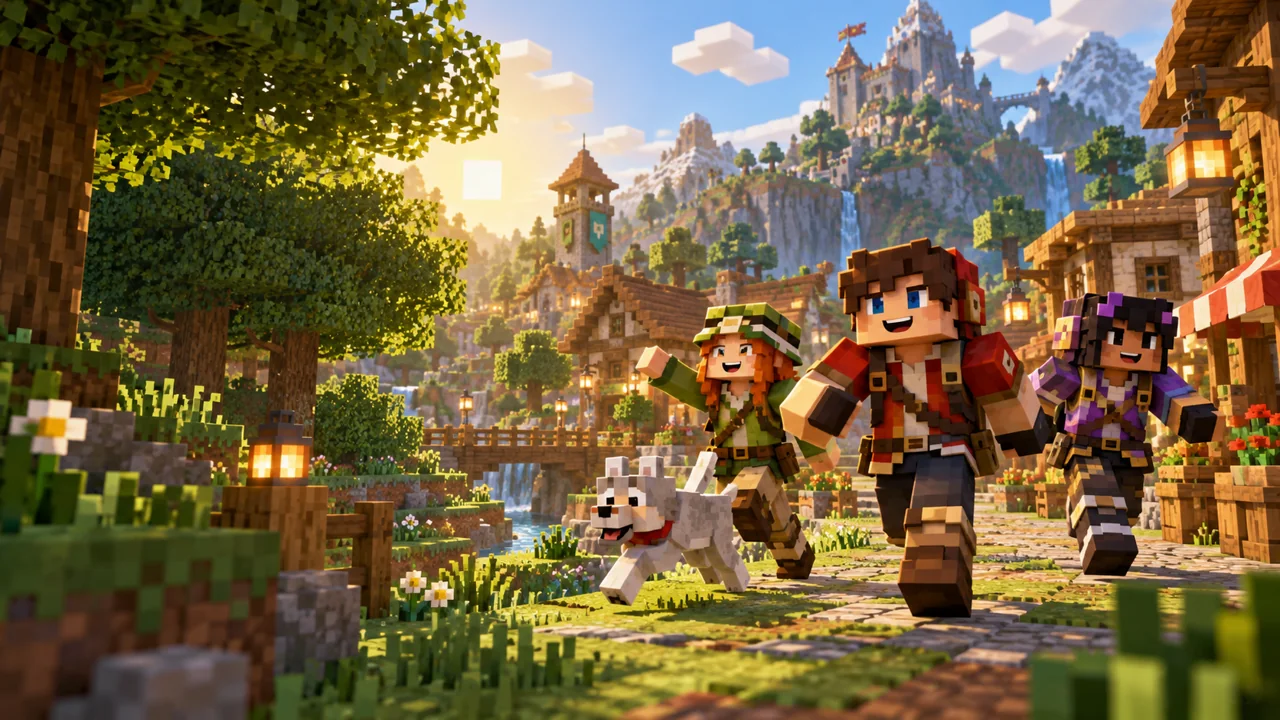
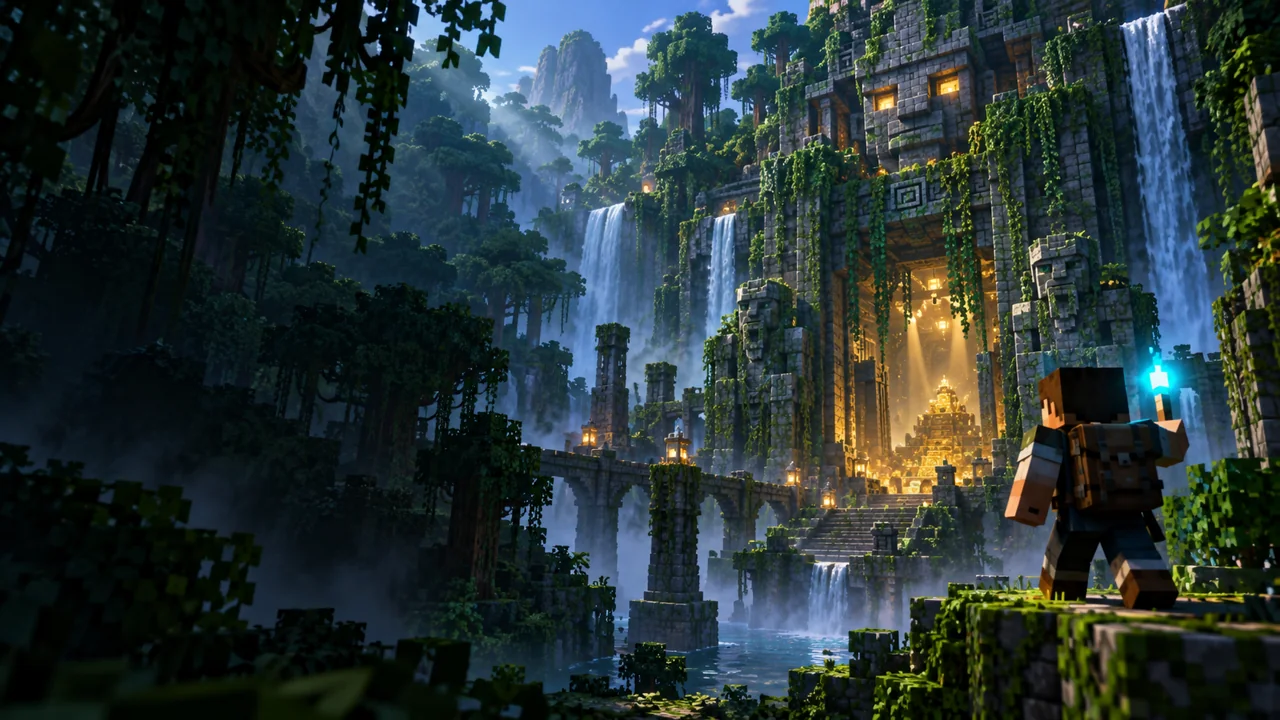
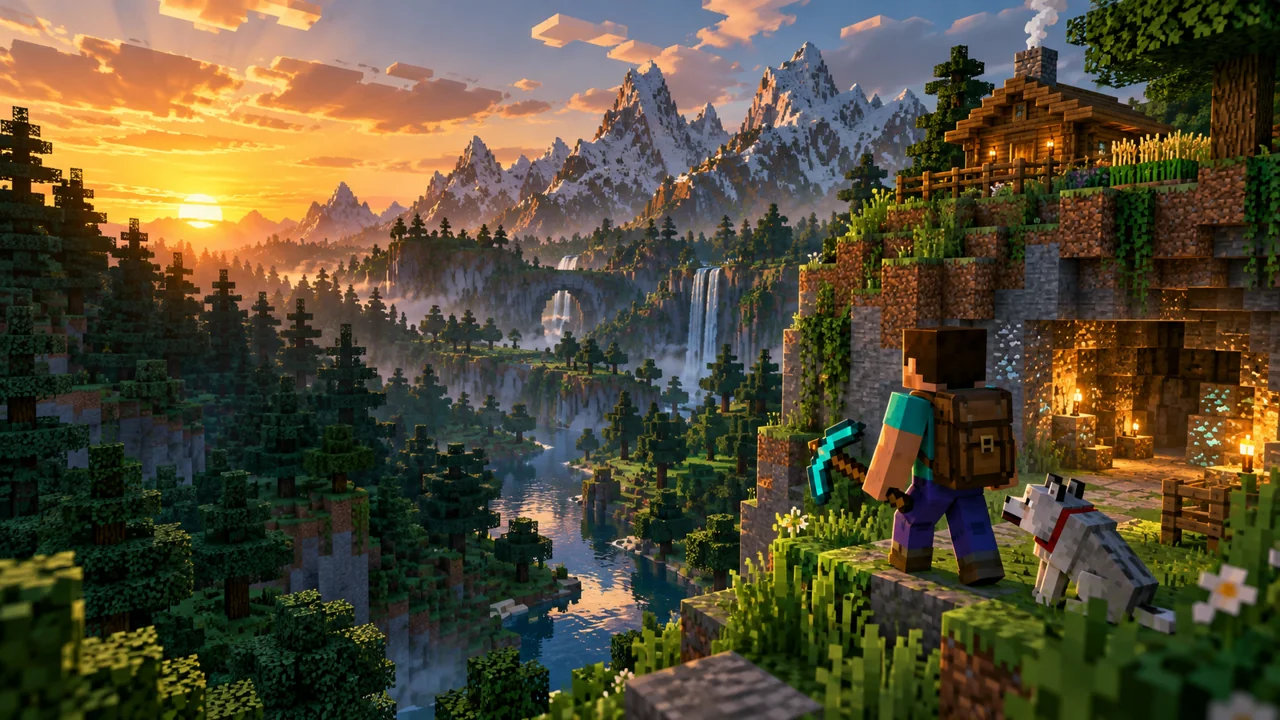
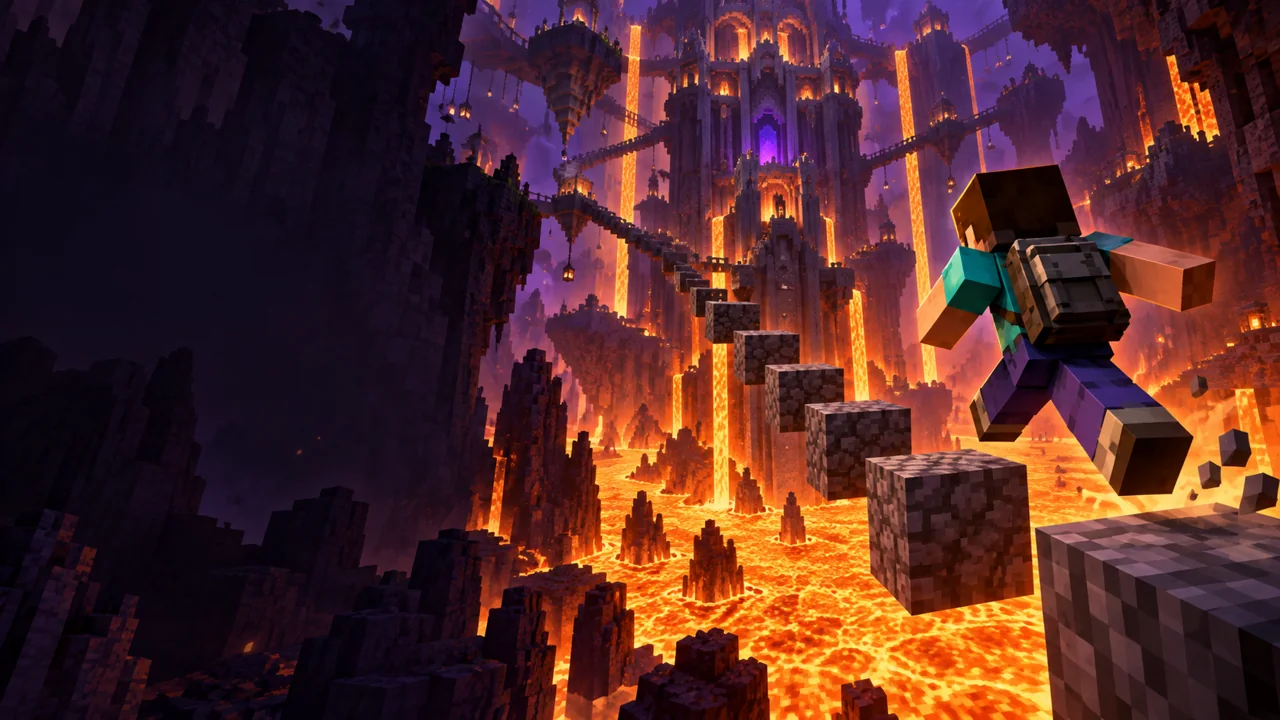
Two versions of a lava challenge, tested against a gaming feed.
See it before your viewers do
Drop in up to three thumbnail versions and your title. See them in the home feed, search, the up-next list and on a phone, shuffle them among competitors, and check contrast, small-size legibility and the timestamp safe zone.
Add your versions on the left. Switch contexts above the preview.
Drop in up to three thumbnail versions and your title. See them in the home feed, search, the up-next list and on a phone, shuffle them among competitors, and check contrast, small-size legibility and the timestamp safe zone.
JPG, PNG or WebP · up to 15 MB · 16:9 works best · Drop a file here or paste with Ctrl+VYour thumbnails
JPG, PNG or WebP · up to 15 MB · 16:9 works best
Competitor thumbnails · 8
Add thumbnails from videos you compete with, or use the sample set. Yours is mixed in at a random spot.
Keys 1–6 switch the preview, S shuffles, G toggles the safe zone.
Images are processed in this browser. Nothing is uploaded to our servers.
Each example loads versions and a title so you can try every context and check.
Two versions of a lava challenge, tested against a gaming feed.
A dark product shot that needs a contrast check.
A bright illustration checked at phone size.
Upload, drop or paste up to three thumbnails, then type the title you plan to use.
Switch between home, search, up next and phone, in dark or light mode, with the safe zone overlay on.
Shuffle among competitors, compare versions side by side and fix what the checks flag before you upload.
Safe zone
Every thumbnail in a feed carries a duration badge in its bottom-right corner, hover buttons in the top-right on desktop, and a red progress bar along the bottom once someone has watched part of it. Keep faces, text and logos out of those areas. Upload thumbnails at 1280 × 720 (16:9) and under 2 MB, and treat these zones as general guidance; layouts change by device.
YouTube Thumbnail ResizerThe up-next list shows thumbnails about 168 pixels wide. Three words or fewer and one clear subject survive that size.
The ratio compares the luminance of two colors, like the WCAG check. 4.5:1 or more keeps text readable when the image is small.
If every competitor is dark and busy, a brighter, simpler thumbnail is easier to spot. The shuffle grid shows this quickly.
Add the thumbnail and your title here. The tool shows them in the home feed, search results, the up-next list and a phone feed, in dark and light mode, without uploading anything.
It is the part of the thumbnail that is not covered by interface elements. The duration badge sits in the bottom-right corner, hover buttons appear top-right on desktop and the progress bar runs along the bottom, so keep text and faces away from those edges.
No tool can predict clicks reliably. This one helps you spot readability problems and compare versions side by side. For a real test, use Test & Compare in YouTube Studio where it is available.
It uses the WCAG formula: the relative luminance of the lighter color plus 0.05, divided by that of the darker color plus 0.05. Ratios of 4.5:1 or more are strong; below 3:1, text tends to disappear at small sizes.
Use 1280 × 720 pixels (16:9), at least 640 pixels wide, as a JPG, PNG or GIF under 2 MB. If yours is a different size, the YouTube Thumbnail Resizer can crop and compress it.
No. Previews, checks and the shuffle grid all run in this browser tab. Nothing is sent to our servers.
Crop and compress your winner to 1280 × 720 under 2 MB.
Free fonts and outline rules that pass the small-size test.
Add bold text and outlines to a gaming thumbnail.
Turn a picture and an absurd title into a feed-style meme.
 B
B A
A B
B