Hype emote
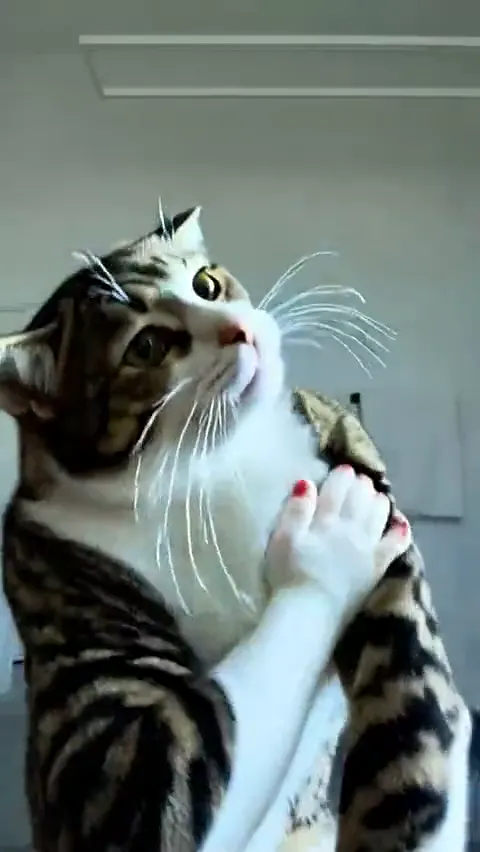
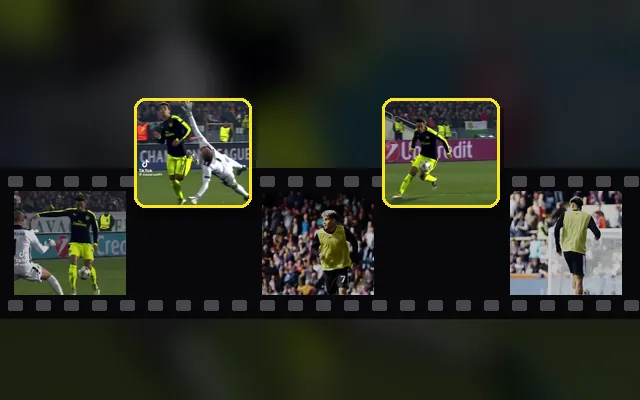
A busy game frame cropped tight, sharpened for 28 px.
One image, every size
Upload one PNG or animated GIF and get every Twitch emote, sub badge and panel size plus a Discord emoji. Check each one in light and dark chat, then download them all in one ZIP.
Set the framing once. Every size below updates as you change it.
A square PNG with a transparent background gives the cleanest result. Animated GIFs keep their animation.
PNG, JPG, WebP or GIF · up to 15 MB (GIF up to 20 MB) · Drop a file here or paste with Ctrl+VSizes to export
Images are processed in this browser. Nothing is uploaded to our servers.
Each example opens with its framing, so you can see how trim, padding and sharpening change the small sizes.
A busy game frame cropped tight, sharpened for 28 px.
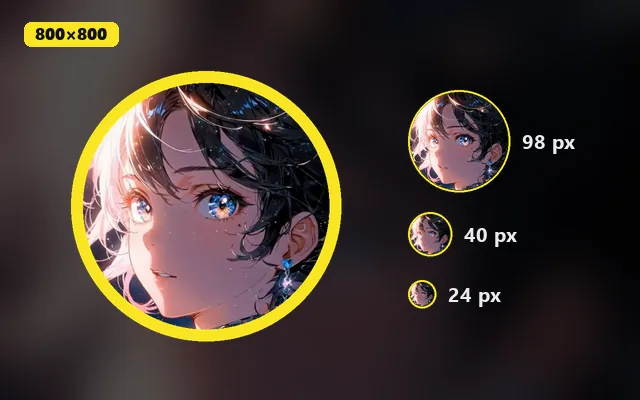
A character centered with padding, ready for sub badges.
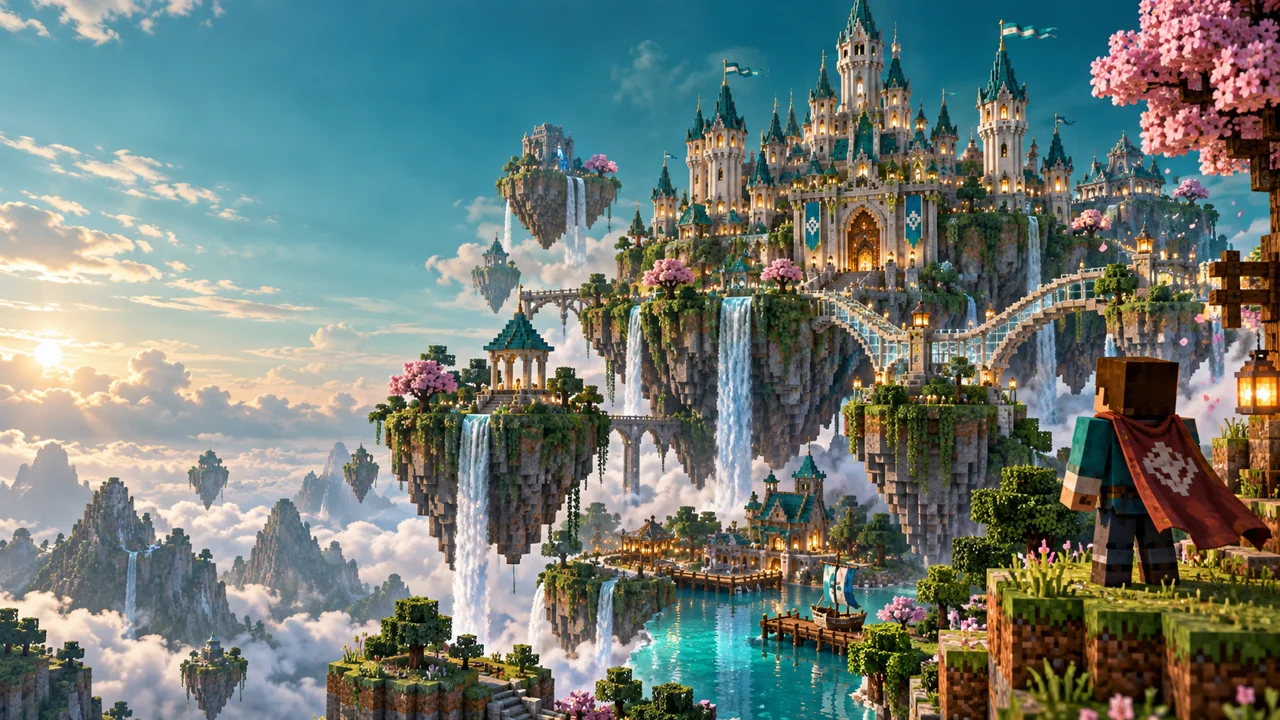
A wide scene filled into the 320 × 160 panel and the emote sizes.
Upload, drop or paste a PNG, JPG, WebP or GIF. Transparent PNGs and animated GIFs are both supported.
Fit or fill, trim empty edges, add padding and sharpen the small sizes. Every output updates live.
Compare the sizes in light and dark chat, read the size checks, then download one file or the whole ZIP.
Twitch image sizes
These are the sizes this tool exports and the file limits it checks. Upload pages change from time to time, so confirm the current requirements in your Twitch creator dashboard or Discord server settings.
| Image | Size | Format | File limit |
|---|---|---|---|
| Twitch emotes | 28 × 28, 56 × 56, 112 × 112 px | PNG, or GIF when animated | Up to 1 MB each |
| Twitch sub badges | 18 × 18, 36 × 36, 72 × 72 px | PNG | Up to 25 KB each |
| Twitch panel | 320 px wide (320 × 160 here) | PNG, JPG or GIF | — |
| Twitch profile picture | 256 × 256 px | PNG or JPG | Up to 10 MB |
| Discord emoji | 128 × 128 px | PNG, or GIF when animated | Up to 256 KB |
A single face, gesture or object survives the trip to 28 px. Scenes and small text do not.
A dark or white outline around the art keeps it visible on both light and dark chat themes.
Trim empty edges so the art fills the square, then add a few percent of padding so nothing touches the border.
Twitch emotes come in three square sizes: 28 × 28, 56 × 56 and 112 × 112 pixels. Static emotes are PNGs and animated emotes are GIFs, each up to 1 MB. This tool exports all three from one upload.
Subscriber and bit badges use 18 × 18, 36 × 36 and 72 × 72 pixel PNGs, each up to 25 KB. Badges are still images, so the first frame of a GIF is used.
Upload the GIF and keep Discord emoji selected. The tool resizes every frame to 128 × 128 and, if the file is over 256 KB, reduces colors and frame rate until it fits or tells you it cannot.
Yes. Emotes, the panel and the Discord emoji stay animated. The frames are resized in your browser with an in-browser engine that downloads once, about 31 MB.
Small sizes lose detail fast. Trim transparent edges so the art fills the square, turn on Sharpen small sizes, and simplify the art: thicker lines and fewer details read better than a detailed illustration.
No. Resizing, GIF processing and the ZIP all happen in this browser tab. Nothing is sent to our servers, and there is no watermark or signup.
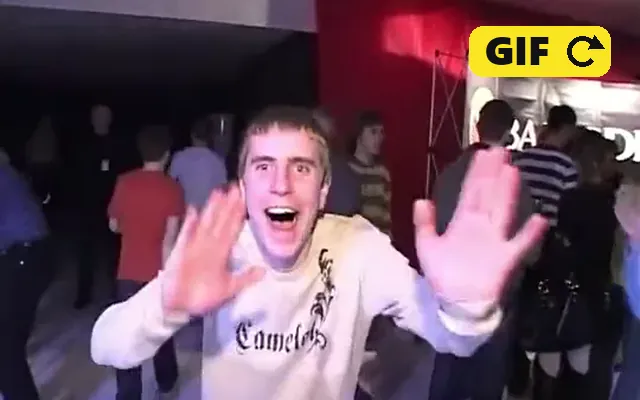
Cut a moment from a clip into a GIF, then bring it back here as an animated emote.
Crop a channel avatar to a circle with a border, background or initials.
Grab a sharp frame from a stream highlight to turn into emote art.
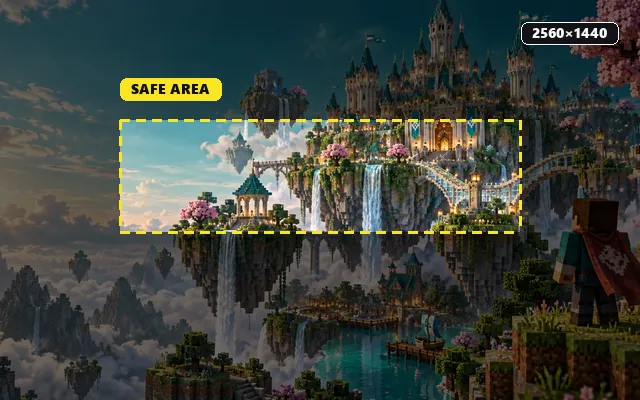
Resize channel art to 2560 × 1440 with a safe-area guide.