Frame the Stop Sign reaction through the window
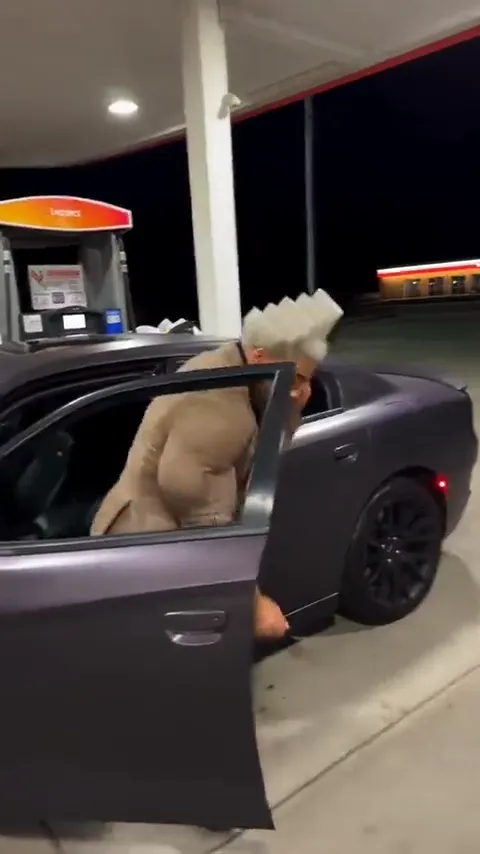
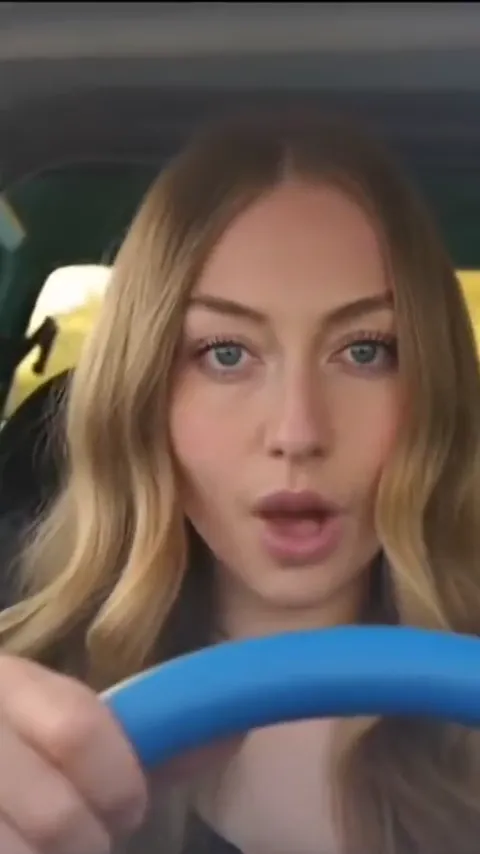
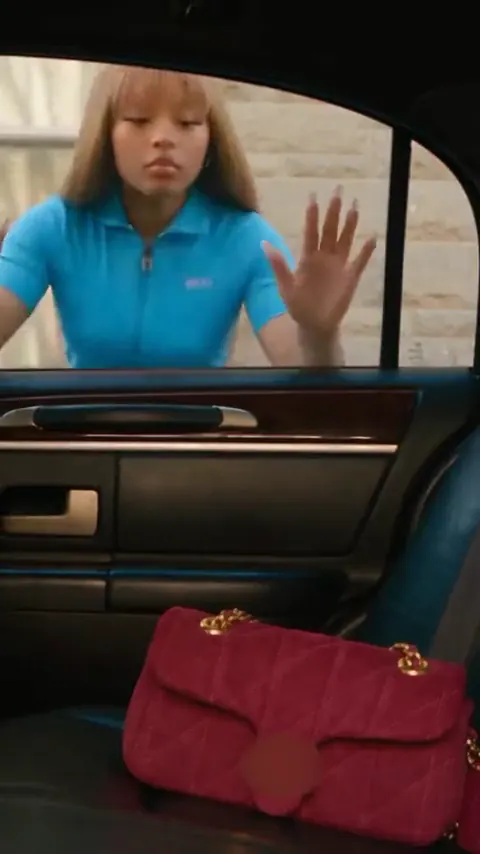
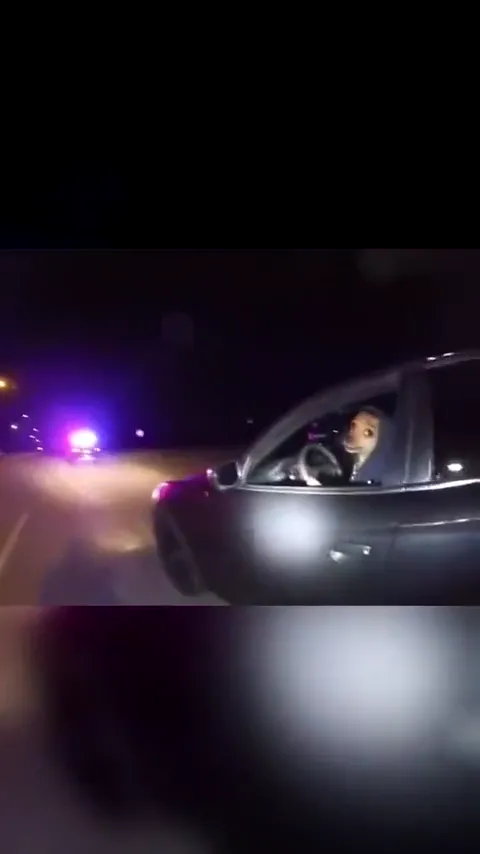
The door and steering wheel establish the scene before the driver reacts. Keep the face large and leave room for one small shrug.
An open car window, a puzzled driver and the reaction that says everything: what stop sign? Put your face or your pet into a short bodycam-style comedy.
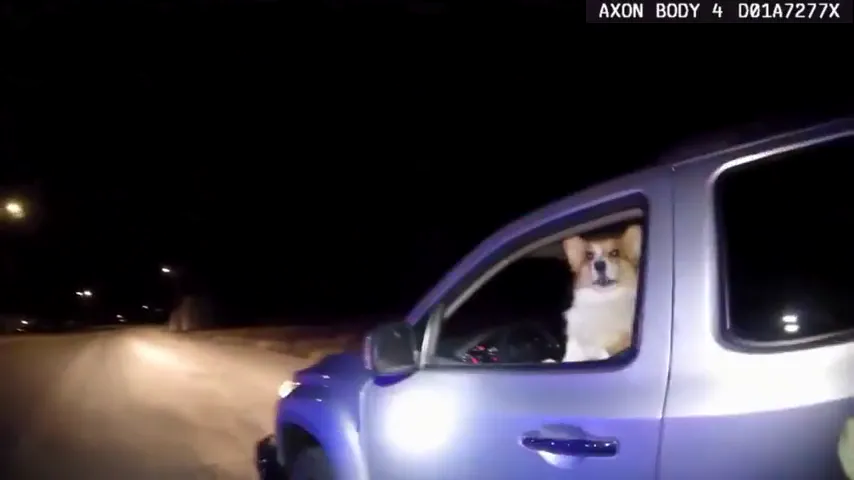
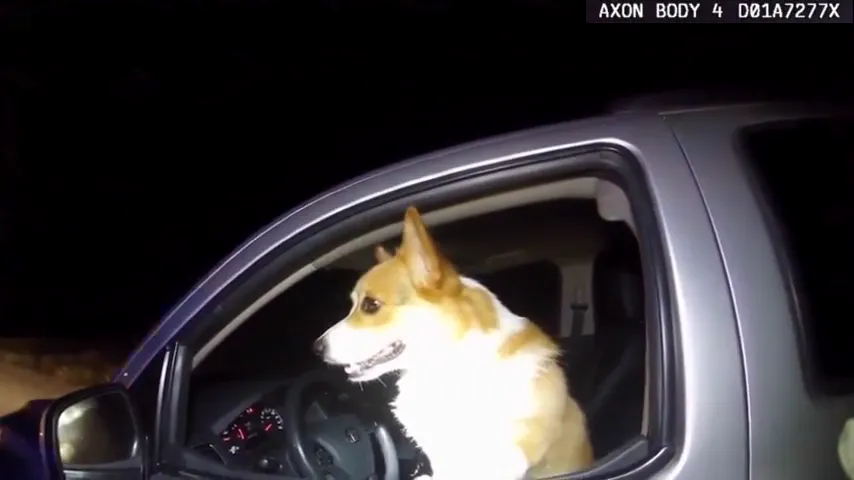
Corgi bodycam reference · 20 seconds · original audio · 16:9
A parked car. An open window. An answer nobody expected.
The What Stop Sign meme is built around a driver misunderstanding a question during a nighttime traffic stop. This page turns that recognizable setup into a photo-led video idea: a close view through the window, a little hesitation and a baffled response. Start with your own face or a pet, compare two real reference clips and choose a short editable prompt. The references show the trend; your generation creates a new take.
Create my videoKeep the driver seated and the camera outside the open window. A small head turn and an innocent stare make the exchange readable without adding a chase or another scene.
Establish the window. The car door and wheel locate the driver. Keep their face visible inside that frame.
Turn and question. The head changes direction and the mouth opens toward the camera. A restrained reaction keeps the scene legible.
Leave room for the reply. The camera moves back while the driver stays seated. End on the expression instead of adding a new action.
Prepare your photos, shape the scene and review your clip in four steps.
Play a reference with sound. Notice the open car window, the face turning toward the camera and the pause before the confused reply.
Add one clear photo of a person or pet. Keep the eyes uncovered; a seated upper-body photo gives the car-window scene a useful starting frame.
Choose Bodycam reaction, Pet at the wheel or Deadpan driver. Add the details to preserve, then review the short sequence in Advanced settings.
Check the required credits and generate your clip. Review the face, hands or paws and any speech before downloading. Add the original meme audio in your posting app if you want that exact exchange.
Keep the window framing and the confused expression. Change the driver or the way the reaction lands.
The door and steering wheel establish the scene before the driver reacts. Keep the face large and leave room for one small shrug.
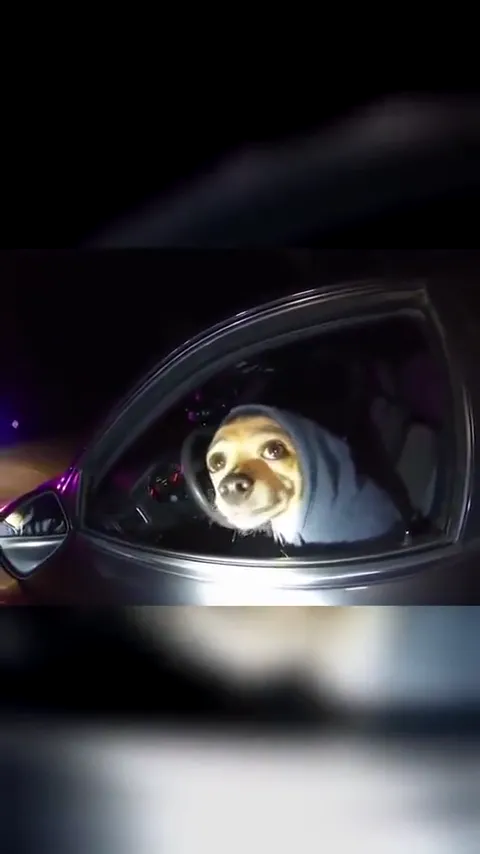
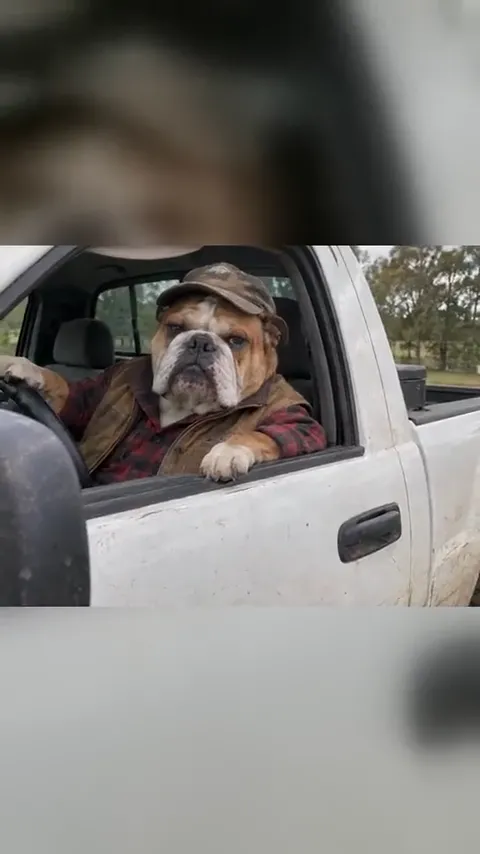
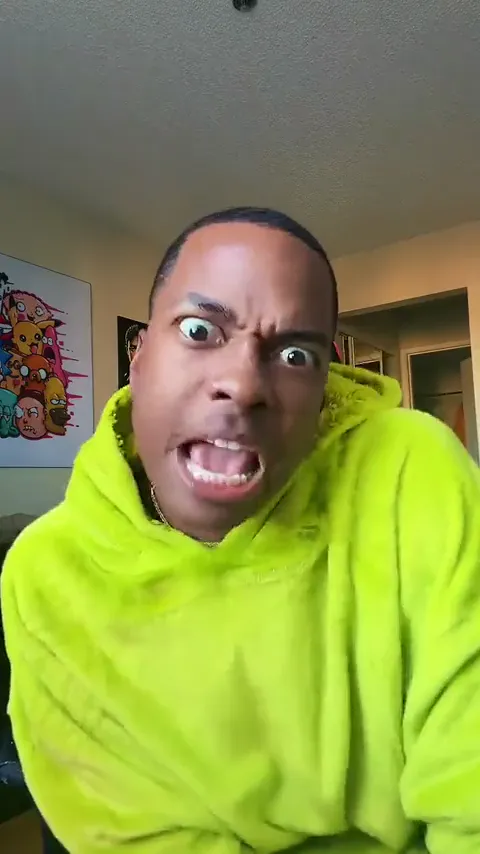
The hoodie-dog reference uses the same joke with ears, eyes and paws. Preserve your pet’s markings and keep the gestures small enough to read.
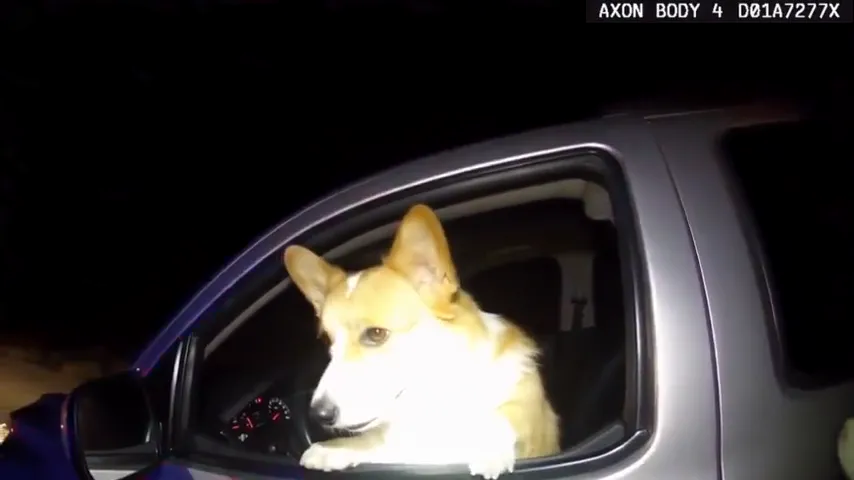
A pause after the reaction gives the viewer time to catch the joke. Use the long-pause idea for a quieter version with no scripted dialogue.
Original short-scene prompts you can edit. Reference stills illustrate the framing; they are not generated previews of each idea.
The open window, a confused look and one short reply.
Create a short fictional nighttime traffic-stop comedy with the person or pet from the uploaded photo as the only visible driver. Preserve their face, hair or fur markings and recognizable features. A handheld camera watches through the open window of a parked silver car. The driver turns toward the camera, pauses with a puzzled expression, then raises their hands or front paws and asks, "What stop sign?" Hold the baffled reaction to finish. Keep the car stationary, the driver seated and the officer off camera. Soft red and blue light reflects across the door. Natural proportions, clear eyes, one continuous shot, no captions, badges, logos or readable plates. Use quiet roadside ambience and a short puzzled voice; no music.
Keep the ears and markings. Let the paws do the shrug.
Use the single dog or cat in the uploaded photo as the driver in a fictional traffic-stop comedy. Preserve the animal’s species, ears, muzzle, eye color and fur pattern. It sits upright in a parked car, wearing a plain loose hoodie with its ears uncovered. Film from outside the open side window at night. The pet looks toward the camera, tilts its head, lifts both front paws in a small confused shrug and settles back at the wheel. Keep the paws separate and the animal face unchanged. Gentle red and blue reflections, one continuous shot, no other visible characters, no captions, logos or readable plates. Quiet roadside sound; do not add music.
A familiar face with absolutely no idea what happened.
Make a fictional nighttime bodycam-style comedy starring the person from the uploaded photo, keeping their face, hairstyle and clothing. They sit in a stationary car beside an open window. From the outside, the camera moves a little closer as the driver turns, raises one eyebrow and gives a small open-handed shrug. They ask, "What stop sign?" and hold an innocent, utterly confused stare. Keep the expression understated, both hands inside the car and the unseen officer outside. Natural face and hands, soft roadside lighting, one continuous shot, no captions, police lettering, logos or readable plates.
Let a silent stare do the work before the small shrug.
Use the person or pet in the uploaded photo as a seated driver in a parked car at night. Preserve their recognizable face and all visible personal details. View them through the open side window. They listen to someone off camera, hold a long puzzled stare, then make one tiny shoulder shrug or paw lift. Finish on the same expression. Keep the car and background still, the face in soft light and the camera gently handheld. One continuous shot with quiet road ambience, no music, captions, logos or readable plates.
Look at the road, then back at the camera in disbelief.
Use the single subject in the uploaded photo as a fictional driver seated in a parked car at night. Keep their face, hair or fur and outfit consistent. Film from outside the open window. The driver looks toward the empty road ahead, turns back to the camera, briefly looks away again, then returns with a disbelieving head tilt. The vehicle never moves. Small natural gestures, stable anatomy, gentle red and blue reflections on the door, no other visible characters, no text or logos. Quiet roadside ambience.
Swap the flashing night reflections for an ordinary sunny afternoon.
Create a playful daylight remake of the confused-driver meme using the person or pet in the uploaded photo. Preserve their face and clothing or fur markings. They sit in a stationary car with the side window open on a quiet sunny street. An off-camera question makes them lean forward slightly, blink, then raise their hands or front paws in a bewildered shrug. Finish with a calm innocent stare. One continuous handheld shot from outside, no moving traffic, no readable plates, no captions or logos. Soft street ambience without music.
Two distinct pet versions with their source audio: a widescreen corgi scene and a vertical hoodie-dog edit. These are references, not results generated from your upload.
Corgi bodycam
Hoodie dog reaction
Explore another dance, meme or cinematic scene for your next video.
Photos, pets, the bodycam meme, sound and generation.
It is the What Stop Sign confused-driver meme remade with a new face or pet. The recognizable setup is a nighttime bodycam view through a car window, followed by a puzzled response to an off-camera officer.
Upload one clear photo, choose a reaction scene and edit the prompt if needed. Review the engine and required credits, generate, then check the expression and speech before downloading.
Yes, the Pet at the wheel prompt is written for one dog or cat. Use a clear photo showing the eyes, ears and muzzle, then check the paws and markings in the result. Both reference clips on this page feature dogs.
No. There is one upload slot for the driver. The prompt describes the parked car and keeps the officer off camera, so a second person photo is unnecessary.
The reference players retain their original audio. A new EZ Standard generation makes its own sound and does not automatically reuse the reference soundtrack or guarantee exact dialogue. Add the meme audio in your posting app for that specific exchange.
The corgi reference is 20 seconds and the hoodie-dog reference is about 11 seconds. The default EZ Standard generation is 8 seconds, so the prompts focus on a brief reaction instead of the full conversation.
It is a photo-to-video workspace with editable scene prompts. The reference helps you understand the joke; it is not a live camera filter or an exact frame-by-frame face replacement.
Generation uses credits. The workspace shows the required amount for the selected engine before you generate. Watching references and editing the prompts do not start a generation.
One photo, a short reaction and a very innocent driver.