Give the Fergie Baby walk an entrance
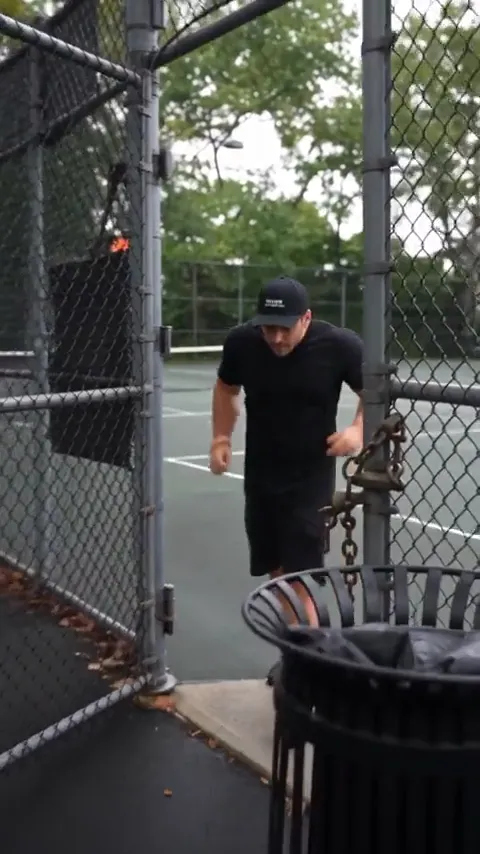
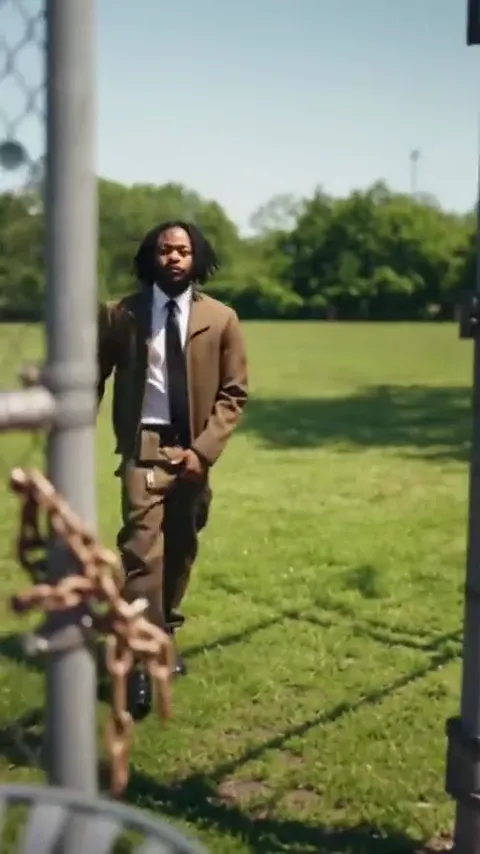
The open gate gives the movement a clear starting point. Keep the first step readable and let the camera move back as the dancer comes forward.
Step through the gate, find the bounce and walk straight into the camera’s attention. Make a short Fergie Baby-inspired strut with your own face and outfit.
Park strut reference · about 21 seconds · original audio · 9:16
An ordinary path becomes the whole performance.
The Fergie Baby trend combines a forward walk with a shoulder bounce, hands lifted beside the head and confident gestures toward the lens. A retreating camera keeps the movement continuous. Use one photo to direct your own short version: preserve your outfit, choose a park setting and focus on a few clear moves. The two references show different takes on that same structure, while the editable prompts help you build a fresh clip.
Create my videoA single dancer travels toward a camera that keeps moving back. The fence, gate and tree-lined path stay simple so the shoulder bounce and hand gestures carry the performance.
Start with forward momentum. The dancer comes out through the gate and moves down the path. Keep the whole body visible from the beginning.
Let the shoulders mark the rhythm. The steps continue while the shoulders drop and the hands rise. A relaxed upper body keeps the walk from looking stiff.
Play to the camera. Points and open palms direct the performance toward the lens. Choose one gesture as the ending of your short version.
Prepare your photos, shape the scene and review your clip in four steps.
Study the gate entrance, shoulder bounce and forward strut in the reference. Compare the sportswear and sunny-path versions for framing.
Choose one person with a clear face and visible shoes. Show the outfit you want to keep, with space around the hands and legs.
Pick the park strut, gate entrance or sunny swagger. Review the prompt in Advanced settings and keep the sequence short enough for the selected duration.
Check the required credits before generating. Review the face, feet and arm movements, then download and add the trend track in your posting app. EZ Motion does not automatically include the reference song.
Choose the entrance, the rhythm or the finish. Keep your own look throughout the walk.
The open gate gives the movement a clear starting point. Keep the first step readable and let the camera move back as the dancer comes forward.
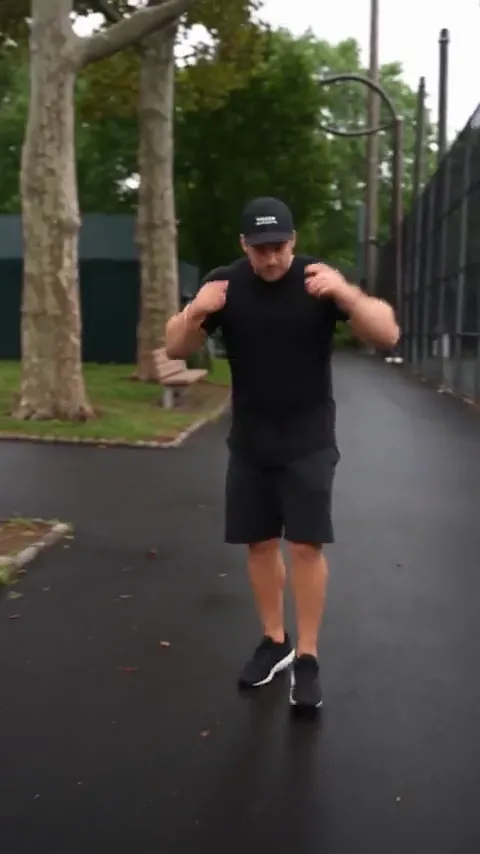
The walk stays relaxed while the shoulders and arms mark the rhythm. Choose a short phrase instead of requesting every move from the full reference.
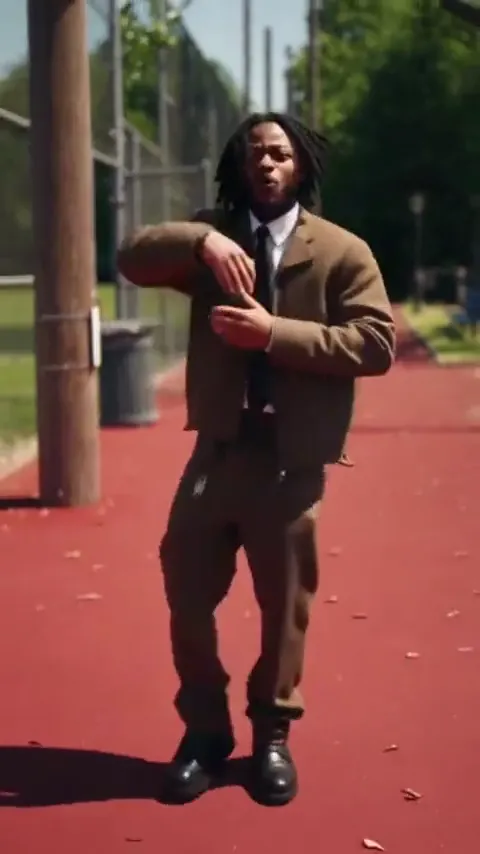
A point, open hands or a small grin gives the clip a place to end. The sunny-path idea changes the light while keeping the same forward movement.
Choose an original prompt and make it fit your photo. The stills show the references, not tested results for every remix.
Two bouncing steps, hands up and a confident finish.
Animate the single person in the uploaded photo into a short Fergie Baby-inspired park strut. Preserve their face, hairstyle, body proportions and outfit. On a tree-lined path beside a chain-link fence, they take two relaxed bouncing steps toward the camera, raise both hands beside their head, lower their shoulders with the next step and finish with a confident look into the lens. The camera tracks backward smoothly at walking speed, keeping the whole body and shoes in view. One continuous shot, soft daylight, natural hands and foot contact, no extra people, no text or logos.
Step through the fence opening and into the shot.
Use the single person from the uploaded photo, keeping their face, hairstyle and clothing. Create a short continuous park-walk video: the person steps through an open chain-link gate, lifts both arms beside the head and takes two loose bouncing steps onto the path. Finish facing the camera with relaxed shoulders. Track backward gently while keeping the full body visible. Natural daylight, consistent face, believable hands and feet, no other people, no text or logos. Keep the action compact rather than adding more dance moves.
A red path, warm light and an easy forward bounce.
Use the person in the uploaded photo as the sole dancer and preserve their own hair, face and outfit. On a sunlit red park path beside a tall chain-link fence, they walk toward the camera with a loose rhythmic bounce, make one small point toward the lens, then open their hands and grin. Keep the full body in frame as the camera retreats smoothly. Strong natural shadows, relaxed shoulders, one continuous shot, stable anatomy, no background dancers, no text or logos.
Keep your own office outfit and loosen up the walk.
Use the single person from the uploaded photo and preserve their face, hair and existing office outfit. They take two relaxed steps along a quiet park path, smooth the front of their jacket, dip the shoulders once and open their hands toward the camera with a small smile. Track backward in a continuous full-body shot. Keep the movement easy, the outfit consistent and both feet grounded naturally. Daylight, no crowd, no logos or captions.
Use warm side light without changing the simple step pattern.
Animate the person in the uploaded photo walking toward the camera on a tree-lined path at golden hour. Keep their recognizable face, hairstyle and clothes. They take two bouncing steps, bring both hands briefly beside the head, lower them with a shoulder dip and finish with a calm smile. The camera retreats at the same pace, holding a full-body view. Warm side light, consistent shadows, natural anatomy, one continuous shot, no additional people or text.
A smaller version with one shrug and a look at the lens.
Use the person from the uploaded photo in a restrained park-strut video. Preserve face, hair and clothing. The person walks two easy steps toward the camera, gives one relaxed shoulder shrug and briefly points toward the ground before looking directly at the lens. Keep the camera smoothly tracking backward with the shoes visible. Natural daylight, one continuous shot, stable face, small believable gestures, no extra characters, no text or logos.
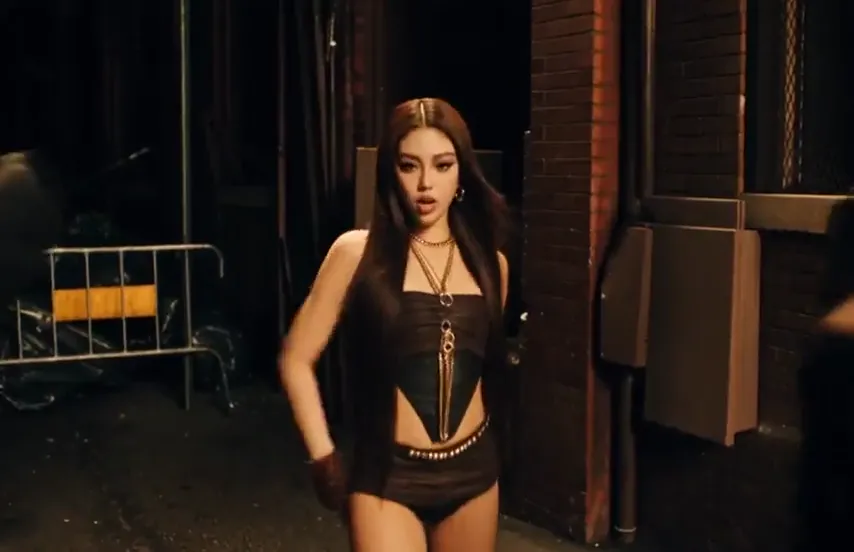
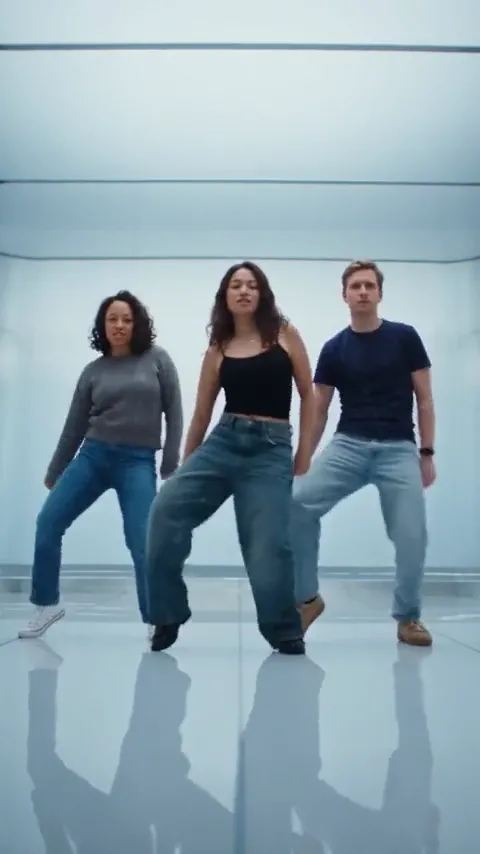
Compare a sportswear park strut with a sunny red-path performance. Both retain their source sound and are references rather than results from your upload.
Park-path strut
Sunny swagger walk
Explore another dance, meme or cinematic scene for your next video.
The park walk, your photo, the song, duration and editable prompts.
It is a photo-led version of the Fergie Baby park walk: one dancer steps forward with a relaxed bounce, lifts their arms and performs to a camera moving backward. The gate, fence and open path make the scene recognizable.
Upload one clear full-body photo, choose a scene and edit the short movement prompt. Check the selected engine and required credits, generate, then review the body movement before downloading.
Both names describe the walking performance shown here. People also describe the movement as a Harlem walk: forward steps, a loose shoulder bounce and gestures toward the camera.
Use one person facing the camera with a clear face, full outfit and visible shoes. Leave space around the arms. An outdoor full-body photo gives the park setting a more natural starting image.
No. Your photo and editable prompt guide a new short video. The reference is available to study, but this workspace does not send it as a motion-control input or guarantee identical choreography.
The reference videos play their source audio. EZ Motion, selected by default, creates a silent clip. Add the Fergie Baby trend sound in TikTok, Reels or your editor after downloading.
The sportswear reference is about 21 seconds and the sunny-path reference is 15 seconds. The default EZ Motion output is 5 seconds, so each prompt concentrates on a short section of the walk.
This page is designed for one human dancer, matching both references. Use one full-body person photo for the clearest brief. For a pet-led meme, explore the Stop Sign or Money Flex pages instead.
No. You can prepare and generate a photo-to-video version in this workspace, then use any editor or posting app to add sound. This is a separate prompt-based workflow, not a CapCut effect.
Bring one full-body photo and make the path your stage.